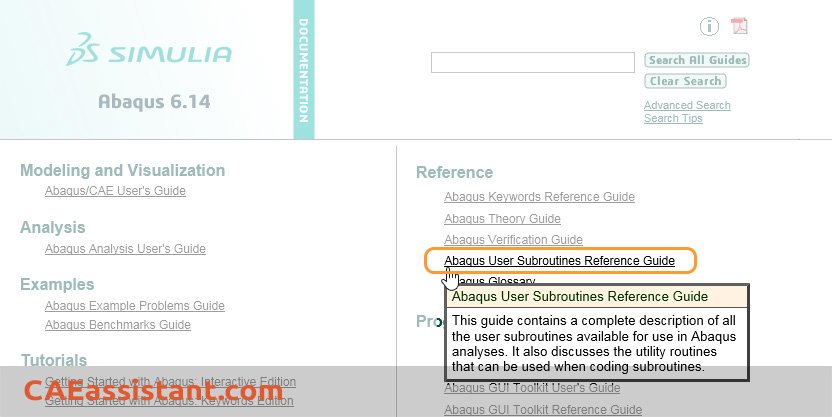
Abaqus provides the users with an extensive array of user subroutines regarding standard, explicit (or CFD analyses). For instance, here we introduce some of the most popular and important subroutines in Abaqus/Standard and Explicit. Writing user subroutines with Abaqus will be presented in the last part of the article. However, all user subroutines applicable in Abaqus can be found in the Abaqus User Subroutines Reference Guide:
We start with simpler ones:
1. DLOAD (Abaqus/Standard) & VDLOAD (Abaqus/Explicit)
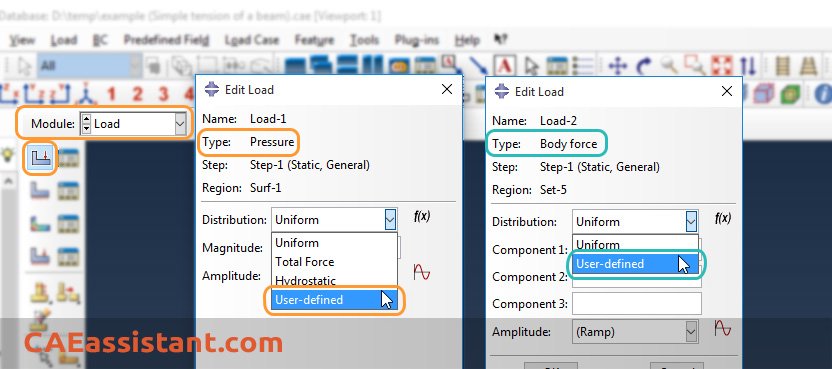
They are typically used when a load is a complex function of time and/or position (a f (t, x) function for a load). So, use these subroutines to define nonuniform, distributed mechanical loads (pressures and body forces). These subroutines can also be used to define a load that varies with element number and/or integration point number.
- 4.80
This training package helps Abaqus users to prepare complex DLoad and VDLoad subroutines. With the help of these workshops, you can get acquainted with the basic and comprehensive way of DLoad and VLoad subroutine writing and their applications. By viewing this package as an engineer, you can do basic projects with complex loads.
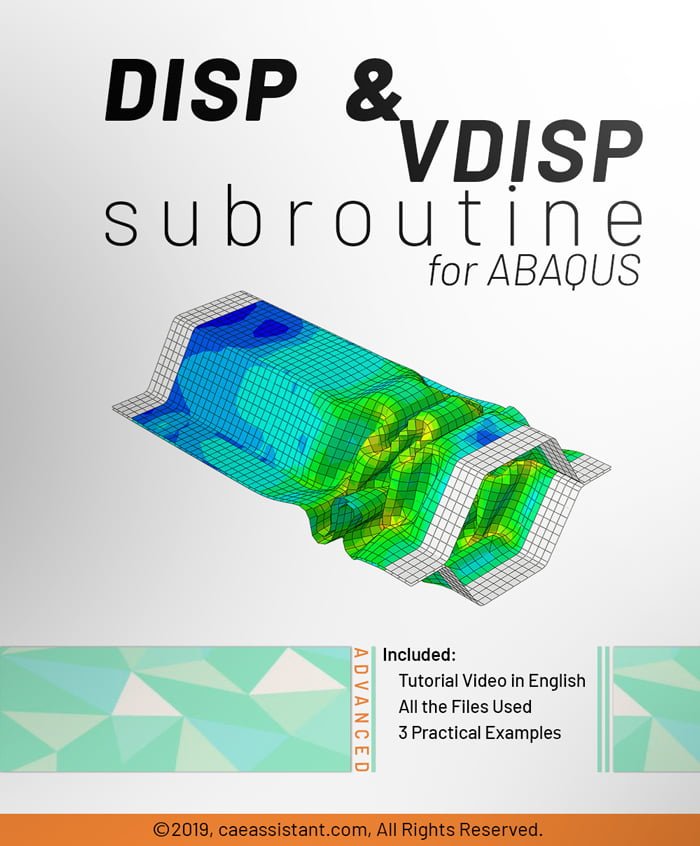
2. DISP (Abaqus/Standard) & VDISP (Abaqus/Explicit)
They can be used to prescribe translational and rotational boundary conditions; for all degrees of freedom listed in the associated BC. You can specify values for either the degree of freedom or its time derivatives, such as velocity
and acceleration.
3. FRIC (Abaqus/Standard) & VFRIC (Abaqus/Explicit) & VFRICTION (Abaqus/Explicit)
These subroutines are used when more complex models than those provided with Abaqus are needed to describe the transmission of shear forces between surfaces in contact. writing user subroutines with Abaqus will be available in other posts and products.
- 5.00
This tutorial help you in cases where the classical Columbian equations are more complex and cannot be implemented by the graphical ABAQUS environment. This package introduces and teaches how to write these two subroutines. This introduction contains explaining different optional and mandatory parameters of VFRICTION and VFRIC subroutines.
4. FILM (Abaqus/Standard)
Typically used when either the film coefficient, h, or sink temperature, θs, is a complex function of time, position, and/or surface temperature.
5. HETVAL (Abaqus/Standard) & VHETVAL (Abaqus/Explicit)
We use that to define complex models for internal heat generation in a material, such as might occur when the material undergoes a phase change. VHETVAL more recently (from Abaqus 2018) added to Abaqus.
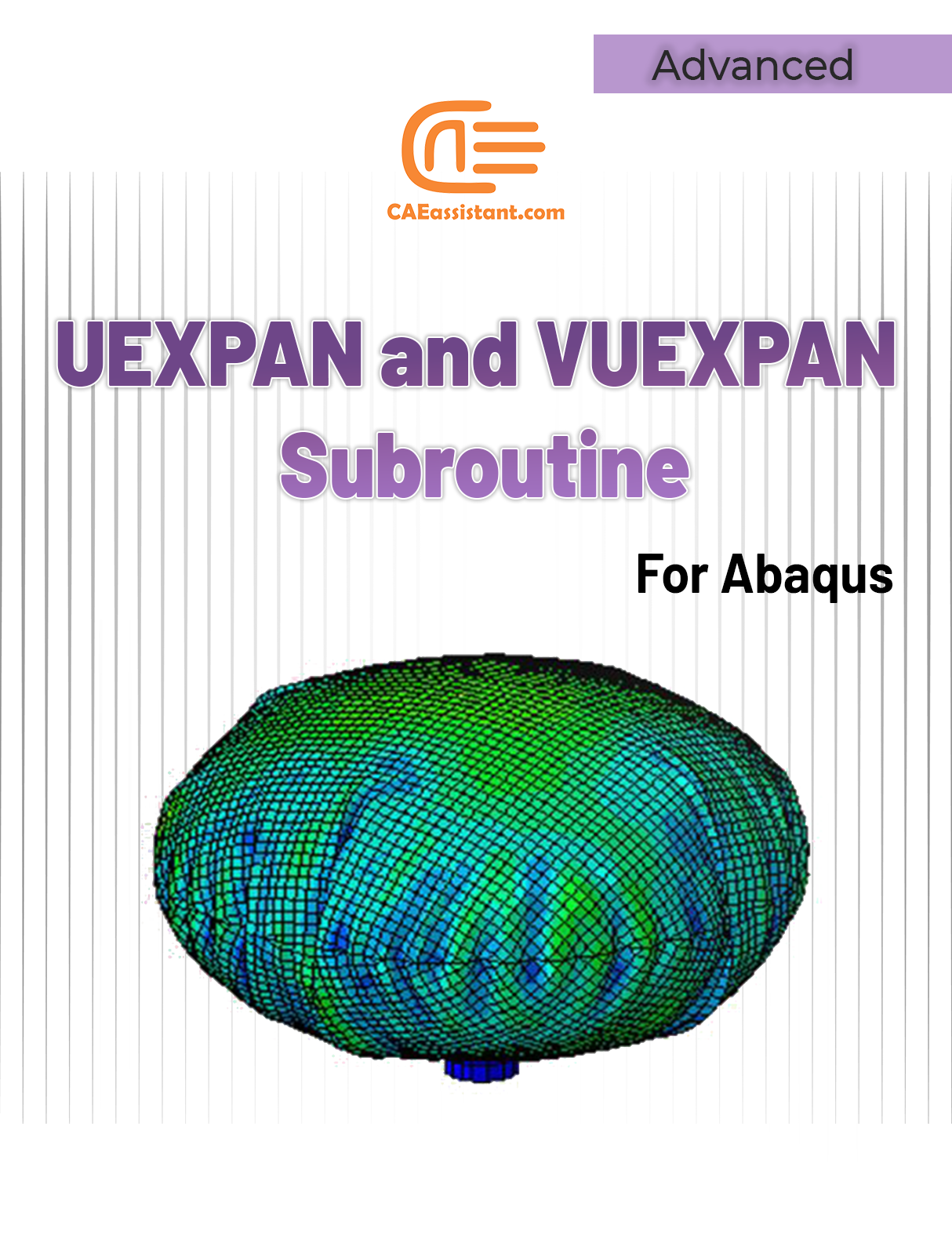
6. UEXPAN (Abaqus/Standard)
Use this subroutine to define incremental thermal strains when the material’s thermal expansion is too complex to model with Abaqus itself.
- 0
In this tutorial, how to define increments of thermal strains, in order to model thermal expansion, is taught. The implementation of thermal expansion in model is done with UEXPAN and VUEXPAN subroutines for Abaqus/Standard solver (implicit method). In user subroutines UEXPAN or VUEXPAN, the increments of thermal strains can be defined as functions of predefined field variables, temperature, and state variables.
UEXPAN and VUEXPAN are called for all integration points of part elements where the definition of material or gasket behavior includes user-subroutine-defined thermal expansion.
The subroutines are used when the material’s thermal expansion behavior is too complex to model with the "EXPANSION" option in the Abaqus software environment. For example, the subroutines are used in problems where the thermal strains are complexly dependent on temperature, predefined field variables, and state variables, and there is a need to update these variables.
The user subroutine UEXPAN is called twice per element point in each iteration during coupled thermal-electrical-structural or coupled temperature-displacement analyses.
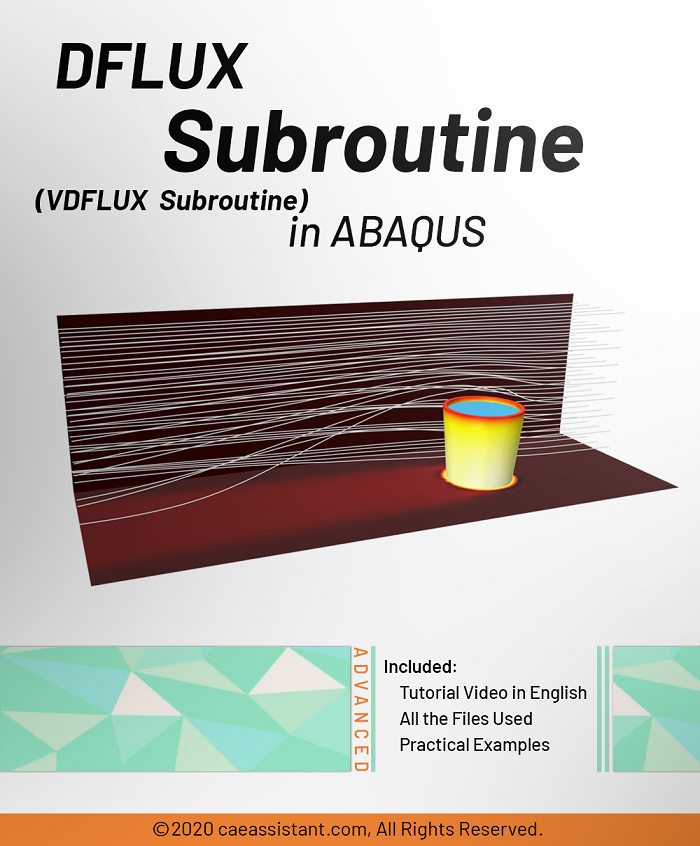
7. DFLUX (Abaqus/Standard) & VDFLUX (Abaqus/Explicit)
When a nonuniform distributed flux is a function of position, time, temperature, etc., in a heat transfer or mass diffusion analysis, you may need to use this subroutine. VDFLUX, more recently (from Abaqus 2016) added to Abaqus.
- 4.78
DFLUX subroutine (VDFLUX Subroutine) is used for thermal loading in various body flux and surface flux states in heat transfer and temperature displacement solvers when flux load is a function of time, place, or other parameters. In this package, you will learn “when do you need to use this subroutine?”, “how to use the DFLUX subroutine”, “what is the difference between DFLUX & VDFLUX?”, “how to convert DFLUX to VDFLUX and vice versa?”, and “How to use it in an example?”. Three workshops are presented so you can learn all these stuff in action: Simulation of welding between two plate with DFLUX subroutine, Simulation of Arc welding between two tube with DFLUX, and Simulation of different types of functional heat flux(Body-surface-Element) in plate with Johnson-cook plasticity with VDFLUX subroutine(Thermomechanical Analysis).
8. USDFLD (Abaqus/Standard) & VUSDFLD (Abaqus/Explicit)
They can define the values of field variables directly at the integration points of elements. The subroutines have access to solution data, so the field variable values can be functions of element variables such as stress, strain, strain rate, etc. We can define most material properties in Abaqus as functions of field variables. Therefore, the material properties can be a function of the solution data.
We use them usually when needing to model complex material behavior and do not want to develop a UMAT/VUMAT subroutine.( writing user subroutines with Abaqus)
- 4.60
In this usable tutorial, the material properties can change to an arbitrary dependent variable. One of the most important advantages of this subroutine is simplicity and applicability. Various and high usage examples are unique characteristics of the training package.
This training package includes 5 workshops that help you to fully learn how to use USDFLD and VUSDFLD subroutines in Abaqus software. By means of these subroutines, you will have expertise redefine field variables at a material point by the solution dependence of standard and explicit, respectively.9. CREEP
Use this subroutine to define time-dependent, viscoplastic deformation in a material. The deformation is divided into deviatoric behavior (creep) and volumetric behavior (swelling).
10. UGENS
Use this subroutine to define complex, nonlinear mechanical behavior for shell elements directly in terms of the shell element’s section stiffness.
11. UMAT (Abaqus/Standard) & VUMAT (Abaqus/Explicit)
To define any complex, constitutive models for materials that cannot be modeled with the available Abaqus material models.
- 4.91
This package is usable when the material model is not available in ABAQUS software. If you follow this tutorial package, including standard and explicit solver, you will have the ability to write, debug and verify your subroutine based on customized material to use this in complex structures. These lectures are an introduction to write advanced UMAT and VUMAT subroutines in hyperelastic Martials, Composites and Metal and so on.
Watch Demo12. UMATHT (Abaqus/Standard) & VUMATHT (Abaqus/Explicit)
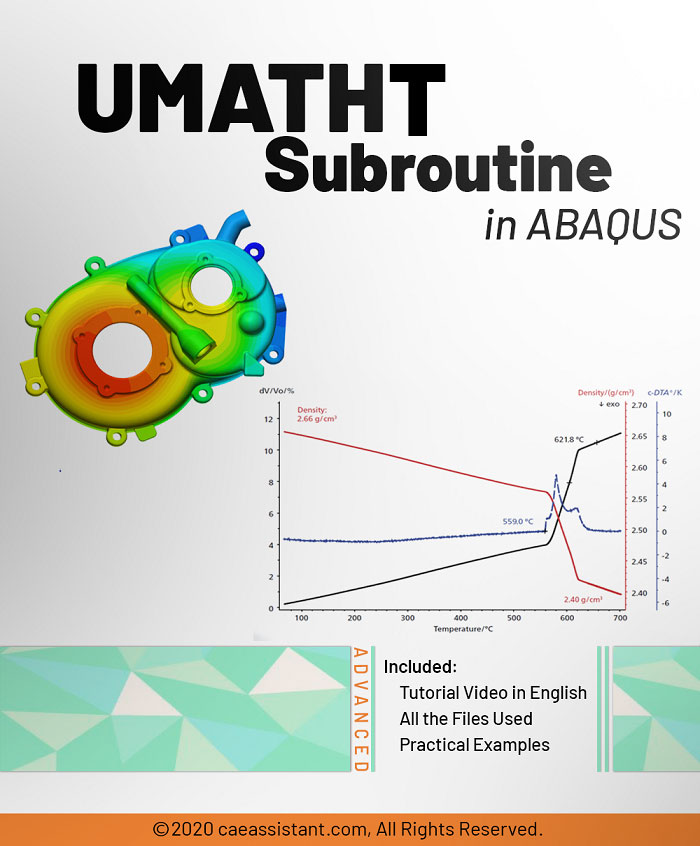
Use these subroutines to define the thermal constitutive behavior of the material as well as internal heat generation during heat transfer processes. VUMATHT more recently (from Abaqus 2018) added to Abaqus.
- 0
UMATHT stands for User Material Heat Transfer. This subroutine is used to define a material's thermal behavior. When you have a thermal analysis and want to define the material's behavior and properties, which the Abaqus CAE cannot support, you need to use the UMATHT subroutine. This subroutine needs to define different variables, including the internal thermal energy per unit mass, the variation of internal thermal energy per unit mass with respect to temperature, etc. In this package, you will learn what the UMATHT subroutine is? When do we need to use it? And how it works, with some examples.
13. UEL (Abaqus/Standard) & VUEL (Abaqus/Explicit)
When it is necessary to create elements with an element formulation that is not available in Abaqus element library, we use them.
- 4.84
UEL stands for User-defined Elements. When you have a finite element analysis that requires an element type that doesn't exist in the Abaqus element library, you must write a UEL subroutine. Or, when you want to define various element shape functions, the UEL would be the best choice. This subroutine is one of the most sophisticated in the Abaqus and is intended for advanced users. With this tutorial package, you can become an advanced user and learn how to write such a complex subroutine. This package contains two workshops: writing a UEL subroutine for a planar beam element with nonlinear section behavior and writing a UEL subroutine for a beam element with specific boundary conditions and loading. Watch Demo
14. UEXTERNALDB (Abaqus/Standard) & VEXTERNALDB (Abaqus/Explicit)
To manage external databases that may be used by other user subroutine or other software programs that are providing Abaqus data and/or using data generated by Abaqus.
writing user subroutines with Abaqus, is there any tutorial?
It would be useful to see Abaqus Documentation to understand how it would be hard to start an Abaqus simulation without any Abaqus tutorial.