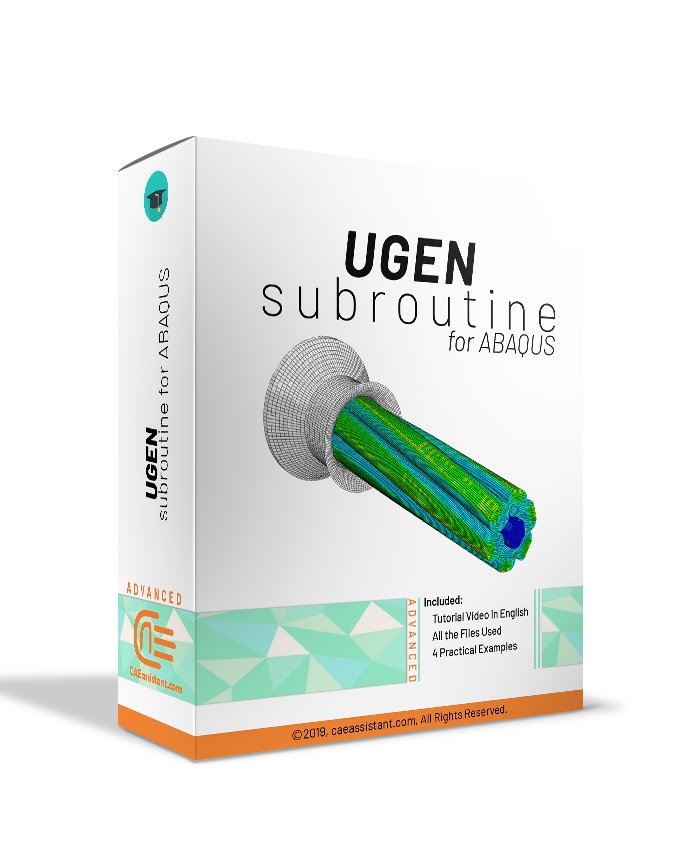
UGEN Subroutine in ABAQUS

This package provides an expert tutorial on the UGENS subroutine in Abaqus, which is a user-defined tool necessary for defining the mechanical behavior of complex shell sections, such as plates or tubes. UGENS is essential when custom material properties (like composites) need to be implemented at the sectional level, defining forces and moments.
The package includes more than half hour of theoretical video that introduces UGENS, explains its difference from UMAT, and details the subroutine interface and key variables like the DDNDDE section stiffness matrix and the StateV array.
Two practical workshops demonstrate buckle and static analysis. Workshop 1 simulates a shell plate using a predefined stiffness matrix. Workshop 2 simulates a shell tube and teaches how to calculate the DDNDDE components dynamically using formulas, requiring the use of the PROPS array for importing external constant values via the INP file. Access to all simulation and subroutine files is included.
UGEN and Subroutine in ABAQUS
What You'll Learn

Buy Together & Save

This Course Includes

Course Content

UGEN Subroutine in ABAQUS

Product Informations

Lesson 1: What is UGENS Subroutine

This lesson teaches the fundamental concepts of the UGENS subroutine.
We will introduce the UGENS subroutine in Abaqus and define it as a user-defined subroutine used to define the mechanical behavior of shell sections. We will explain the conditions under which UGENS must be used, particularly for modeling complex shells like plates or tubes and when custom material properties (such as composites or sandwich materials) need to be implemented at the shell section level.
We will define how UGENS works at the sectional level, defining membrane stresses, forces, curvature changes, and bending moments. Finally, we will explain the differences between UGENS and UMAT, covering their applications, the element types they support (UGENS only works with shell elements like S4R and S8R), and the variables they update (UGENS updates the section stiffness matrix and forces).

Lesson 2: The UGENS subroutine interface and variables

This lesson details the technical structure and implementation requirements of UGENS.
We will explain the UGENS subroutine interface, which consists of the subroutine variables, the dimension of the variables, and the coding section. We will introduce the three classes of variables: must-be-defined (key outputs such as the DDNDDE section stiffness matrix and the Force variable), can be updated (such as PNEWDT), and variables passed in for information (such as stran, Dstran, Time, Dtime, and Nprops). We will show how to use the StateV array to store solution-dependent variables and display outputs.
Finally, we will cover the implementation of UGENS in Abaqus by adding specific lines of code to the INP file, defining the user subroutine, element set, state variables, properties, shell thickness, and transverse shear stiffness values, guided by a simple subroutine flowchart.

[woodmart_list icon_fontawesome=”fa fa-solid fa-check” woodmart_css_id=”68dbcad2e2a51″ list=”%5B%7B%22list-content%22%3A%22What%20the%20UGENS%20subroutine%20is%20and%20when%20we%20should%20use%20it%3F%22%2C%22item_type%22%3A%22inherit%22%7D%2C%7B%22list-content%22%3A%22What%20are%20the%20differences%20between%20UGENS%20%26%20UMAT%3F%22%2C%22item_type%22%3A%22inherit%22%7D%5D” responsive_spacing=”eyJwYXJhbV90eXBlIjoid29vZG1hcnRfcmVzcG9uc2l2ZV9zcGFjaW5nIiwic2VsZWN0b3JfaWQiOiI2OGRiY2FkMmUyYTUxIiwic2hvcnRjb2RlIjoid29vZG1hcnRfbGlzdCIsImRhdGEiOnsidGFibGV0Ijp7fSwibW9iaWxlIjp7fX19″ icons_color=”eyJwYXJhbV90eXBlIjoid29vZG1hcnRfY29sb3JwaWNrZXIiLCJjc3NfYXJncyI6eyJjb2xvciI6WyIgLndkLWljb24iXX0sInNlbGVjdG9yX2lkIjoiNjhkYmNhZDJlMmE1MSIsImRhdGEiOnsiZGVza3RvcCI6IiNkZDk5MzMifX0=”]
[woodmart_list icon_fontawesome=”fa fa-solid fa-check” woodmart_css_id=”68dbcb6508e22″ list=”%5B%7B%22list-content%22%3A%22What%20is%20UGENS%20subroutine%20interface%3F%22%2C%22item_type%22%3A%22inherit%22%7D%2C%7B%22list-content%22%3A%22What%20are%20UGENS%20subroutine%20variables%3F%22%2C%22item_type%22%3A%22inherit%22%7D%2C%7B%22list-content%22%3A%22How%20does%20UGENS%20subroutine%20implement%20in%20Abaqus%3F%22%2C%22item_type%22%3A%22inherit%22%7D%5D” responsive_spacing=”eyJwYXJhbV90eXBlIjoid29vZG1hcnRfcmVzcG9uc2l2ZV9zcGFjaW5nIiwic2VsZWN0b3JfaWQiOiI2OGRiY2I2NTA4ZTIyIiwic2hvcnRjb2RlIjoid29vZG1hcnRfbGlzdCIsImRhdGEiOnsidGFibGV0Ijp7fSwibW9iaWxlIjp7fX19″ icons_color=”eyJwYXJhbV90eXBlIjoid29vZG1hcnRfY29sb3JwaWNrZXIiLCJjc3NfYXJncyI6eyJjb2xvciI6WyIgLndkLWljb24iXX0sInNlbGVjdG9yX2lkIjoiNjhkYmNiNjUwOGUyMiIsImRhdGEiOnsiZGVza3RvcCI6IiNkZDk5MzMifX0=”]
[woodmart_list icon_fontawesome=”fa fa-solid fa-check” woodmart_css_id=”68dbcc8c5f5c3″ list=”%5B%7B%22list-content%22%3A%22Problem%20description%22%2C%22item_type%22%3A%22inherit%22%7D%2C%7B%22list-content%22%3A%22Line%20by%20Line%20subroutine%20description%22%2C%22item_type%22%3A%22inherit%22%7D%2C%7B%22list-content%22%3A%22Buckle%20analysis%20using%20Abaqus%20model%22%2C%22item_type%22%3A%22inherit%22%7D%2C%7B%22list-content%22%3A%22Buckle%20analysis%20using%20UGENS%20subroutine%20model%22%2C%22item_type%22%3A%22inherit%22%7D%2C%7B%22list-content%22%3A%22INP%20file%20changes%22%2C%22item_type%22%3A%22inherit%22%7D%2C%7B%22list-content%22%3A%22Static%20analysis%22%2C%22item_type%22%3A%22inherit%22%7D%5D” responsive_spacing=”eyJwYXJhbV90eXBlIjoid29vZG1hcnRfcmVzcG9uc2l2ZV9zcGFjaW5nIiwic2VsZWN0b3JfaWQiOiI2OGRiY2M4YzVmNWMzIiwic2hvcnRjb2RlIjoid29vZG1hcnRfbGlzdCIsImRhdGEiOnsidGFibGV0Ijp7fSwibW9iaWxlIjp7fX19″ icons_color=”eyJwYXJhbV90eXBlIjoid29vZG1hcnRfY29sb3JwaWNrZXIiLCJjc3NfYXJncyI6eyJjb2xvciI6WyIgLndkLWljb24iXX0sInNlbGVjdG9yX2lkIjoiNjhkYmNjOGM1ZjVjMyIsImRhdGEiOnsiZGVza3RvcCI6IiNkZDk5MzMifX0=”]
[woodmart_list icon_fontawesome=”fa fa-solid fa-check” woodmart_css_id=”68dbcc8c5f5c3″ list=”%5B%7B%22list-content%22%3A%22Problem%20description%22%2C%22item_type%22%3A%22inherit%22%7D%2C%7B%22list-content%22%3A%22Line%20by%20Line%20subroutine%20description%22%2C%22item_type%22%3A%22inherit%22%7D%2C%7B%22list-content%22%3A%22Buckle%20analysis%20using%20Abaqus%20model%22%2C%22item_type%22%3A%22inherit%22%7D%2C%7B%22list-content%22%3A%22Buckle%20analysis%20using%20UGENS%20subroutine%20model%22%2C%22item_type%22%3A%22inherit%22%7D%2C%7B%22list-content%22%3A%22INP%20file%20changes%22%2C%22item_type%22%3A%22inherit%22%7D%2C%7B%22list-content%22%3A%22Static%20analysis%22%2C%22item_type%22%3A%22inherit%22%7D%5D” responsive_spacing=”eyJwYXJhbV90eXBlIjoid29vZG1hcnRfcmVzcG9uc2l2ZV9zcGFjaW5nIiwic2VsZWN0b3JfaWQiOiI2OGRiY2M4YzVmNWMzIiwic2hvcnRjb2RlIjoid29vZG1hcnRfbGlzdCIsImRhdGEiOnsidGFibGV0Ijp7fSwibW9iaWxlIjp7fX19″ icons_color=”eyJwYXJhbV90eXBlIjoid29vZG1hcnRfY29sb3JwaWNrZXIiLCJjc3NfYXJncyI6eyJjb2xvciI6WyIgLndkLWljb24iXX0sInNlbGVjdG9yX2lkIjoiNjhkYmNjOGM1ZjVjMyIsImRhdGEiOnsiZGVza3RvcCI6IiNkZDk5MzMifX0=”]

Workshop 1: Buckle and static analysis of shell plate by UGENS subroutine

This workshop provides a practical example using a predefined stiffness matrix on a shell plate.
We will teach how to simulate the buckle and static analysis of a shell plate under shell edge pressure using the UGENS subroutine. We will demonstrate how to write the UGENS subroutine when using a predefined stiffness matrix (DDNDDE). This involves using nested loops to generate the 6×6 matrix and manually importing the DDNDDE components.
We will show how to calculate and define the force matrix. We will focus on using StateV variables (18 variables) to store the force components (SDV1 to SDV6), Dstran, and Stran We will demonstrate the necessary changes in the Abaqus model (deleting material properties) and the required INP file modifications. Finally, we will use the static analysis step to view the force and strain results stored in the StateV variables.

Workshop 2: Buckle and static analysis of shell tube by UGENS subroutine

This workshop extends the application of UGENS to a shell tube geometry using calculated properties.
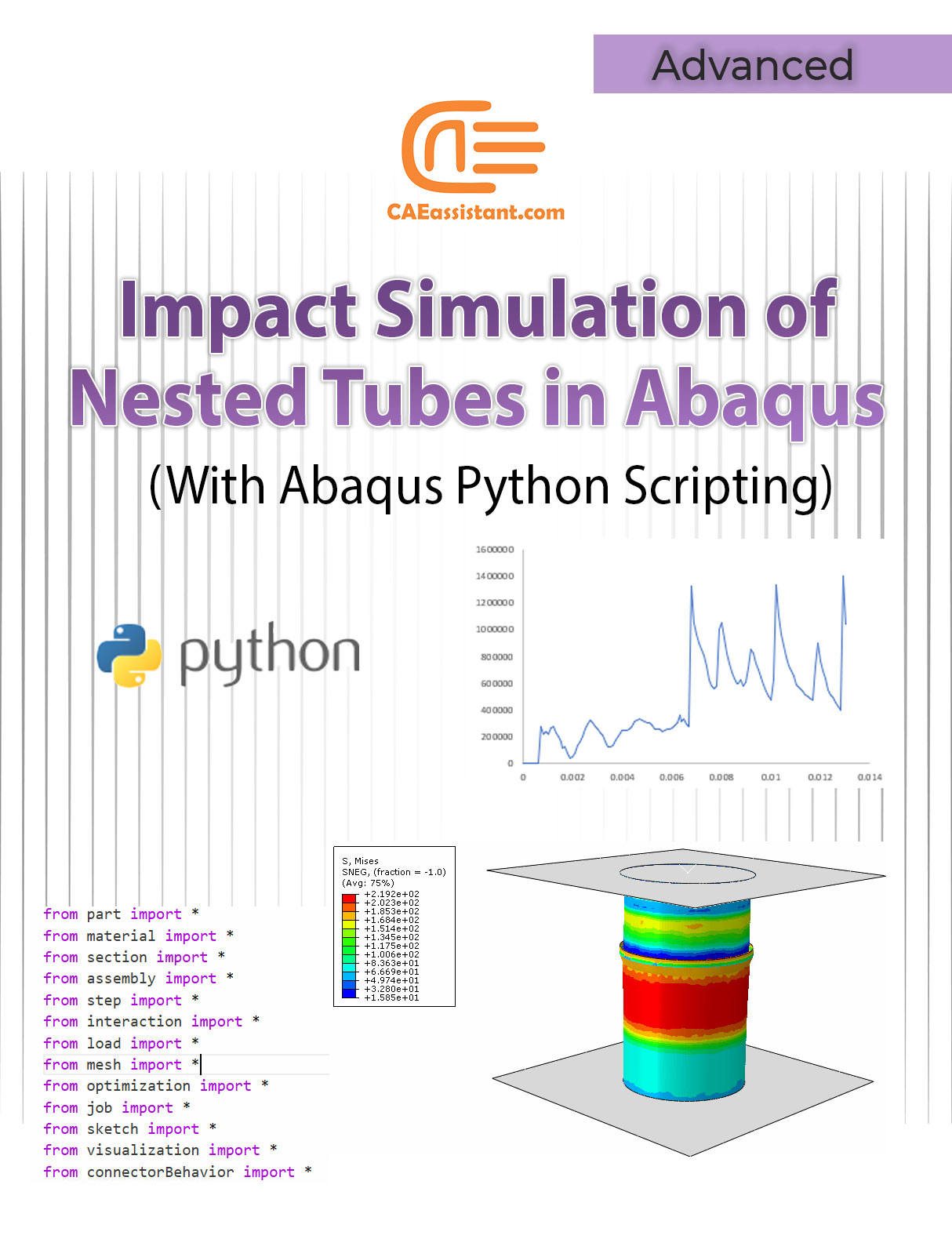
We will teach the simulation of a shell tube using buckle and static analysis. We will define the DDNDDE matrix by calculating the partial derivative of the force matrix (A matrix) with respect to the strain matrix. We will learn how to retrieve constant values needed for the DDNDDE component formulas using the PROPS array inside the subroutine.
We will show how to write these formulas into the UGENS subroutine to calculate the DDNDDE components dynamically. Crucially, we will cover how to modify the INP file to define the number of properties and list the actual constant values (floating-point numbers separated by commas). We will demonstrate storing the force components (StateV1 to StateV6) and Dstran/stran components (e.g., StateV9 and StateV16) for visualization in the static analysis.

Reviews

There are no reviews yet.

Be the first to review “UGEN Subroutine in ABAQUS”

Instructors

0-Abaqus-1-caeassistantpartnerm

 100.0

Get Free Access to More Than the Demo!