







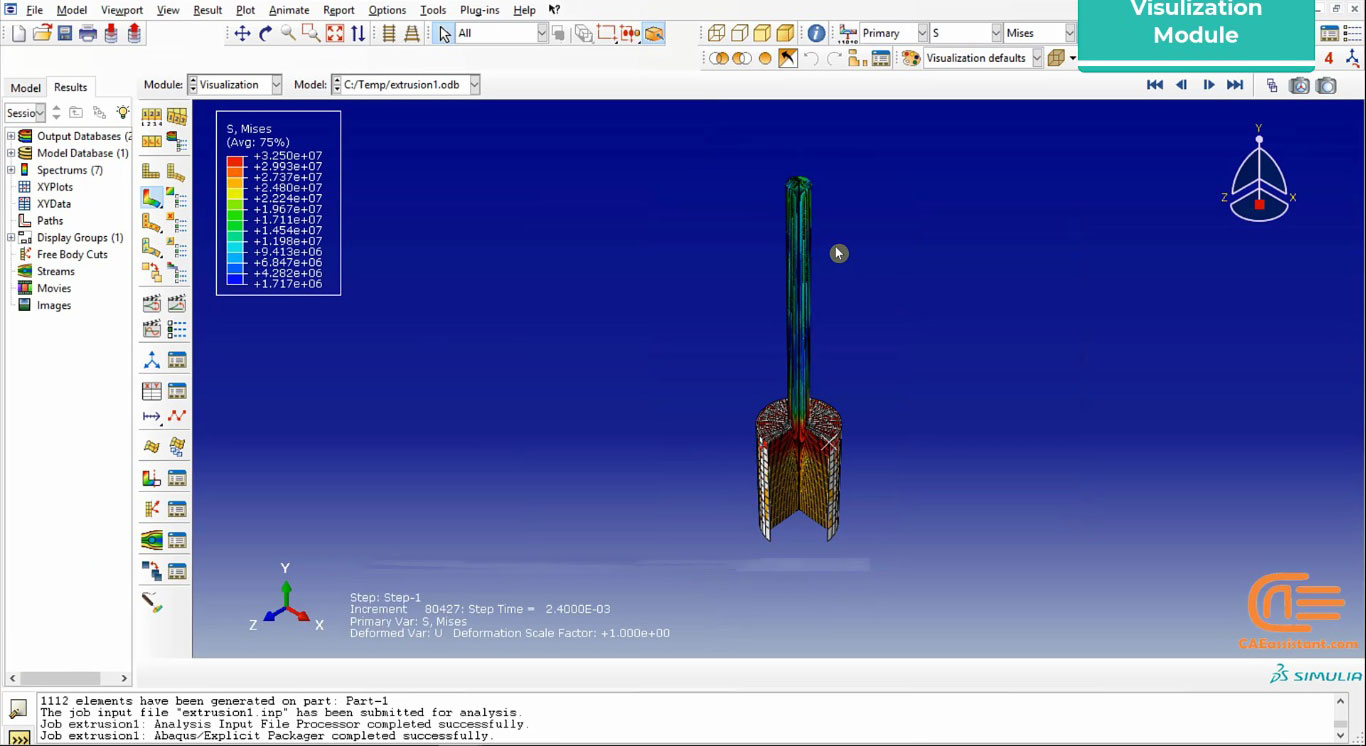
Introduction to forming in Abaqus
To introduce the “Introduction to forming in Abaqus” package, first, we get you some general information about forming process. Today, engineers are using different ways to produce usable components. One of the most important manufacturing processes is forming process. In this process, a raw part will be converted to a product with no removal of materials. This is one of the advantages that this method has. We apply stresses (such as compression, tension, shear, etc.) to the raw material to deform it to our ideal shapes in this process. You can find more information about the forming process at this link.
In this package, you will learn how to simulate the forming process in Abaqus and identify the effective parameters in it. We have mentioned rolling, hydroforming, extrusion, ECAP, Cold forging, and drilling processes in this package.
Workshop 1 Brinell hardness test simulation
Firstly, the first workshop explains the simulation of the Brinell hardness test on a Brass alloy part. We used the axisymmetric type to model the parts. At the end of the workshop, you can plot the strain energy diagram. So, you will be able to calculate the Brinell hardness number from the depth of penetration.
Workshop 2 Cold forging simulation
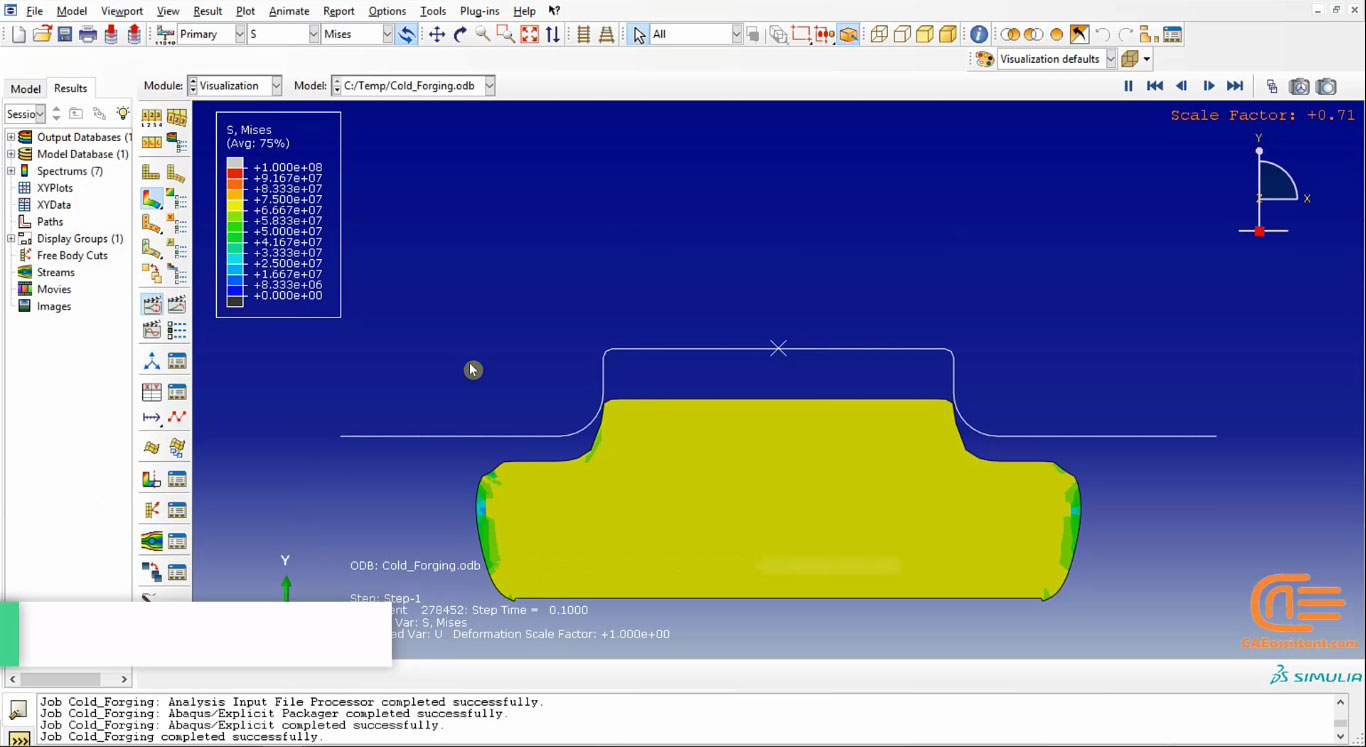
This workshop describes the cold forging process in a steel cubic bar. In this type of process, the part temperature is below the metal recrystallization temperature. The simulation is in 2D space. We used shell and wire element types for the model and the die respectively. At the end of the process, you can measure the amount of mises stress and other parameters, too.
Workshop 3: simulation of ECAP forming in Abaqus
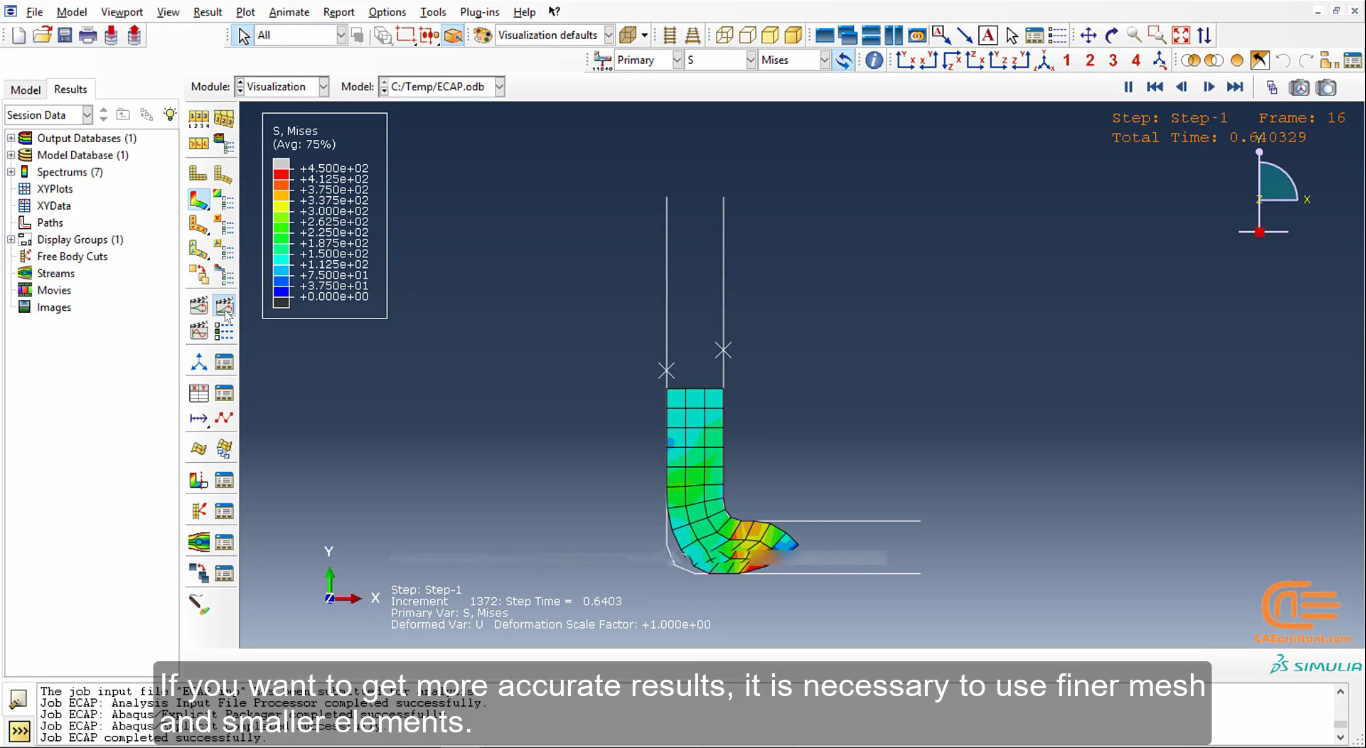
This workshop explains the extrusion of an aluminum billet into a perpendicular channel. ECAP stands for Equal Channel Angular Pressing. This process increases the strain. As a result, it causes the seeds of the material structure to get smaller in size. Finally, you can get information about the amount of Mises stress.
Workshop 4: Forward extrusion forming in Abaqus
In this Workshop, we have simulated the forward extrusion of an aluminum wire. We used ALE Adaptive mesh because the shape changes are noticeable. At the end of the workshop, we can see the part temperature that will increase by the effect of friction.
Workshop 5 Drilling simulation
Next, in this workshop, we have modeled a drilling process. In this example, an aluminum block will be holed by a titanium drill. We have modeled the drill in CAD software before. So, it has been imported here. Also, we have imported the material properties from the material library.
Workshop 6: simulation of Extrusion forming in Abaqus
In this workshop, we have simulated the extrusion process. The model was an aluminum part that we have modeled in axisymmetric type. The type of this simulation is Coupled-Temperature-displacement, so we need to input the temperature properties too.
Workshop 7 Hydroforming and annealing simulations
Subsequently, we have the simulation of the hydroforming and annealing process with three dies. This process uses high-pressure hydraulic fluid to press the material into the die. we used the axisymmetric type in the modeling process.
Workshop 8 Hydroforming simulation of four-way pipe
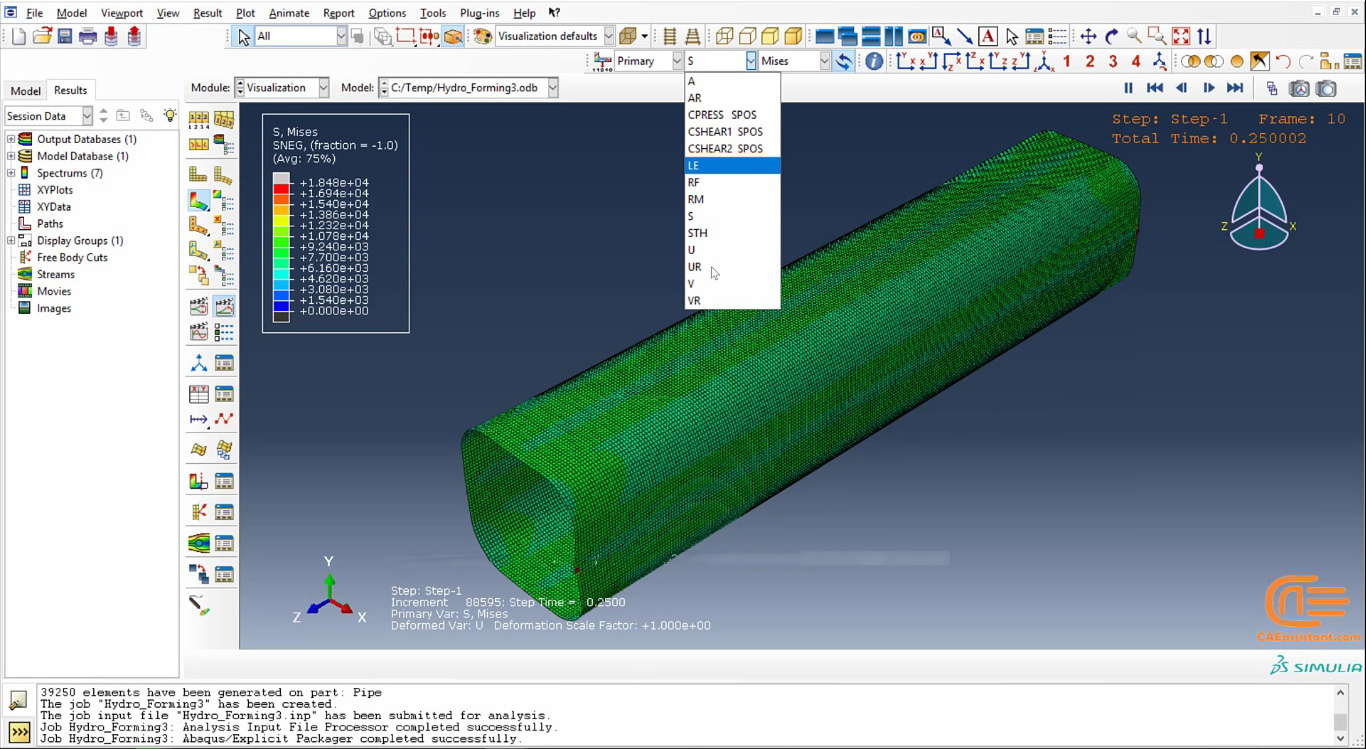
In this workshop, we have explained the hydroforming simulation of a four-way pipe. we have used the Explicit solver in this example, so the mass scaling method has been used to reduce the solving time. In this process, the part thickness will be changed that you can see it in the visualization module.
Workshop 9 Rolling of I section beam Simulation
Finally, the rolling of the I-section beam has been simulated. We modeled a quarter of the part shape. In addition, we used ALE Adaptive mesh because of the large number of shape changes. You can also check the amount of reaction force at the end of the process.






 English
  Korean
  Chinese
2 reviews for Simulation of forming in ABAQUS
Robert Brown –
Thanks for this wonderful course with many workshops. Very positive, and most importantly informative.
Eymen Kucuk –
Great course! Many thanks to the team for this course. The course is well organized. I received a lot of new knowledge and valuable practice.
Experts Of CAE Assistant Group –
Thanks. I hope other products satisfy you more!!