
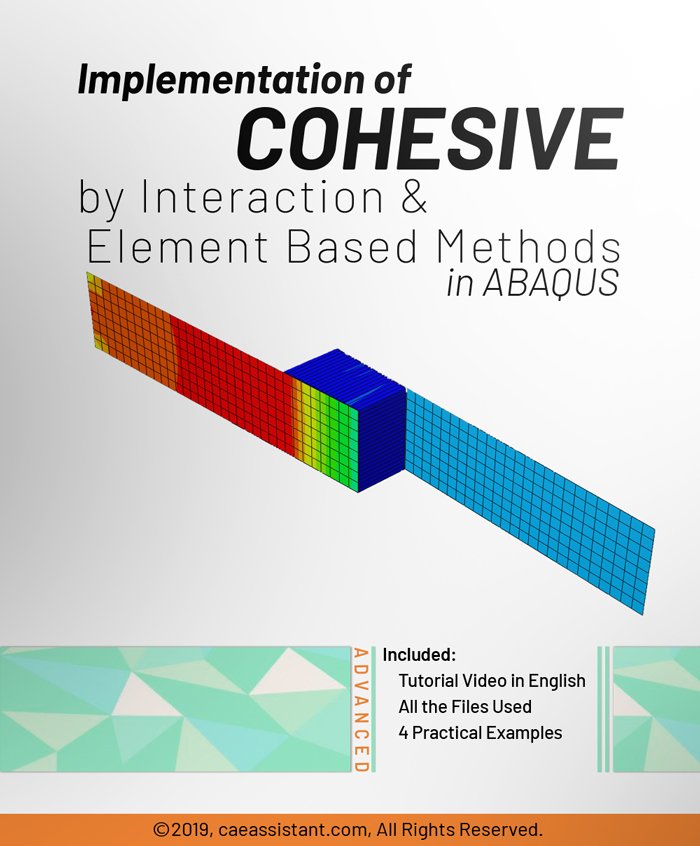
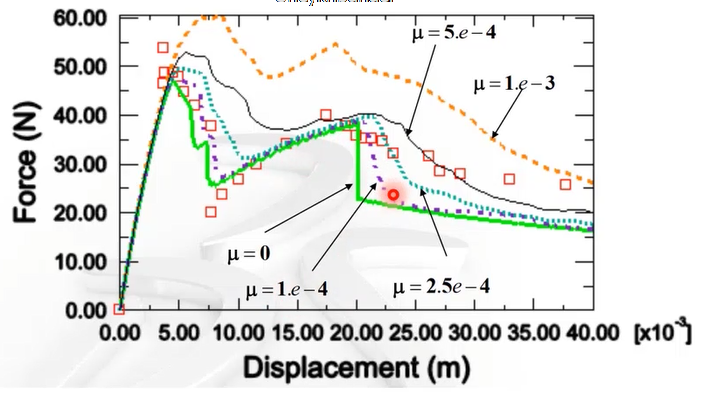
Cohesive behavior describes how one or multiple materials respond when their elements begin to separate. It simulates the material’s resistance to fracture by introducing a traction force (force per unit area) that opposes this separation. As the separation exceeds a critical limit, this traction decreases and eventually drops to zero—representing complete failure or fracture.
To better visualize this, imagine glue between two surfaces. As you pull them apart:
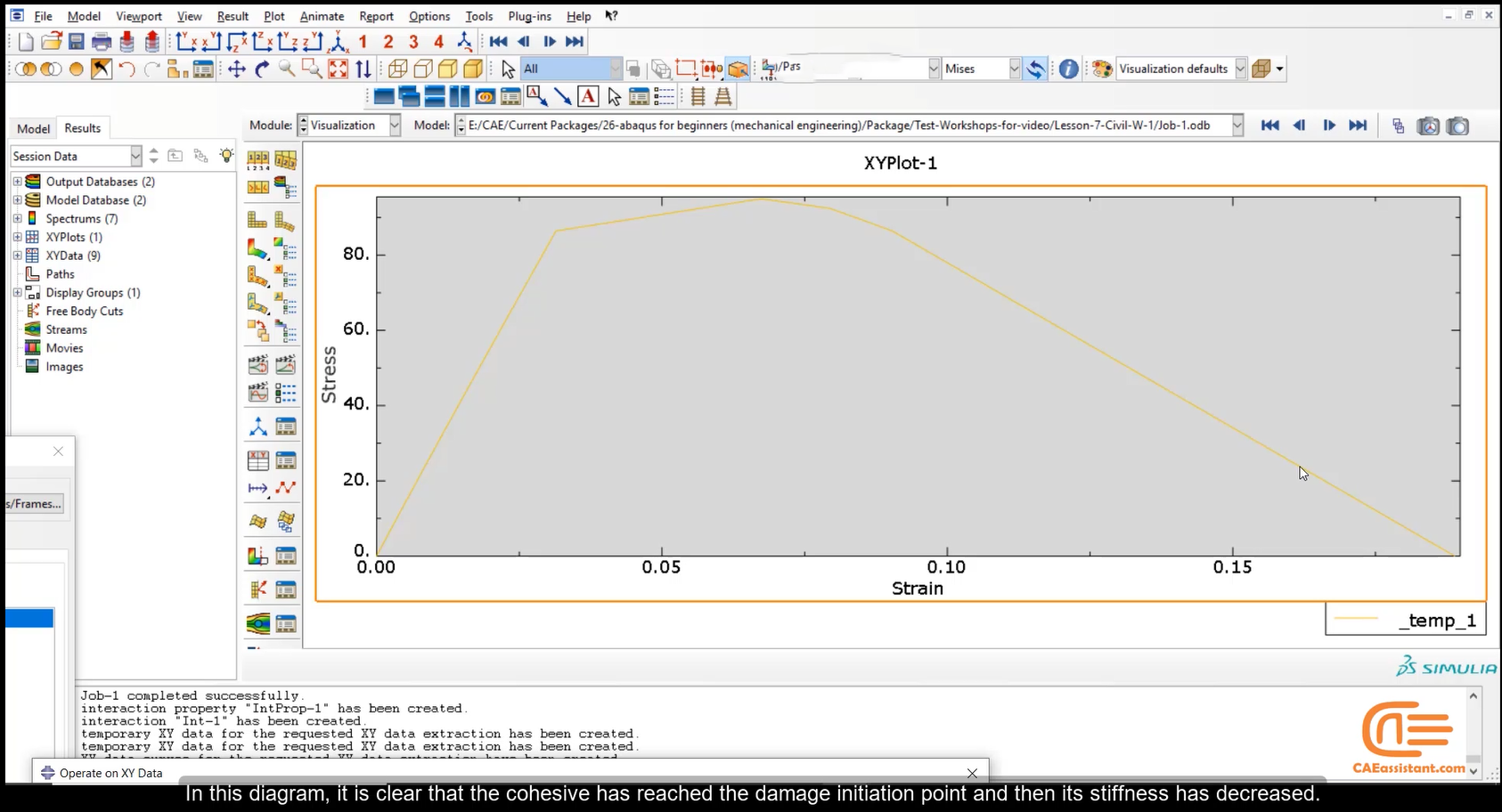
In simulation software, cohesive behavior is defined using a traction-separation law (TSL), which governs the relationship between traction (normal or shear stress across an interface) and the relative displacement between the two surfaces. A simple example of TSL is the linear softening law. In this model, traction increases linearly with displacement up to a peak value (maximum strength). Beyond this point, traction decreases linearly until it reaches zero at a critical separation. The area under the traction-separation curve represents the fracture energy. Other commonly used TSL variants include:
Classical continuum mechanics assumes a homogeneous material and often fails to capture the initiation and growth of discrete cracks. In such cases, cohesive zone models (CZMs) offer a more accurate and physically meaningful way to simulate fracture phenomena such as delamination, debonding, and interfacial failure. Cohesive behavior is not a material property itself, but a modeling approach, especially useful when traditional stress-based failure criteria are inadequate.
Cohesive modeling is commonly applied in:
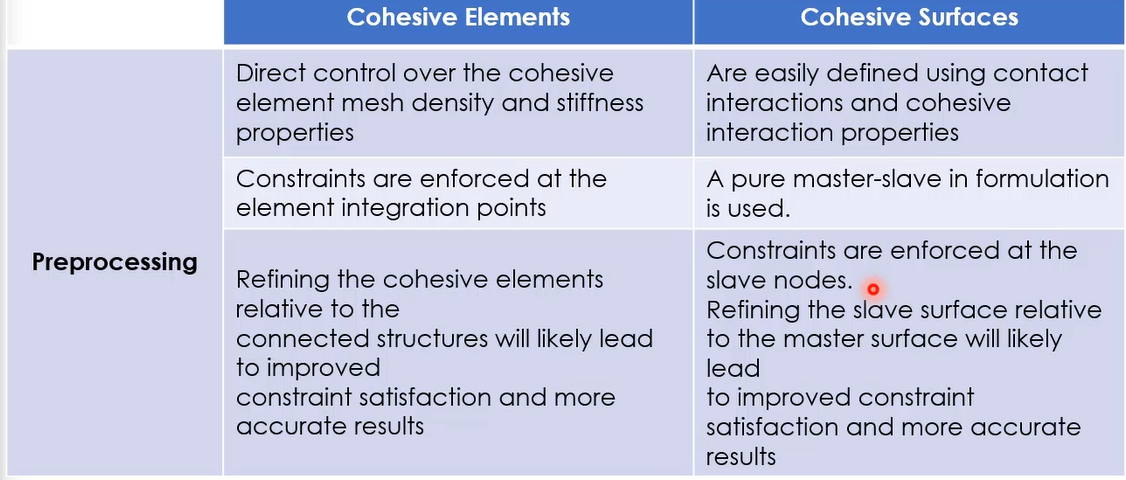
Abaqus is one of the most powerful software tools for simulating cohesive models accurately and robustly. There are two main approaches in Abaqus:
Both methods are discussed in detail in this package. To enhance your understanding, we’ve also reviewed three practical workshops, and the corresponding Abaqus model files are included.
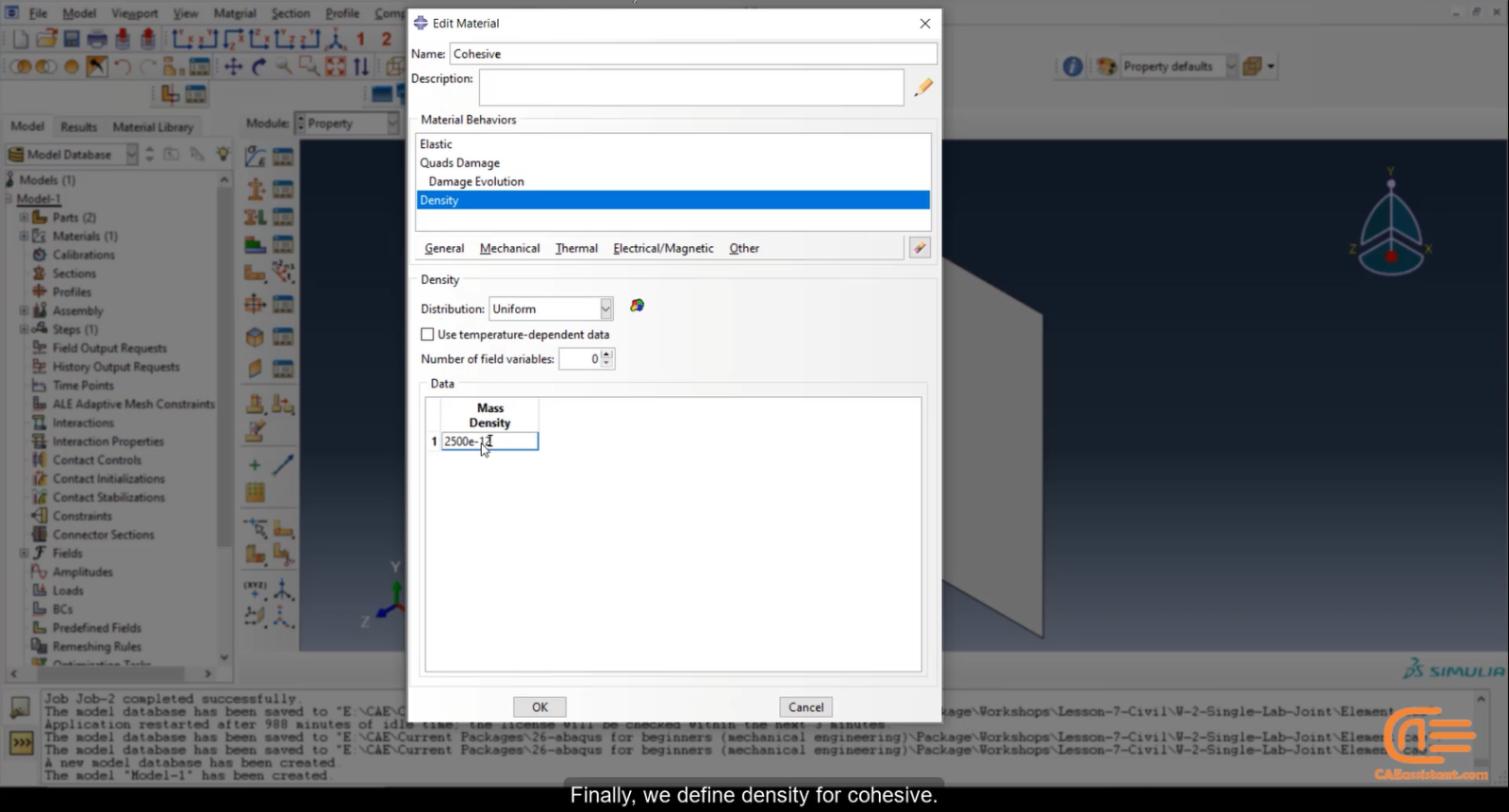
In this package, tips will be given on how to choose the right adhesive element for the problem, how to apply these elements to engineering problems, define the basic geometry of the adhesive elements, and how to define the mechanical behavior of these elements in ABAQUS.
This training package comprehensively examines the cohesive element ABAQUS and cohesive surface Abaqus. The focus of this training package is on modeling by the traction-separation method. Two methods of element-based and surface-based modeling are used to simulate the adhesive, each of which has advantages and disadvantages. The theories used in this package include all adhesive behaviors, including the elastic zone, damage initiation, progressive damage, and element removal. All equations, damage initiation criteria, and adhesive damage progression are also fully described in this package. In this training package, various examples for each of these methods have been used. Also, note that the use of a solver is effective in how to use these two methods. It should be noted that like other issues, if you use an implicit solver, sometimes there is a problem in convergence, and in this package, solutions to the divergence problem are also presented. Cohesive contact Abaqus in the interaction module and traction-separation law in Abaqus are also explained well in this course.
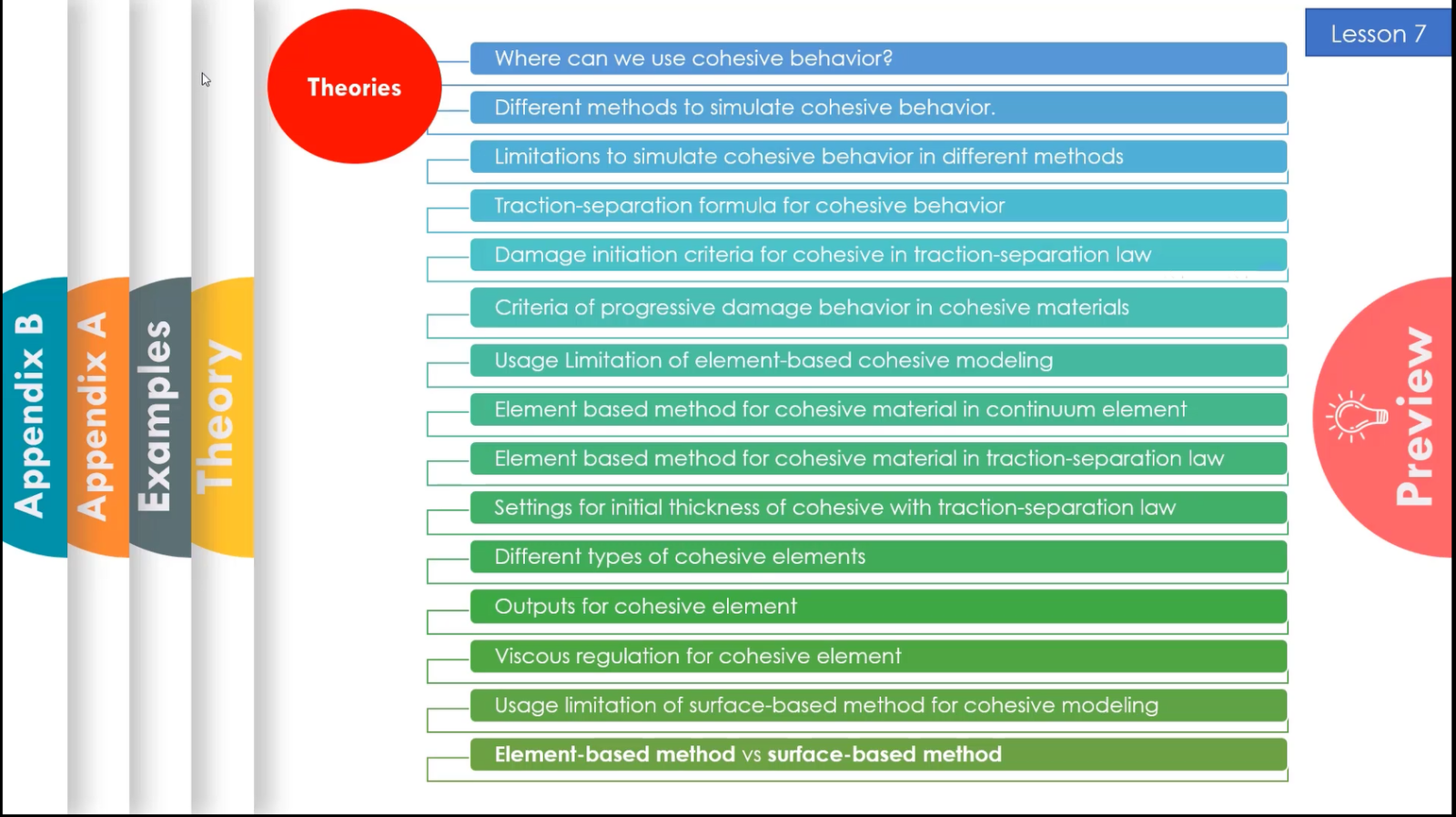
The lesson begins with a basic introduction to cohesive behavior and progresses to modeling strategies in Abaqus. Covered topics include:
While the workshops simulate specific problems in Abaqus, they’re designed to equip you with transferable techniques. Topics covered include:
This list represents only part of the content in this package. By now, you’ve likely realized how comprehensive and practical this training can be. The following sections provide further insight into cohesive behavior modeling in Abaqus.
It would be useful to see Abaqus Documentation to understand how it would be hard to start an Abaqus simulation without any Abaqus tutorial.
 It will guide you going from the basics up to complex simulation techniques, and it is very fluid and comprehensive, and every single detail is explained.
Every lesson goes straight to the point, without any worthless piece of content. You will learn what you need at every stage, and you will be putting it into practice from the very first day.
In a word, being complete and having support in this course is the essential value of this course.
Most importantly, we support you as you learn in this course. You can contact our experts to ask your questions and enjoy our modelling and simulations step-by-step support for Abaqus software for civil engineering.
This is just the beginning for you. If you want to become a professional in Abaqus and simulation, you can use our advanced packages and become a professional in advanced Abacus coding.
Read More: abaqus fracture
Click on the chapters of each lesson on the right section of this tab to know the details of the tips and issues presented in this very comprehensive and useful ABAQUS training package.
You can watch demo here.
ABAQUS software has an extensive library of adhesive elements for modelling the behaviour of adhesive joints, joint surfaces in composites, and other areas where integrity and strength of bonding are important. This training package fully discusses the cohesive element Abaqus, cohesive surface Abaqus and cohesive contact Abaqus and traction-separation law Abaqus.
Cohesive behavior can be simulated in Abaqus using two main approaches:
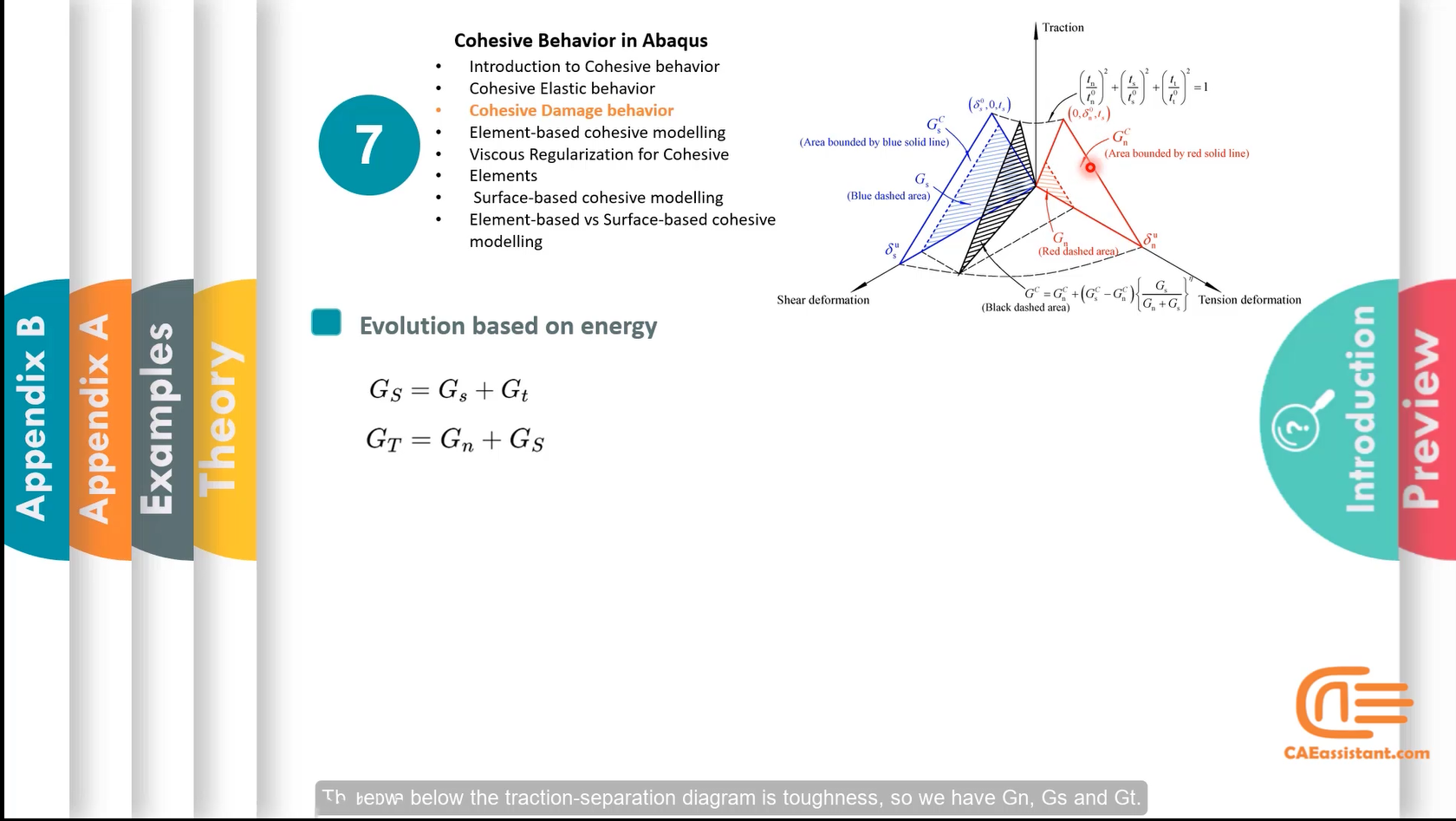
Unlike conventional materials, cohesive behavior is not defined via a stress-strain relation. Instead, you define traction stress as a function of separation—known as the traction-separation law. When the stress in the cohesive interface reaches a critical threshold (e.g., under tension or traction), delamination initiates, and the stress gradually reduces—this is known as softening behavior. To simulate this, a damage variable must be introduced after the elastic phase. Two main damage evaluation approaches exist in Abaqus, based on effective separation, and energy. These methods are explained in detail in the training package.
Two general categories of problems can be addressed using cohesive models: Adhesive problems, and delamination problems. In Adhesive problems, a bonding layer with finite thickness is defined. Accordingly, it requires specification of macroscopic strength and stiffness. In delamination problems, zero adhesive thickness is assumed. Accordingly, the behavior is defined purely via the traction-separation law. We have discussed them in detail in the package. Moreover, to demonstrate these approaches, the training includes three detailed workshops, discussed below.
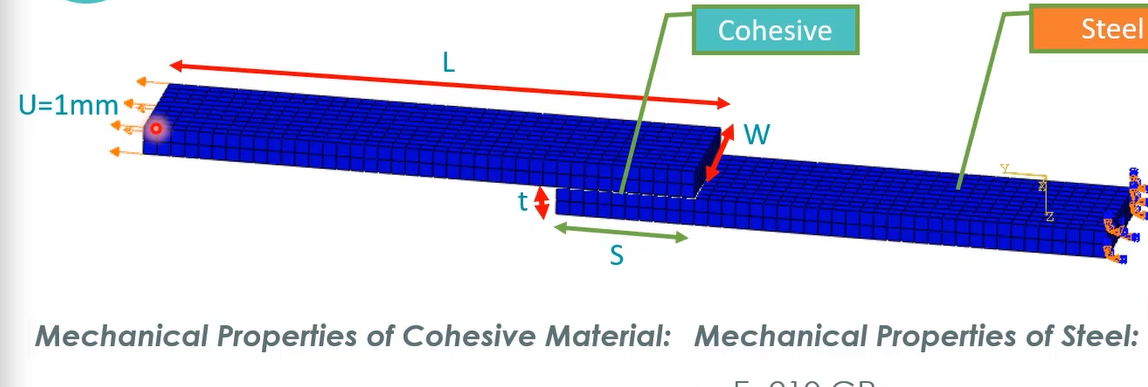
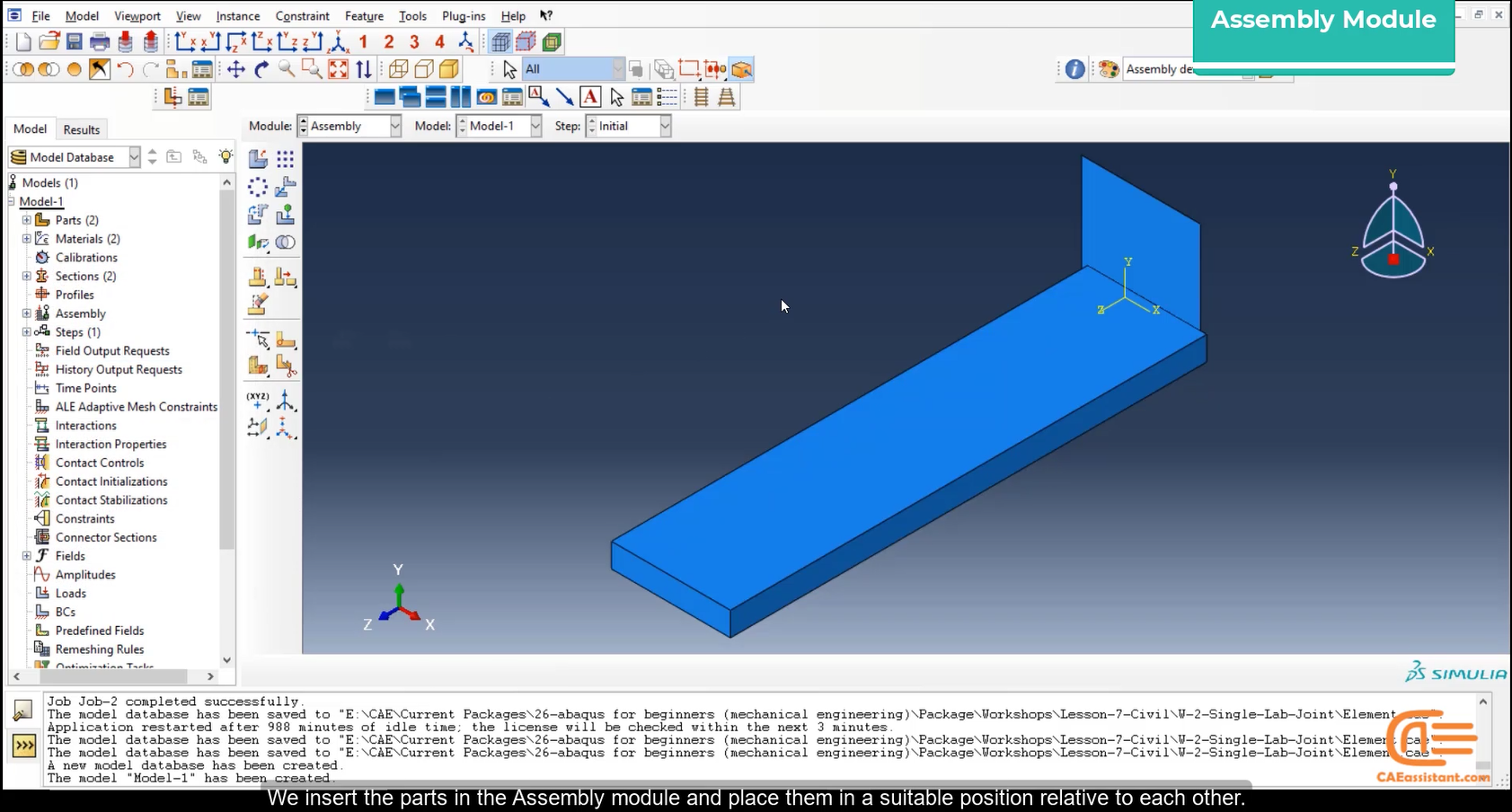
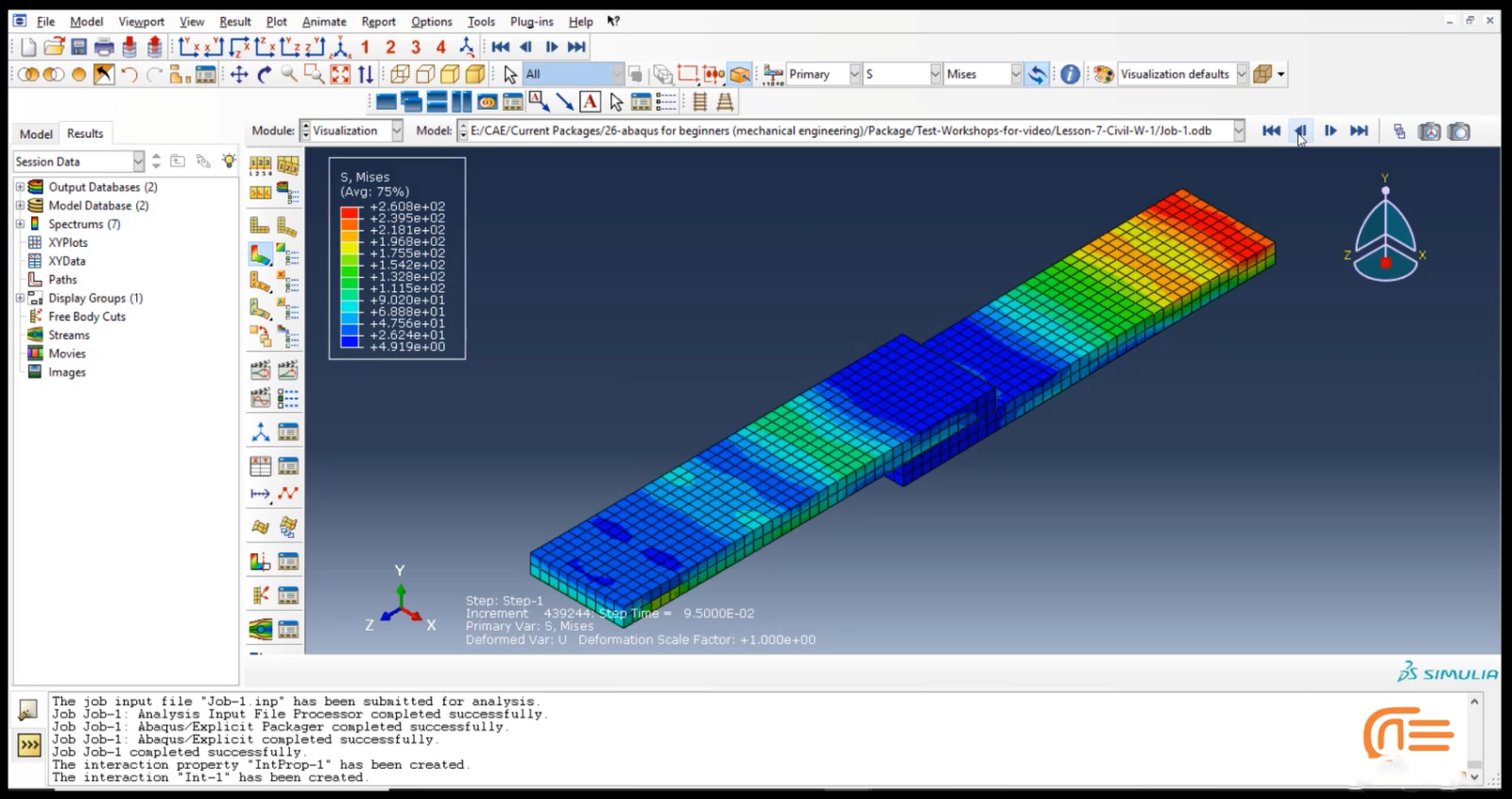
This workshop models two steel parts bonded together with an adhesive layer. A displacement is applied to one end while the other is fixed. The element-based method is used. The modeling procedure is explained step by step, and the results are extracted and analyzed.
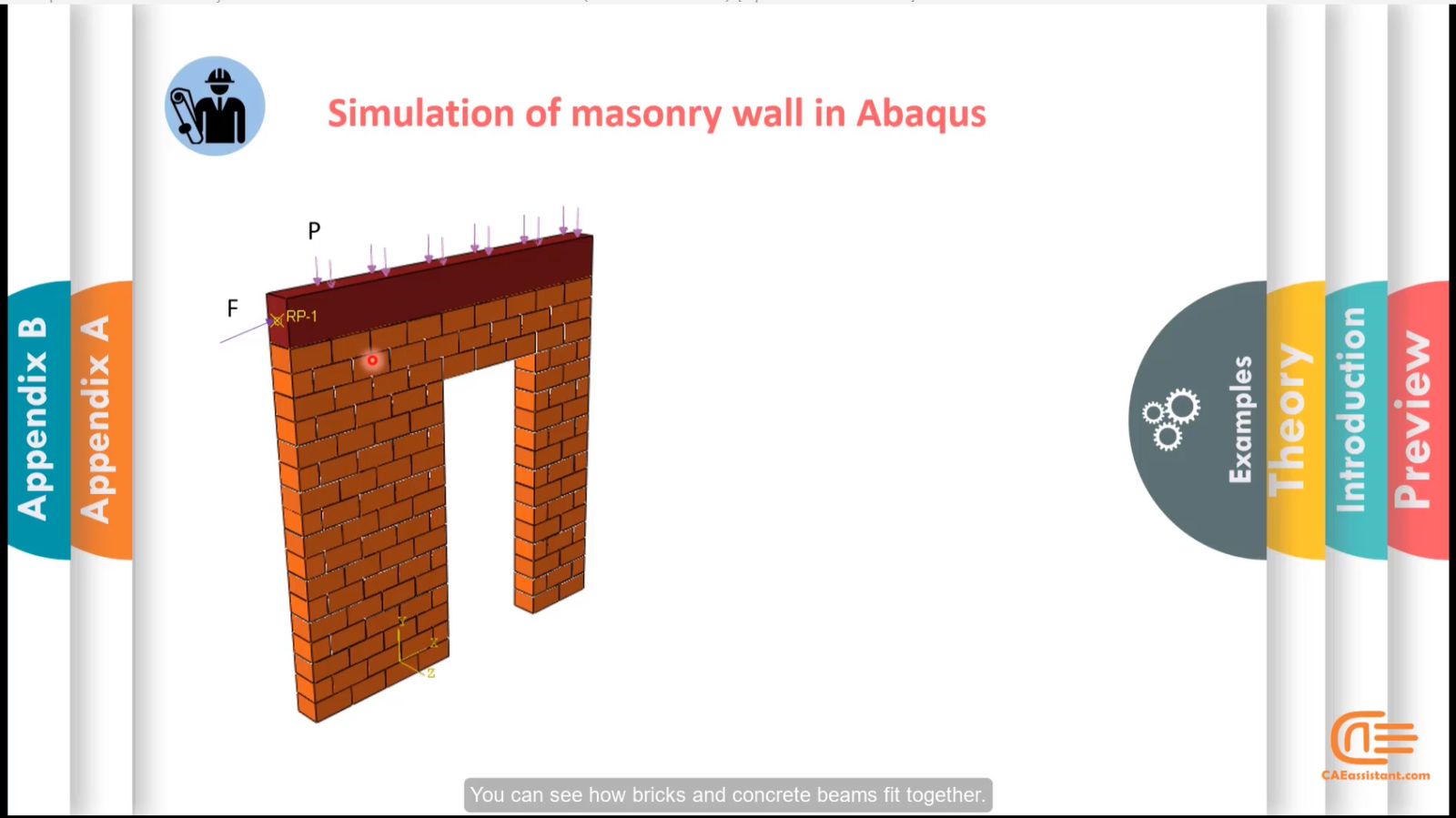
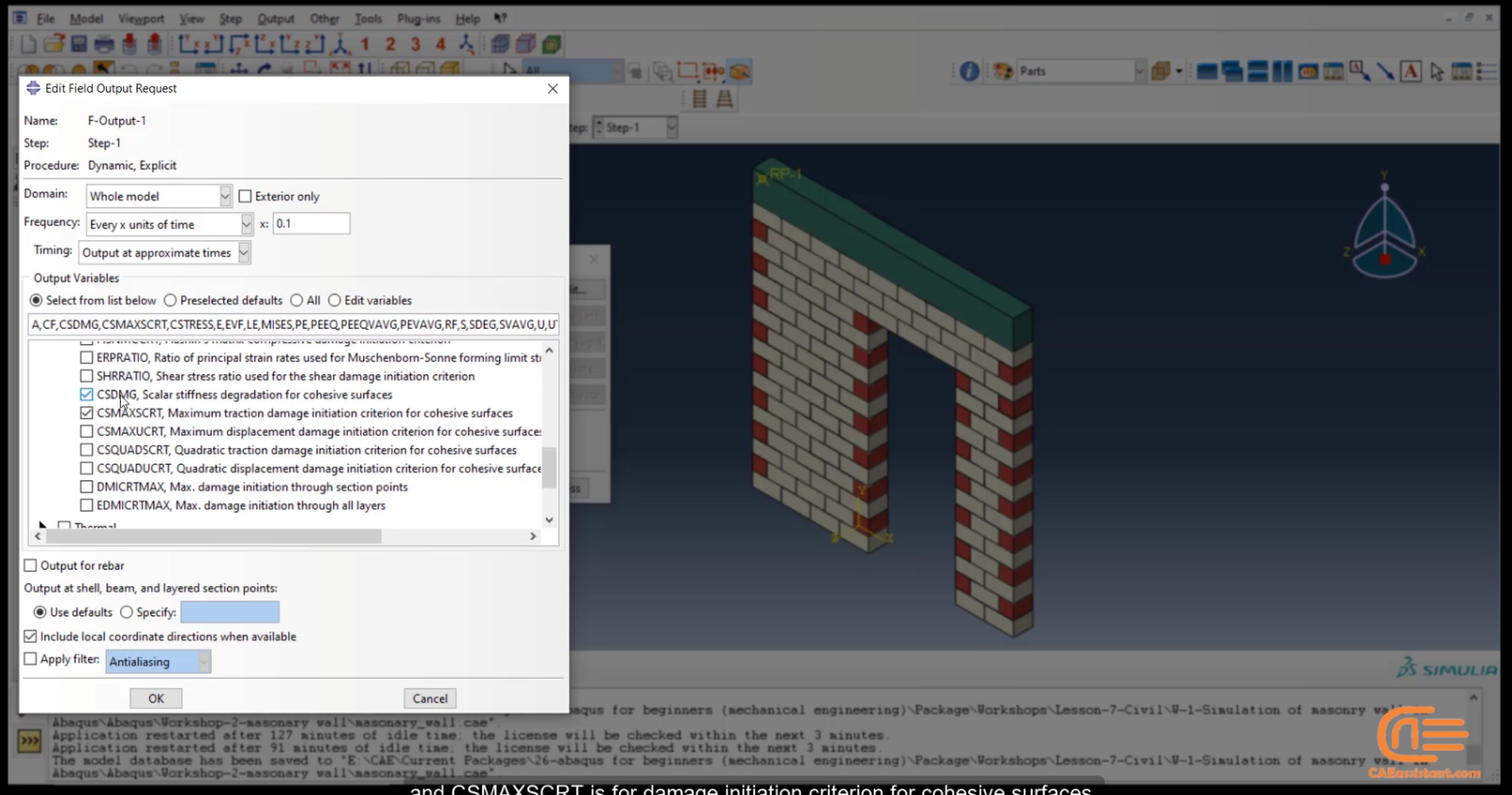
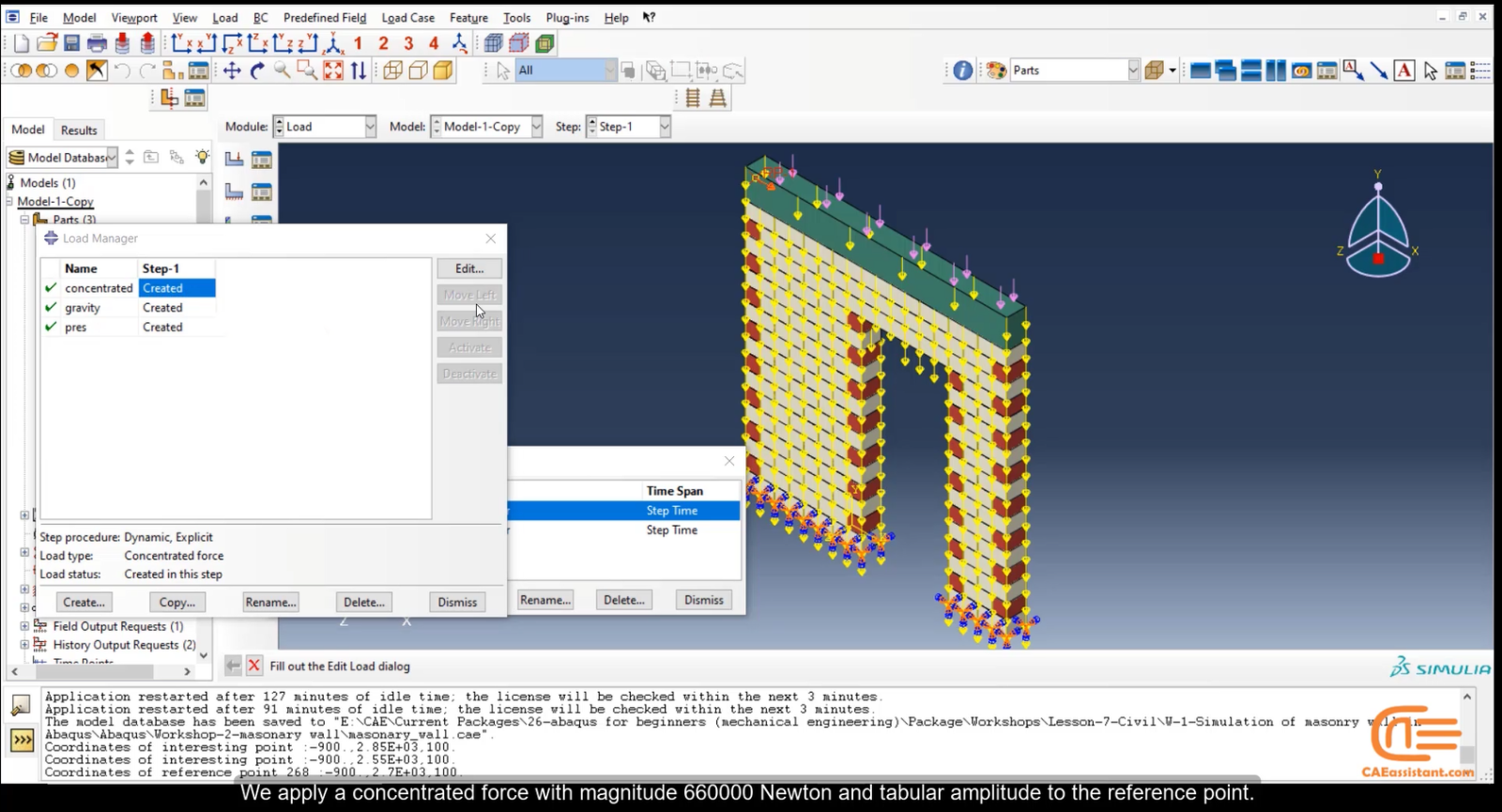
In this semi-realistic example, cohesive behavior is defined between bricks in a wall using the surface-based method, as the wall has many contact surfaces. This workshop has wide applications in civil engineering and architecture. The step-by-step modeling process in Abaqus is thoroughly discussed.
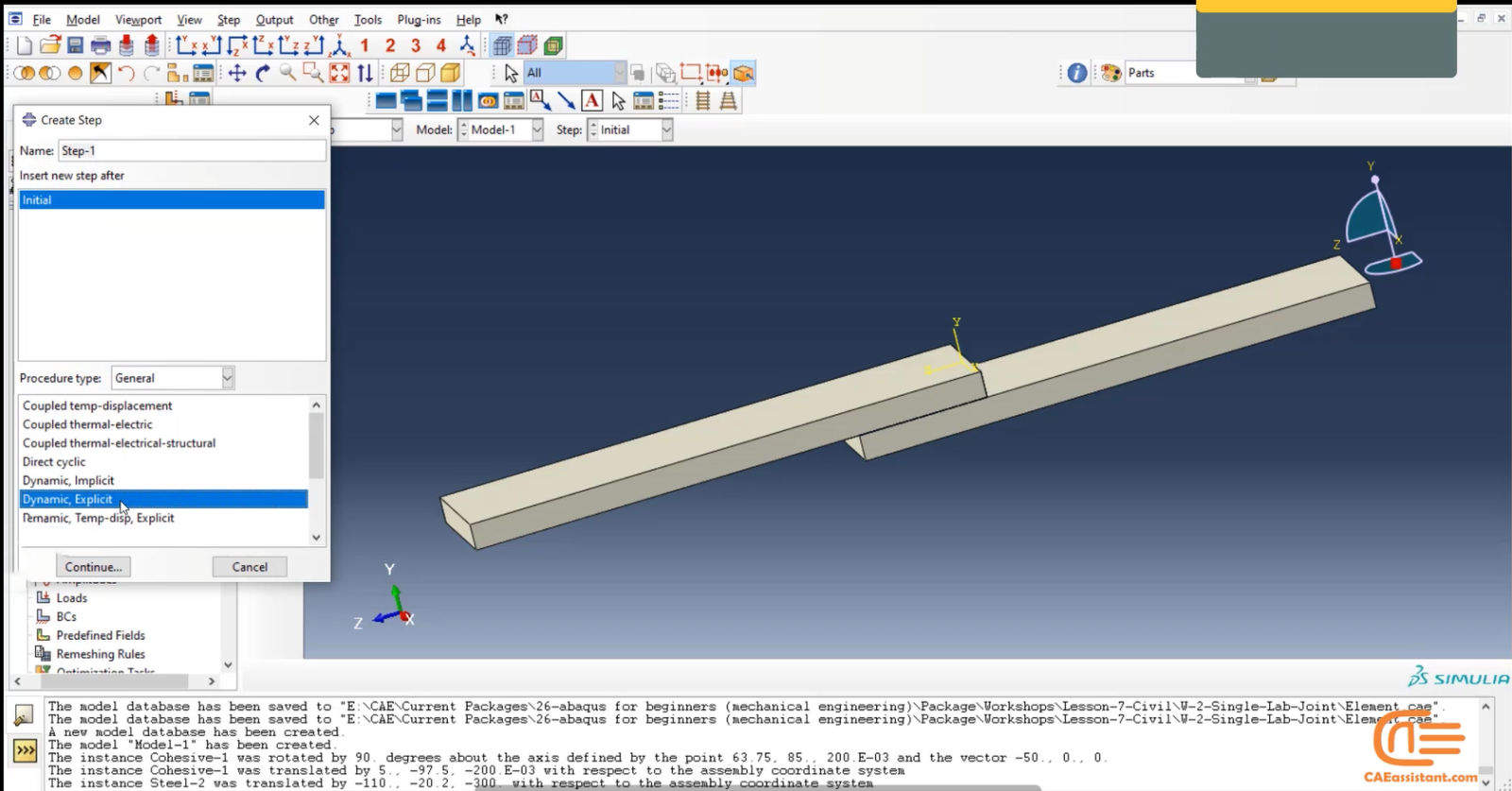
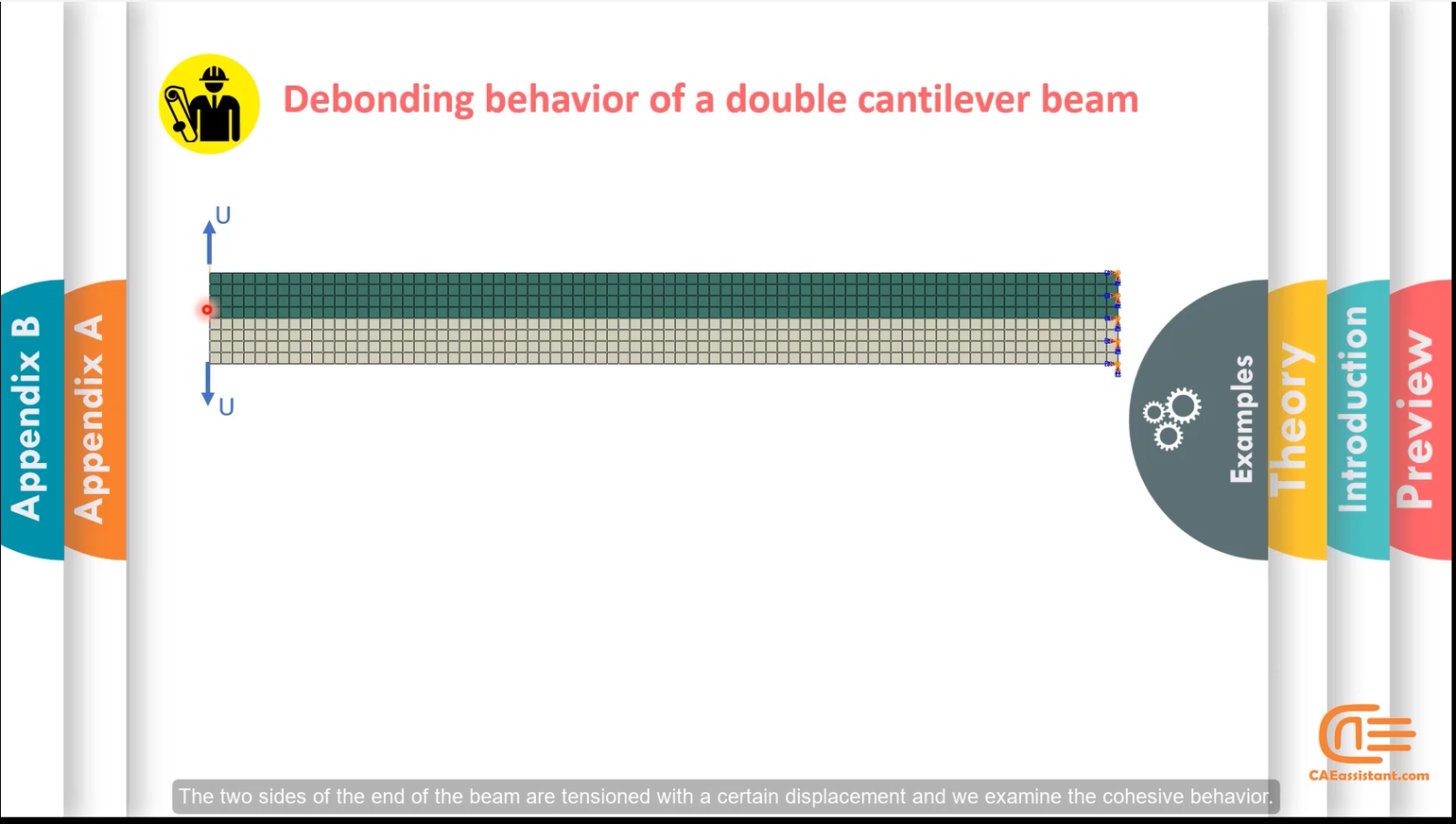
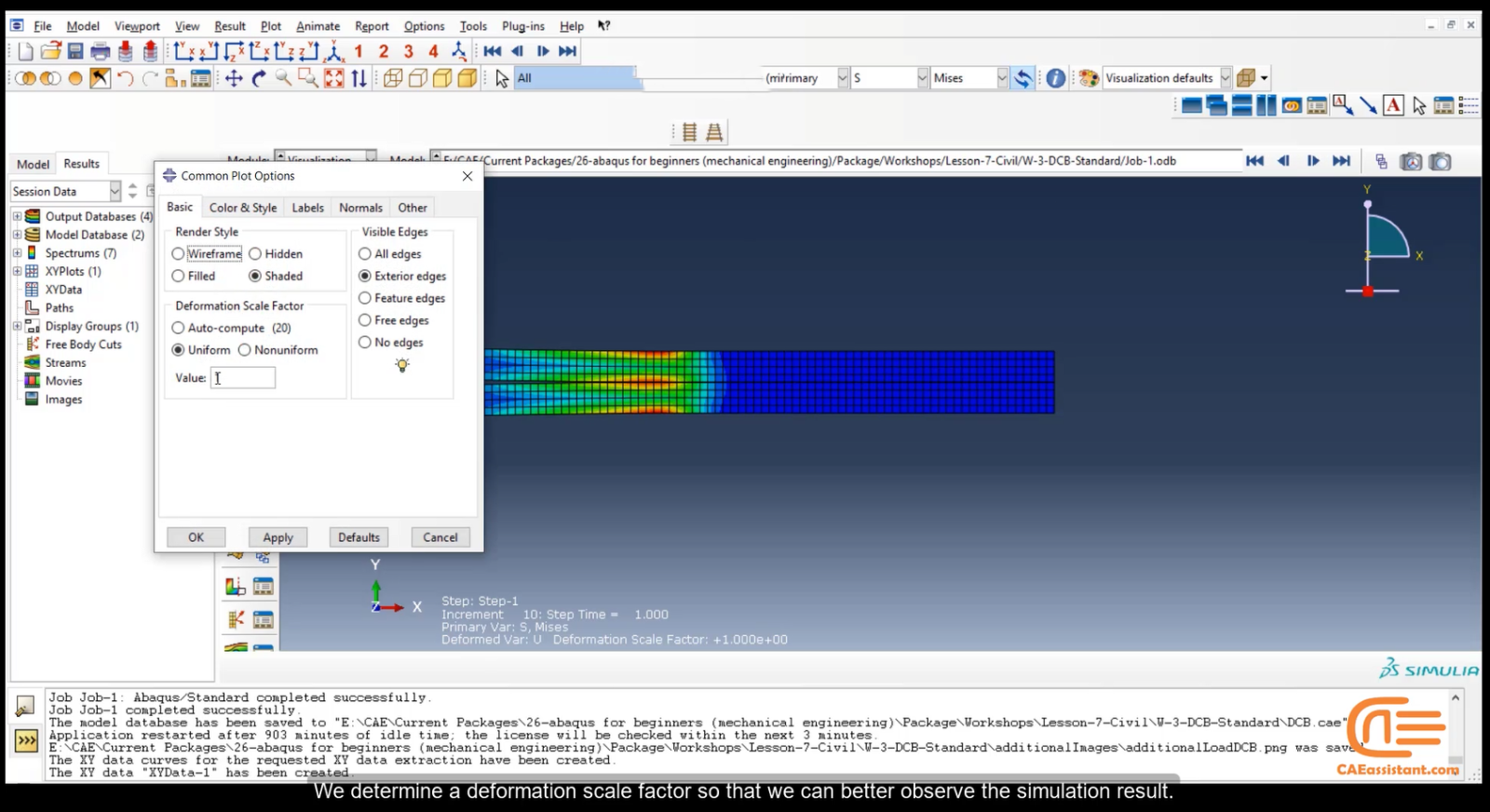
This classical benchmark problem involves two sides of a beam bonded by cohesive layers. The surface-based method is used to simulate debonding. A displacement is applied to both ends to separate the two parts. This example offers valuable insights into cohesive modeling applicable across many scenarios.[/woodmart_text_block]
In social media, users ask questions regarding cohesive simulation in Abaqus; cohesive element, CZM, etc. So, we decided to help and answered some of them, which you can see below.
Q: Dear all,
Regarding the similarity of the 2D and 3D cohesive zone models, I have a tiny question. In ABAQUS, I created a 2D square geometry with a central cohesive element. I’m attempting to evaluate my load-displacement response using a 3D model with identical geometry and an appropriate out-of-plane thickness. The outcomes, nevertheless, are very different. The same holds true for a model lacking a cohesive zone. Would someone kindly assist me in solving this problem?
The attached model geometry will help you understand.
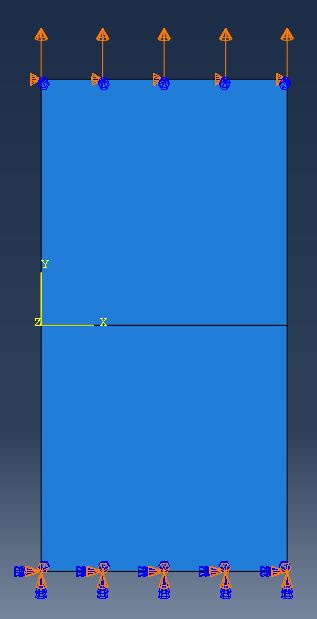
Figure 1: 2D model of cohesive zone
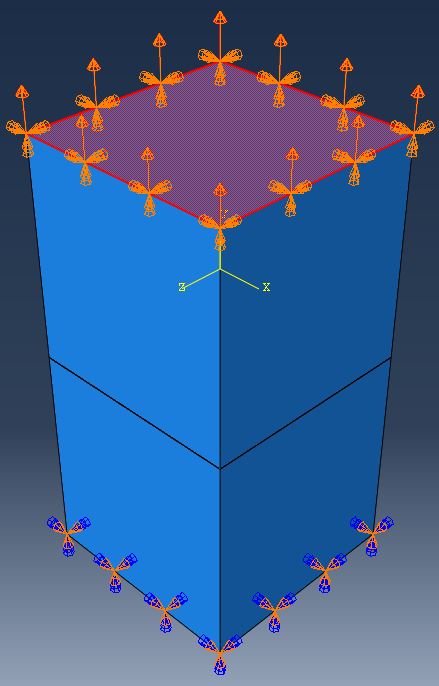
Figure 2: 3D model of cohesive zone
A: Hi,
Please recheck your model; you might have done something wrong in modeling. Moreover, you can convert plane strain analysis from 3D to 2D when the third dimension is way greater than the other two dimensions.
Also, you can learn how to do a proper cohesive simulation with this tutorial package:
Implementation of Cohesive by interaction & element based methods in ABAQUS







 English
  Korean
  Chinese
11 reviews for Implementation of Cohesive by interaction & element based methods in ABAQUS
Octave –
Fantastic product! The cohesive element-based methods perfectly met my needs. The detailed explanations helped me implement them efficiently. My question is, for future projects, can I get further optimization guidance from you? What steps should I follow to receive this guidance?
Thibault –
Using this package has transformed how I handle cohesive zone models in Abaqus. The instructions and examples were very clear and detailed, which was immensely valuable. One question I have is whether there is an option to receive expert guidance for future projects, and if so, how can I access these services?
Gaspard –
This package provided exactly what I needed for my project. The tutorials were concise and easy to follow, leading to successful implementation.
Clément –
Great value for the money. The cohesive element methods were explained thoroughly, and I achieved better results in my material interface simulations. My question is whether there are other similar packages offered by you, and if so, how can I get more information about them?
Amaury –
I highly recommend this package to anyone working with Abaqus. The cohesive methods were demonstrated very well and the practical examples provided were extremely useful. One question I have is whether there are any webinars related to this package that I can attend to further expand my knowledge?
Patricia Brown –
I learned everything I needed to know about cohesive modeling. English with a native accent, subtitles, and files helped me a lot. thank you