





Analysis of impact in ABAQUS
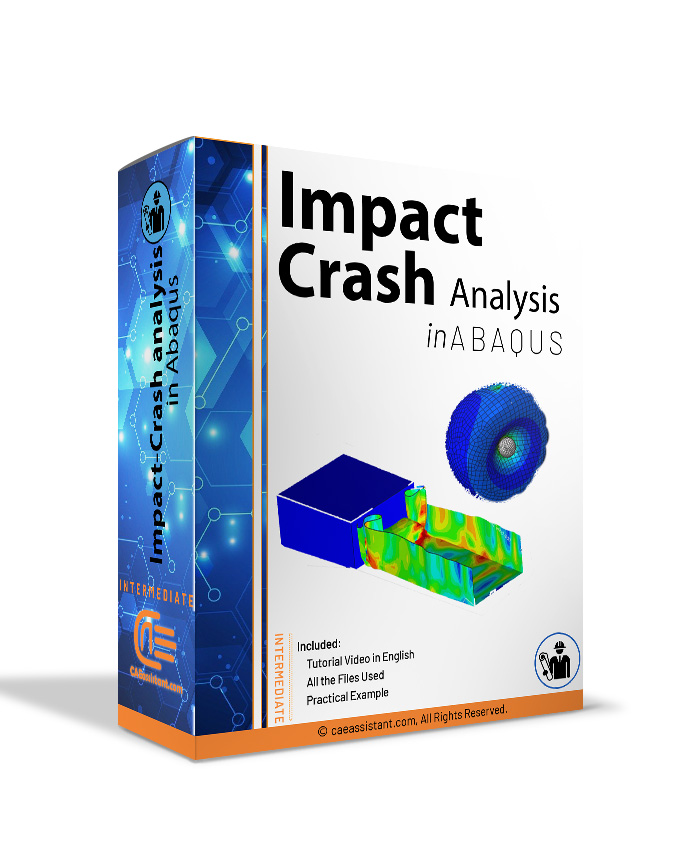
In this package, we will teach you how to simulate and analyze Impact-Crash in Abaqus software. Also, these 7 workshops are practical examples for you. Here, we have also discussed how to use the dynamic explicit solver. In the following, we will briefly introduce each of the workshops.
The importance of analyzing the problems in the field of impact mechanics is not hidden from anyone. Crash testing is a type of destruction test that is performed to estimate the safety of parts against destruction and adaptation to critical design conditions. Analyzing the strength of structures such as cars, submarines, analyzing the impact of a tennis ball on a racket, and finding the bounce coefficient between two objects show just one aspect of the breadth and variety of impact mechanics. However, Abaqus software, as one of the most powerful analytical tools, has the ability to model and analyze problems in the field of impact mechanics with very high accuracy. In this package, we will teach you the most widely used examples of this simulation group for Impact-Crash. For more information click the link.
Workshop 1: simulation of Can drop in a Lagrangian space
In the first workshop for the impact-crash test, we will simulate and analyze a can of water in a Lagrangian space. In this tutorial, we will show you how to solve explicit-dynamics jobs. Note that the initial speed was considered to the Can and the liquid inside.
Workshop 2: Impact analysis on Balloon with Bullet
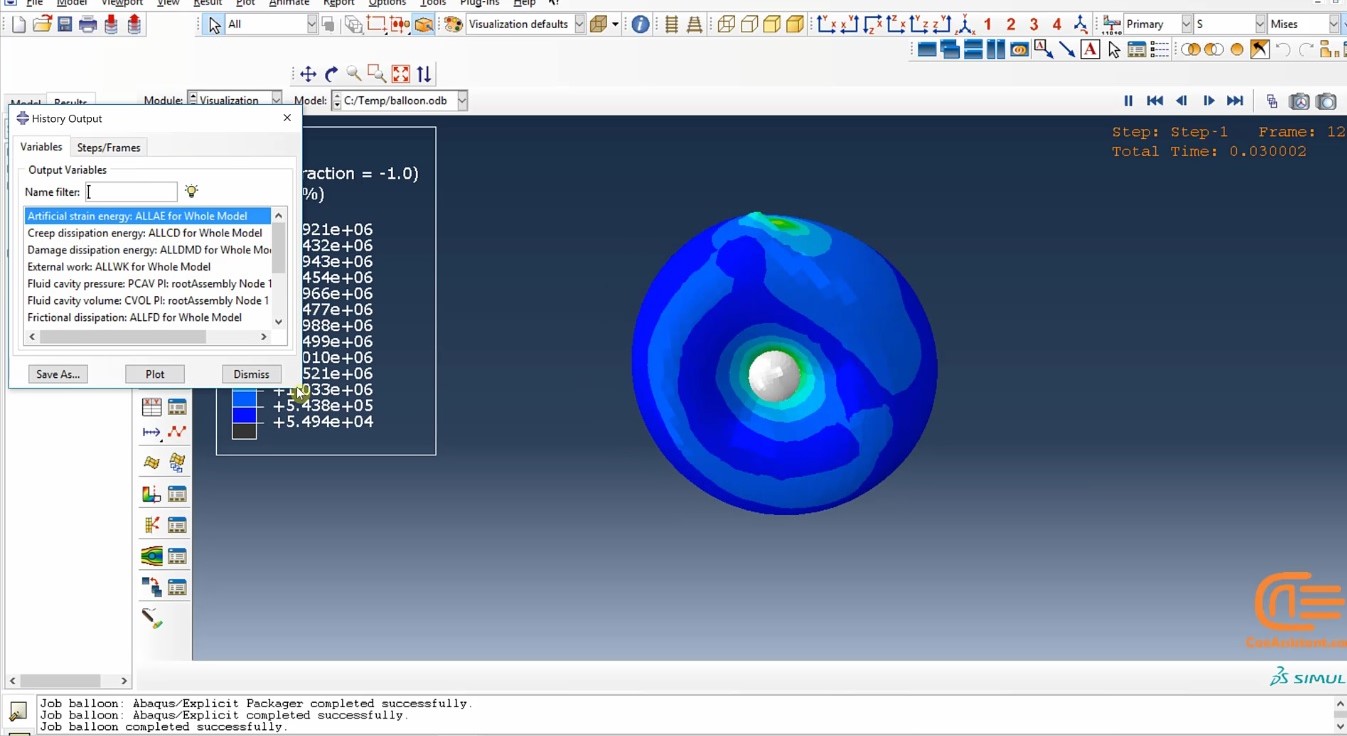
This workshop teaches you how to simulate the impact of a rigid bullet on a balloon full of gas as one example of impact crash. How to consider the inertia for the model, define the hyperelastic material and solve it by the dynamic-explicit method is fully discussed. Moreover, this workshop teaches you how to simulate the pressure caused by the gas inside the balloon.
Workshop 3: Impact analysis on a plate with bullet
In this example, we analyze and simulate the impact of a bullet on a plate, both of them are made of aluminum. In this analysis, Johnson Cook’s law was used for damage. We will introduce you to how to partition for having more accuracy at the site of damage through the finer mesh. The solution method to this analysis is dynamic-explicit.
Workshop 4: Simulation of aluminum can
impact in Abaqus
In the fourth example, our goal is to analyze and simulate the crash test. As you know, the crash test is one of the most important mechanical laboratory tests in the industry. In this example, we simulate an aluminum can place between two rigid plates, fixed on one side and pressed on the other. Importantly, the solver is dynamic explicit and is taught how to create contacts between surfaces completely.
Workshop 5: Impact crush Simulation of metal can
In this workshop, we will simulate a mechanical collision test in Abaqus software. In this example, we simulate the collision of an aluminum can with a steel block. Here’s how to build the parts, assign the material, configure the dynamic explicit solution steps, and finally analyze the results. Also, in the final section, you will see the settings for the velocity-time and energy-time graphs.
Workshop 6: Simulation of pipe test impact in Abaqus
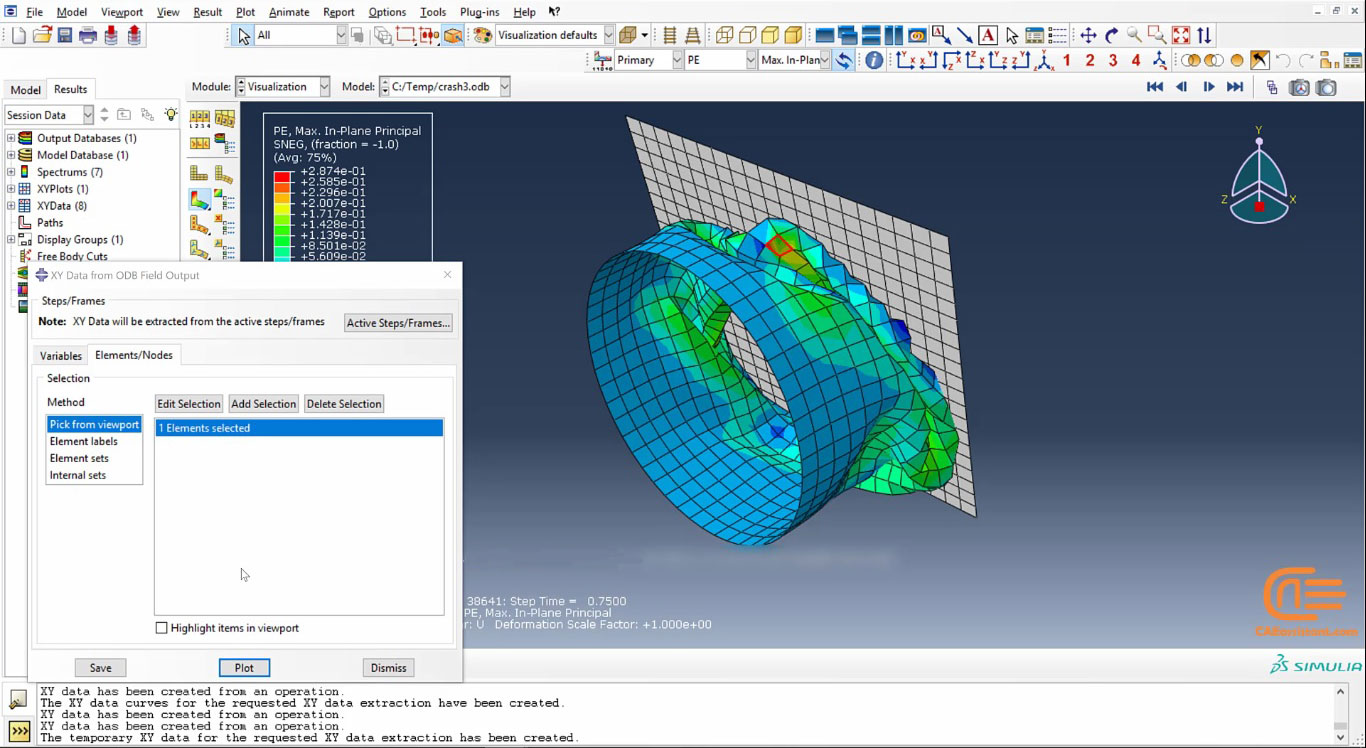
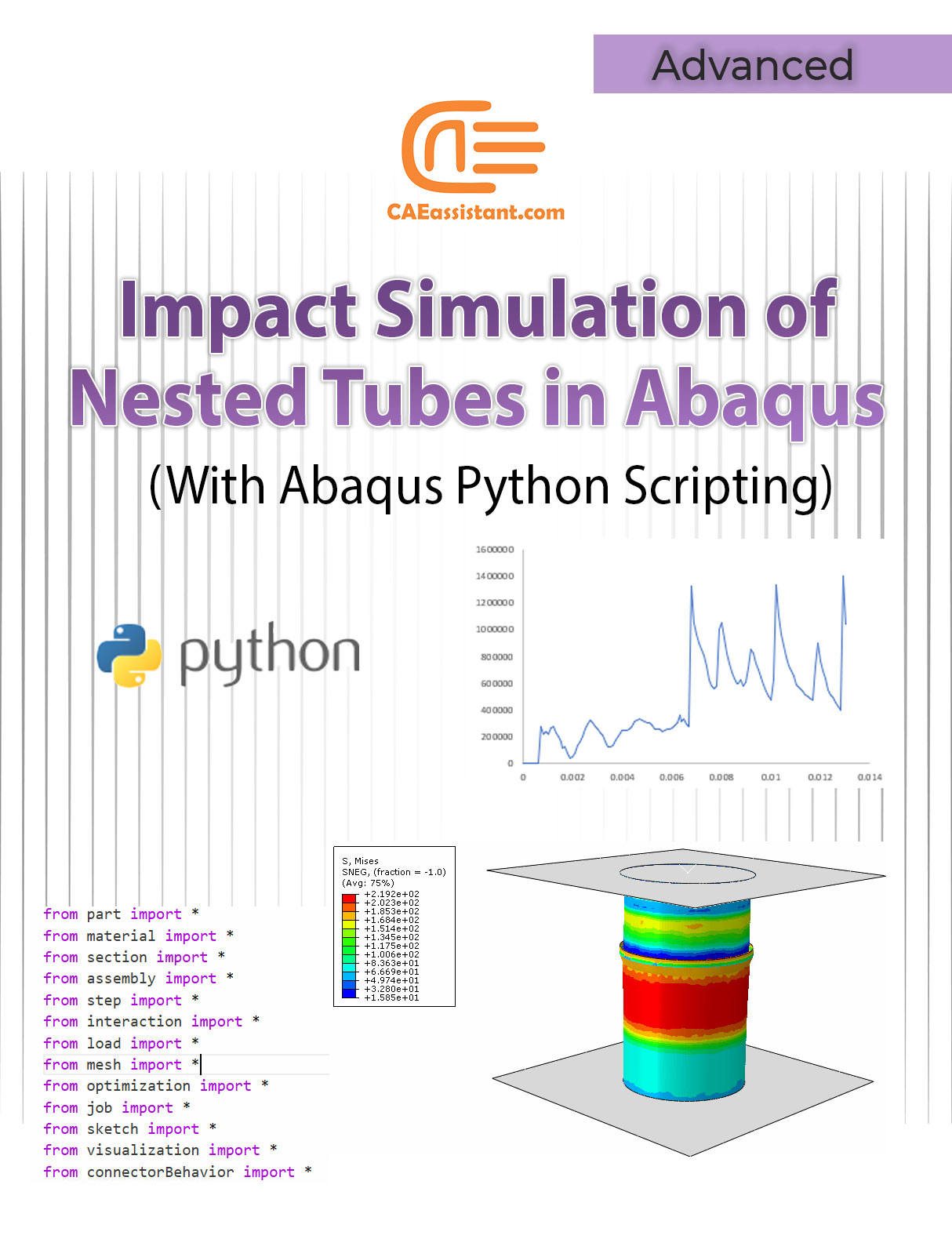
In this workshop, we simulated a test crash between a steel pipe and a rigid plate. By defining a reference point, we assign the moments of inertia and mass moments. Also, in this example our solver is dynamic-explicit. Finally, you will see the deformation of the model and the desired graphs.
Workshop 7: Simulation of LATERAL crush
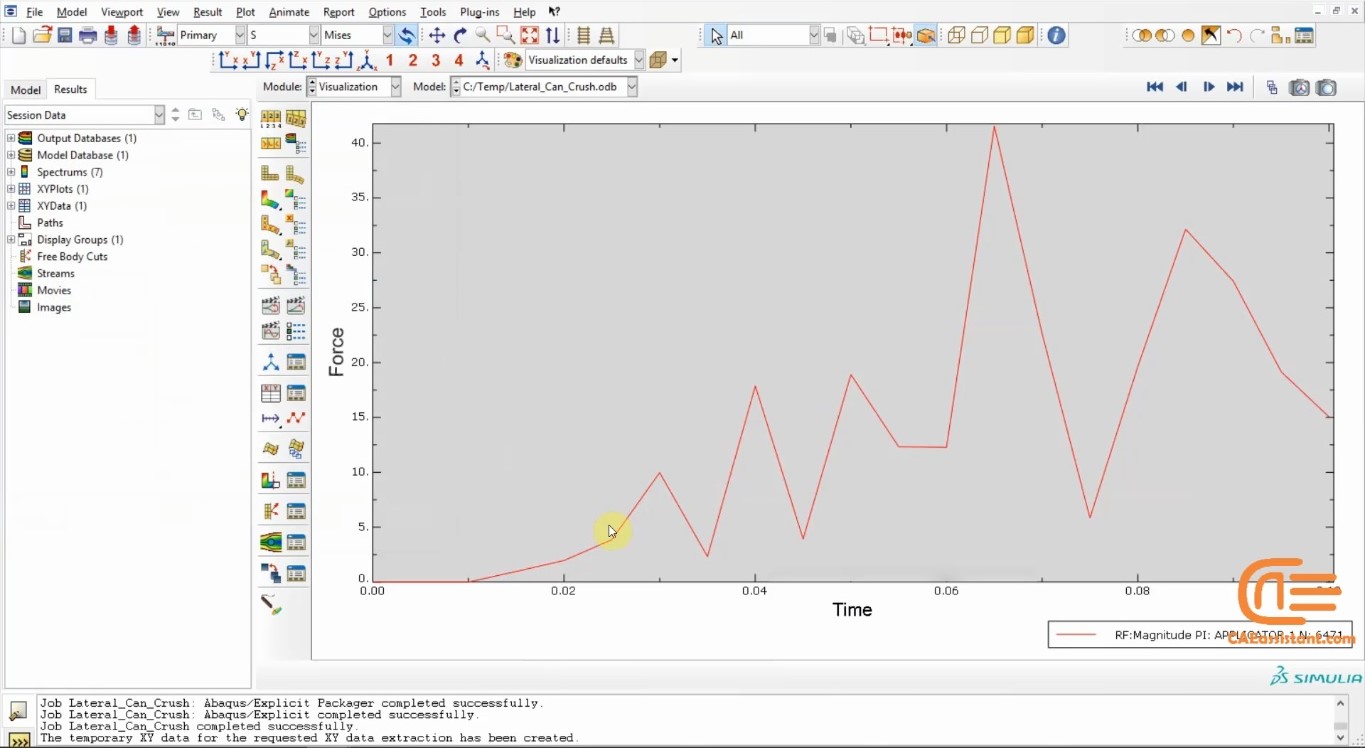
In this workshop, we simulated the side impact of a piece on a soda can. Again, we use a dynamic explicit solver. To create pressure on the can, a specific displacement is used for the actuator part.






 English
  Korean
  Chinese
15 reviews for Abaqus Impact Analysis
Taksheel Talukdar –
Awesome course.I gave it 5 stars because it is worth it.
Murad –
Using the impact analysis package in Abaqus was a very positive experience. This package effectively met my needs for impact force analysis and provided accurate and reliable results. I am very pleased with the analytical reports and simulation capabilities.
Khalil –
The quality and accuracy of this impact analysis package were very high, and I am completely satisfied with the results. I was able to perform accurate analyses and obtain detailed results. One notable feature of this package was its ability to integrate results with other simulation tools, which greatly aided in completing projects.
Adonia Drakos –
Various Impact Examples In this package, I was fully taught how to simulate an impact. How can I learn about the impact process and its theories? I also work on composite impact. Can you suggest educational material for it?
Jumadurdy –
I am very pleased with the choice of this impact analysis package. The results of the simulations were accurate and of very high quality. I was able to conduct the required analyses effectively and achieve satisfactory results. One positive aspect was the ease of use and precise reporting.
Serdar –
The impact analysis package for Abaqus met all my needs for complex and dynamic analyses. The results were very accurate and well-interpreted. Additionally, the package provided useful tools for various analyses that greatly assisted me in technical decision-making.