How to use ABAQUS Documentation
€ 30.0
This package teach you how to simulate your customized problem by using help to find similar problems and execute them, theories, using scripts and subroutines and etc.
| Expert | |
|---|---|
| Package Content |
.inps,video files, Fortran files (if available), Flowchart file (if available), Python files (if available), Pdf files (if available) |
| Tutorial video duration |
Check with support! |
| language |
English |
| Level | |
| Package Type | |
| Software version |
ABAQUS 6.12 |
Frequently Bought Together
Despite the enormous complexities and capabilities of the ABAQUS software, the software has been extensively assisted by ABAQUS users, enabling users from the theoretical stage to the implementation of software and examples in the field of software.
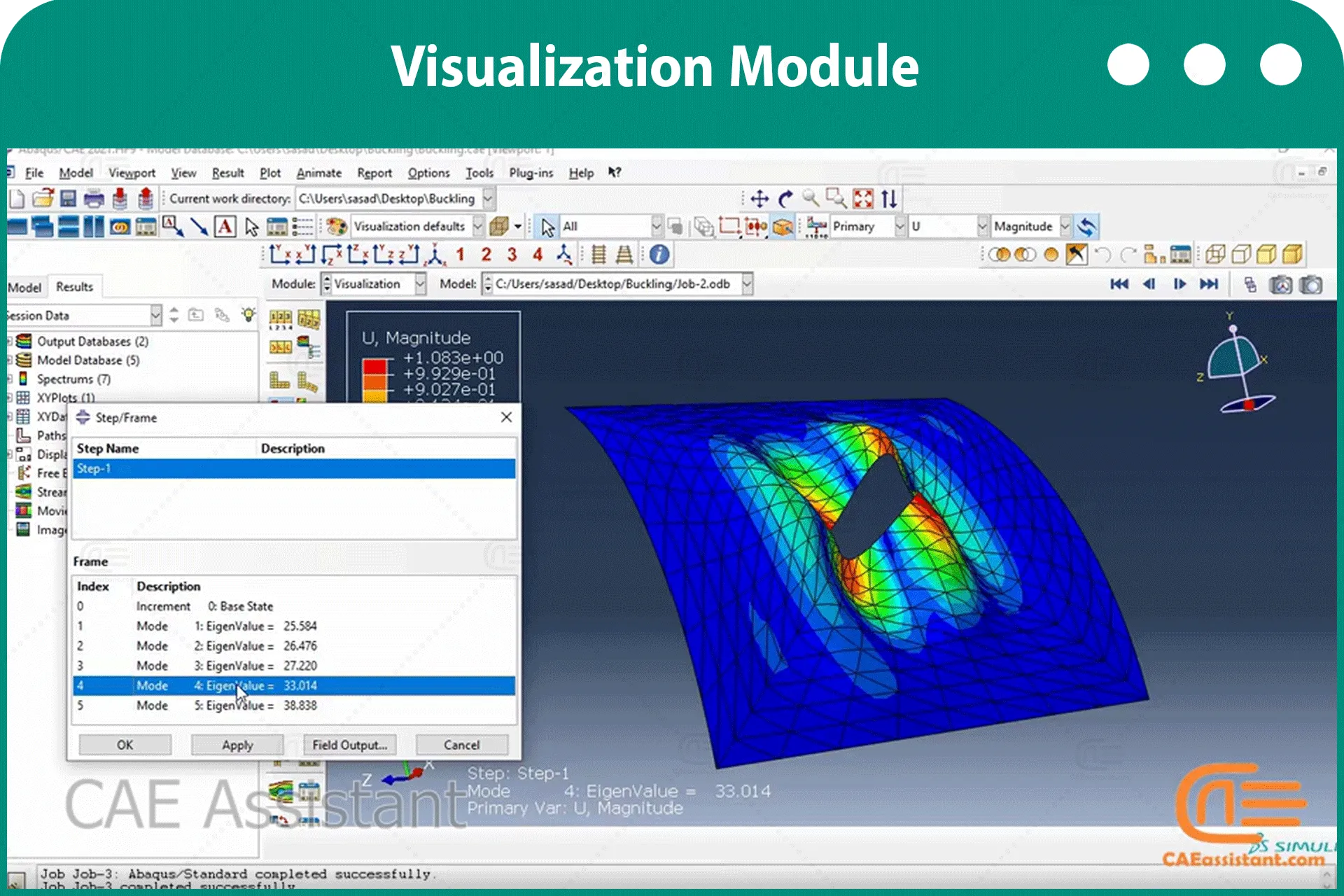
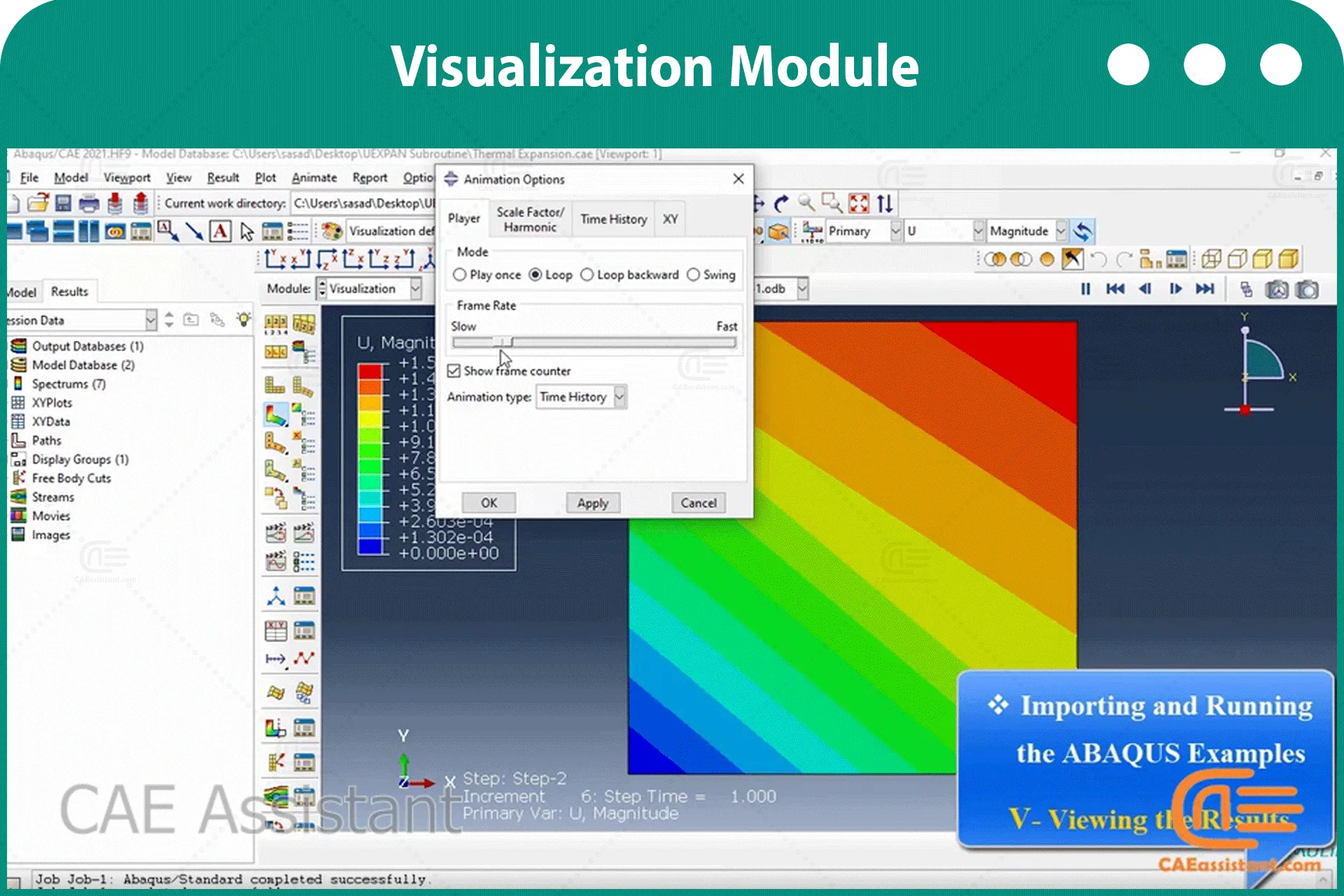
To get acquainted, this package introduces the parts of Help as well as how to use it. It also describes how to execute and use example files in ABAQUS.
- What do we learn from this package?
- Teaching plan and Prerequisites and Next steps
- Package specification
You can watch demo here.
- How to find the theory and details of different option of ABAQUS?
- How to find my problem theory?
- How to find my similar problem in documentation?
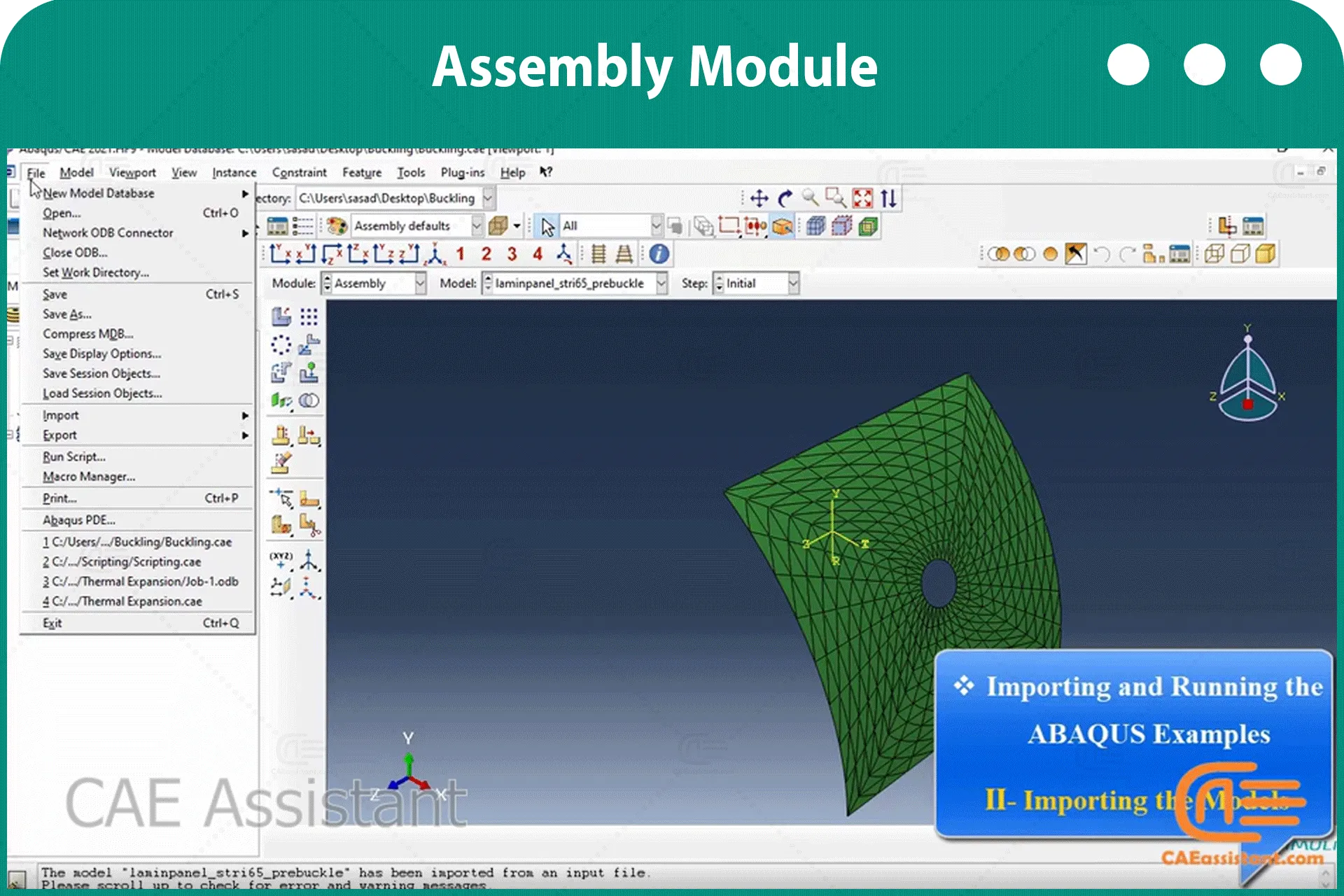
- How to import and run the ABAQUS examples?
- Finding problem keyword
- Finding acoustic problem theories
- Finding input file keywords
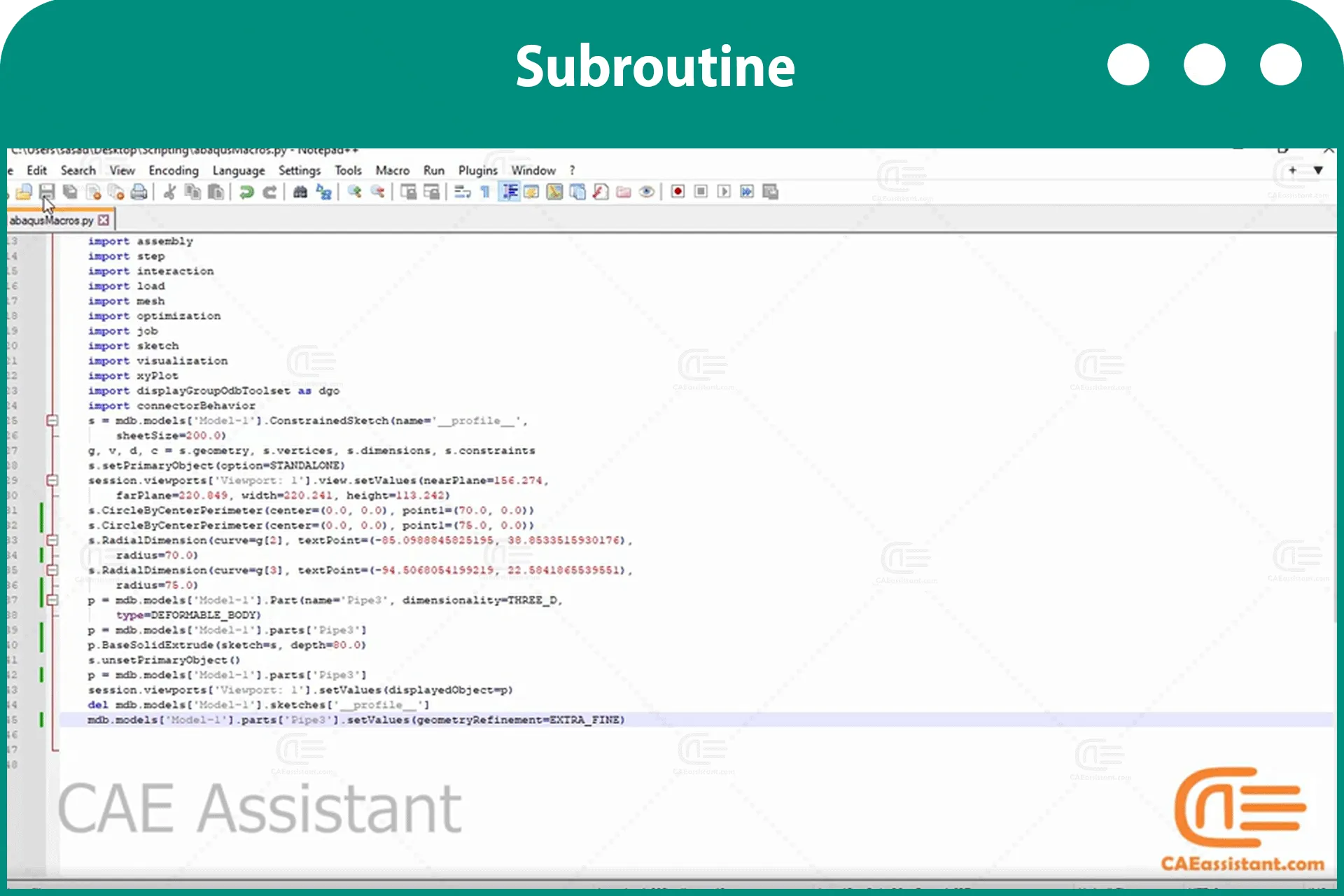
- Finding scripting commands
- Finding how to use subroutines in the example
All the package includes Quality assurance of training packages. According to this guarantee, you will be given another package if you are not satisfied with the training, or your money is returned. Get more information in terms and conditions of the CAE Assistant.
All packages include lifelong support, 24/7 support, and updates will always be sent to you when the package is updated with a one-time purchase. Get more information in terms and conditions of the CAE Assistant.
Notice: If you have any question or problem you can contact us.
Ways to contact us: WhatsApp/Online Support/Support@CAEassistant.com/ contact form.
Projects: Need help with your project? You can get free consultation from us here.
- Online payment: with MasterCard, VisaCard and etc.
- Offline payment: In this payment method, you should pay via PayPal and send your payment receipt as an attached file in the offline payment form.
- via download link After purchase, a download link will be sent to you a zip file included training videos, documents and software files.
- Send us your machine ID
To access tutorial video run the .exe file on your personal pc and send the generated code to shop@caeassistat.com and wait for your personal code, which is usable only for that pc, up to 24 hours from CAE Assistant support.
Here you can see the purchase process of packages: Track Order

None
None
You must be logged in to post a review.

Reviews
Clear filtersThere are no reviews yet.