


Arc welding simulation in Abaqus
€ 39.0
Arc welding is a fusion process that involves joining metals by applying intense heat, causing them to melt and mix. The resulting metallurgical bond provides strength and integrity to the welded joint. Arc welding is widely used in various industries for fabricating structures and components. Arc welding simulation in Abaqus is essential for optimizing the welding process and ensuring high-quality welds. It allows engineers to predict and analyze factors such as temperature distribution, residual stresses, distortion, and microstructure evolution during welding. By accurately simulating the welding process, parameters like welding speed, heat input, and electrode positioning can be optimized to achieve desired weld characteristics and minimize defects.
| Expert | |
|---|---|
| Package Content |
.for ,.inp ,video file |
| Tutorial video duration |
50 min |
| language |
English |
| Level | |
| Package Type | |
| Software version |
Applicable to all versions |
| Subtitle |
No subtitle |
Frequently Bought Together
What is Arc welding?
Arc welding is a widely used fusion process for joining metals, where an electric arc is formed between an electrode and the workpiece. This intense heat melts the metal, allowing it to intermix and create a strong bond upon solidification. Arc welding is employed in various industries for fabricating structures and components, providing durability and strength to the welded joints.
Arc welding simulation in Abaqus (Arc welding Abaqus) is a valuable tool for optimizing the welding process. By using computational models, engineers can predict and analyze important factors such as temperature distribution, residual stresses, distortion, and microstructure evolution during welding. This simulation helps in understanding the behavior of the weldment and allows for the optimization of welding parameters, such as welding speed, heat input, and electrode positioning. By simulating the welding process in Abaqus, engineers can enhance weld quality, improve structural integrity, and minimize the risk of defects, all while reducing costs and the need for physical trial-and-error testing.
Arc welding simulation in Abaqus can help in minimizing several common welding defects by providing insights into the welding process and allowing for optimization. Some of the defects that can be addressed through simulation include:
- Weld Cracking: Simulation can help identify areas prone to cracking due to high residual stresses or improper welding parameters. By optimizing heat input, preheating, and cooling rates, the risk of weld cracking can be minimized.
- Distortion: Welding-induced distortion can affect the dimensional accuracy of welded structures. Simulating the thermal and mechanical behavior of the weld can aid in understanding and minimizing distortion through parameter adjustments or the use of distortion control techniques.
- Lack of Fusion or Incomplete Penetration: Simulation can identify regions with insufficient fusion or incomplete penetration, allowing for adjustments in welding parameters, such as current, voltage, and travel speed, to ensure proper fusion and penetration.
- Porosity: Porosity, caused by gas entrapment during welding, can weaken the weld. Through simulation, gas flow patterns and shielding gas effectiveness can be analyzed, helping to minimize porosity defects.
- Residual Stresses: Welding can induce residual stresses that affect the structural integrity of welded components. Simulation enables the prediction and optimization of welding parameters to minimize residual stresses and their potential impact on performance.
Workshop 1: Arc welding simulation with DFLUX subroutine
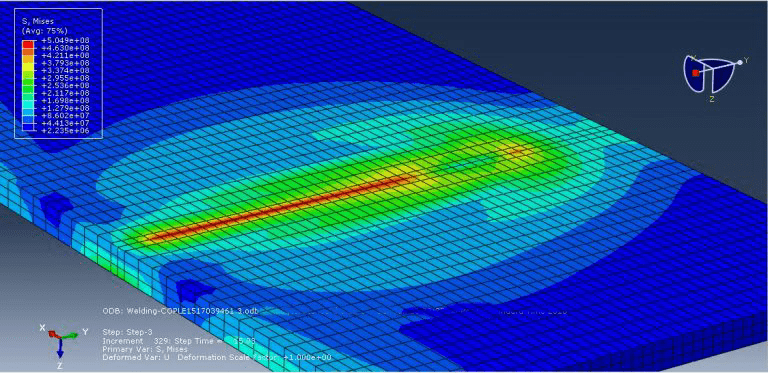
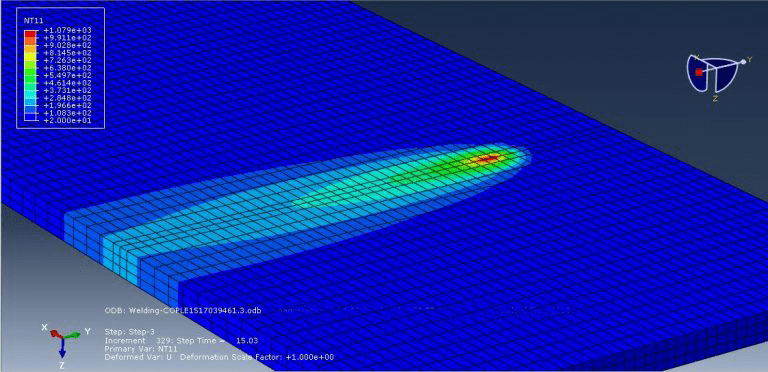
This tutorial provides a detailed demonstration of the arc welding simulation process using DFLUX to accurately determine the uneven distribution of heat. To illustrate this example, a geometry of a piece and its corresponding material properties dependent on temperature were created. Steel material was used, incorporating properties such as elasticity, plasticity, conductivity, expansion, and specific heat based on temperature variations. The heat source applied to the plate results in significant thermal deformations.
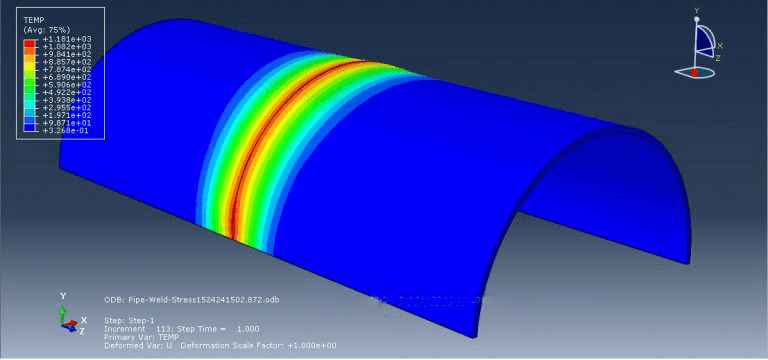
Workshop 2: Steel pipe arc welding simulation using DFLUX subroutine
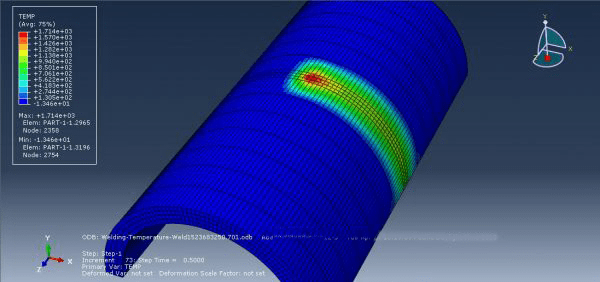
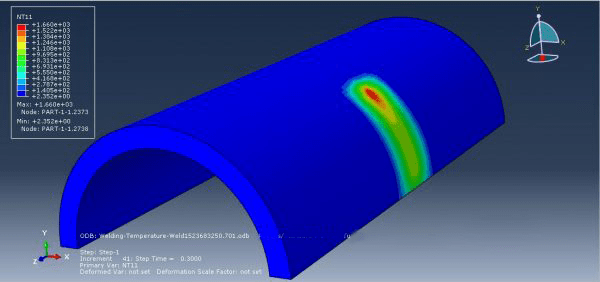
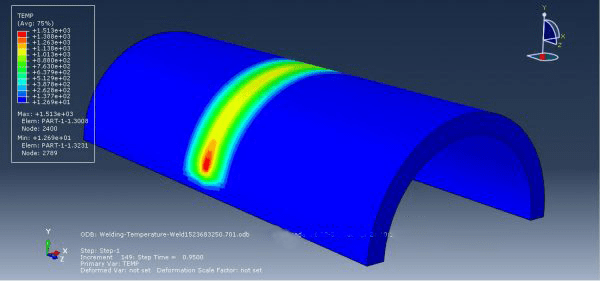
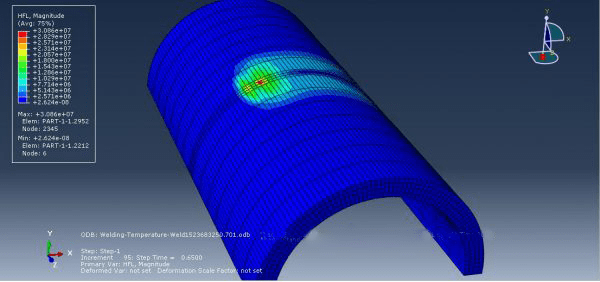
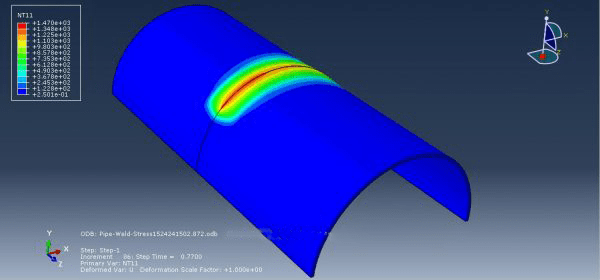
Fusion welding is a method used to join metals by melting them together. It is commonly used in the construction of various structures like ships, offshore structures, steel bridges, and pressure vessels. In this particular study, the heat generated by the welding arc was utilized as a volumetric heat source. The distribution of this heat source was modeled using the double ellipsoidal distribution proposed by the Goldak model. To simulate the moving heat source, the ABAQUS user subroutine DFLUX was employed within the ABAQUS code. In terms of the boundary conditions applied to the thermal model, both convection and radiation interactions were considered.
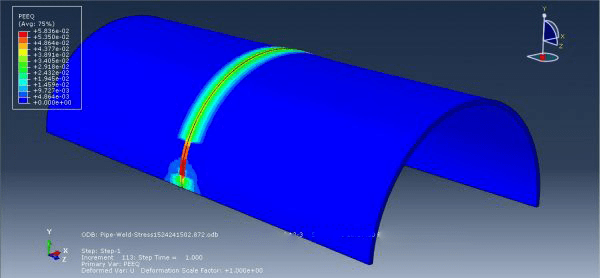
Workshop 3: Arc welding simulation of two pipes using DFLUX subroutine (thermal stress analysis)
Arc welding is a fusion process commonly used to join metals. It involves the application of intense heat, which melts the metal at the joint between two parts. This molten metal either directly mixes or is mixed with a filler metal. As the metal cools and solidifies, a strong metallurgical bond is formed. Since the joining process involves the intermixing of metals, the final weldment can potentially possess the same strength properties as the base metals. This is in contrast to non-fusion joining processes like soldering and brazing, where the mechanical and physical properties of the base materials cannot be replicated at the joint.
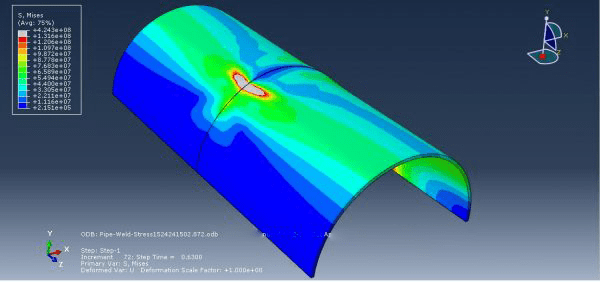
In this tutorial, steel material was used for pipes, and a DFLUX subroutine was employed to create a non-uniform heat distribution. All material data were dependent on temperature, and the analysis of the weld process was performed using the Displacement Couple with Temperature step.
It would be helpful to see Abaqus Documentation to understand how it would be hard to start an Abaqus simulation without any Abaqus tutorial. Moreover, the general description of how to write a subroutine is available in the article titled “Start Writing a Subroutine in Abaqus: Basics and Recommendations “. If you even do not familiar with the FORTRAN, you can learn the basics via this article: “Abaqus Fortran “Must-Knows” for Writing Subroutines”.
| You can read about Welding simulation and welding methods and how to do it in Abaqus in our blog: ” Abaqus Welding Simulation Complete Guide: Essential Methods and Theories Explained“.
Also, we have other tutorials as well; each designed for a specific type of welding: Friction Stir Welding (FSW) Simulation in Abaqus- Basic Level Friction Stir Welding (FSW) Simulation in Abaqus- Advanced Level Inertia welding simulation (Rotary Friction welding) in Abaqus |
All the package includes Quality assurance of training packages. According to this guarantee, you will be given another package if you are not satisfied with the training, or your money is returned. Get more information in terms and conditions of the CAE Assistant.
All packages include lifelong support, 24/7 support, and updates will always be sent to you when the package is updated with a one-time purchase. Get more information in terms and conditions of the CAE Assistant.
Notice: If you have any question or problem you can contact us.
Ways to contact us: WhatsApp/Online Support/Support@CAEassistant.com/ contact form.
Projects: Need help with your project? You can get free consultation from us here.
To access tutorial video run the .exe file on your personal pc and send the generated code to shop@caeassistat.com and wait for your personal code, which is usable only for that pc, up to 24 hours from CAE Assistant support.
Here you can see the purchase process of packages: Track Order











2 reviews for Arc welding simulation in Abaqus
Clear filtersYou must be logged in to post a review.
You may also like…
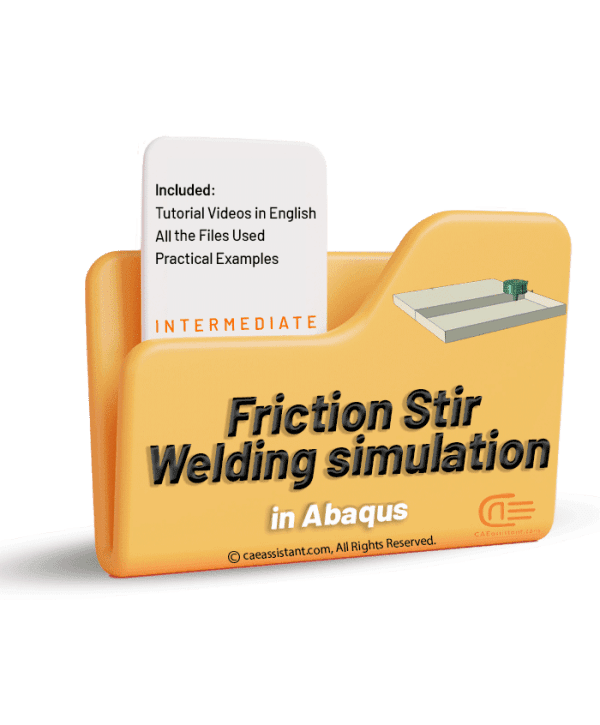
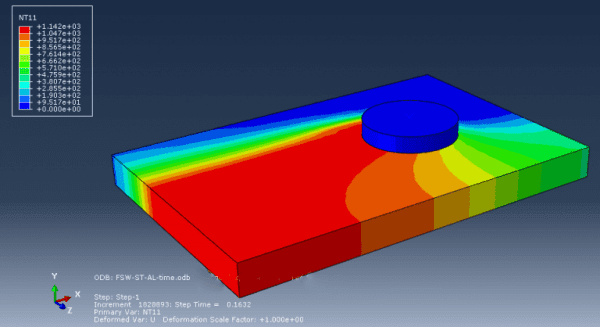
Friction Stir Welding (FSW) Simulation in Abaqus


 English
  Korean
  Chinese
piyeha3032 –
Is this package suitable for mechanical engineers or is it primarily intended for civil engineers?
Experts Of CAE Assistant Group –
Yes. it works for both fields, mechanical and civil engineering
Elizabeth Rivas –
I would like a receipt emailed to me in Dollars. It is in Euros. Can you please get me a receipt.