LPBF Printing Simulation in Abaqus | 3D Printing with Laser Powder Bed Fusion Process (LPBF) Method

3D printing is a process of creating three-dimensional objects by layering materials, such as plastic or metal, based on a digital design. 3D printing simulation involves using software to predict and optimize the printing process, allowing for more efficient and accurate production. This educational package includes two 3D printing modeling methods. The first method is based on the use of subroutines and Python scripting. After an introduction to the 3D printing process, the first method with all of its detail is explained; then, there would be two workshops for this method; the first workshop is for the 3D printing simulation of a gear with uniform cross-section and the second one is for a shaft with non-uniform cross-section. The second method uses a plug-in called AM Modeler. With this plug-in, the type of 3D printing can be selected, and after inserting the required inputs and applying some settings, the 3D printing simulation is done without any need for coding. Two main workshops will be taught to learn how to use this plug-in: “Sequential thermomechanical analysis of simple cube one-direction with LPBF 3D printing method using the trajectory-based method with AM plug-in” and “3D printing simulation with Fusion deposition modeling and Laser direct energy deposition method with AM plug-in”.
lpbf printing
What You'll Learn

Buy Together & Save

This Course Includes

Course Content

LPBF Printing Simulation in Abaqus | 3D Printing with Laser Powder Bed Fusion Process (LPBF) Method

Product Informations

LPBF Printing Introduction

The Laser Powder Bed Fusion (LPBF) method is a 3D printing technique that utilizes a high-powered laser to melt and fuse metal powders layer by layer. In LPBF Printing, a layer of metal powder is spread over a build platform using a roller, and a laser scans the powder, melting and fusing it according to the 3D model. The platform is then lowered, and this layer-by-layer process continues until the object is fully formed.

Workshop: Sequential thermomechanical analysis of a simple cube using the trajectory-based method with the AM plug-in for Laser Powder Bed Fusion 3D printing

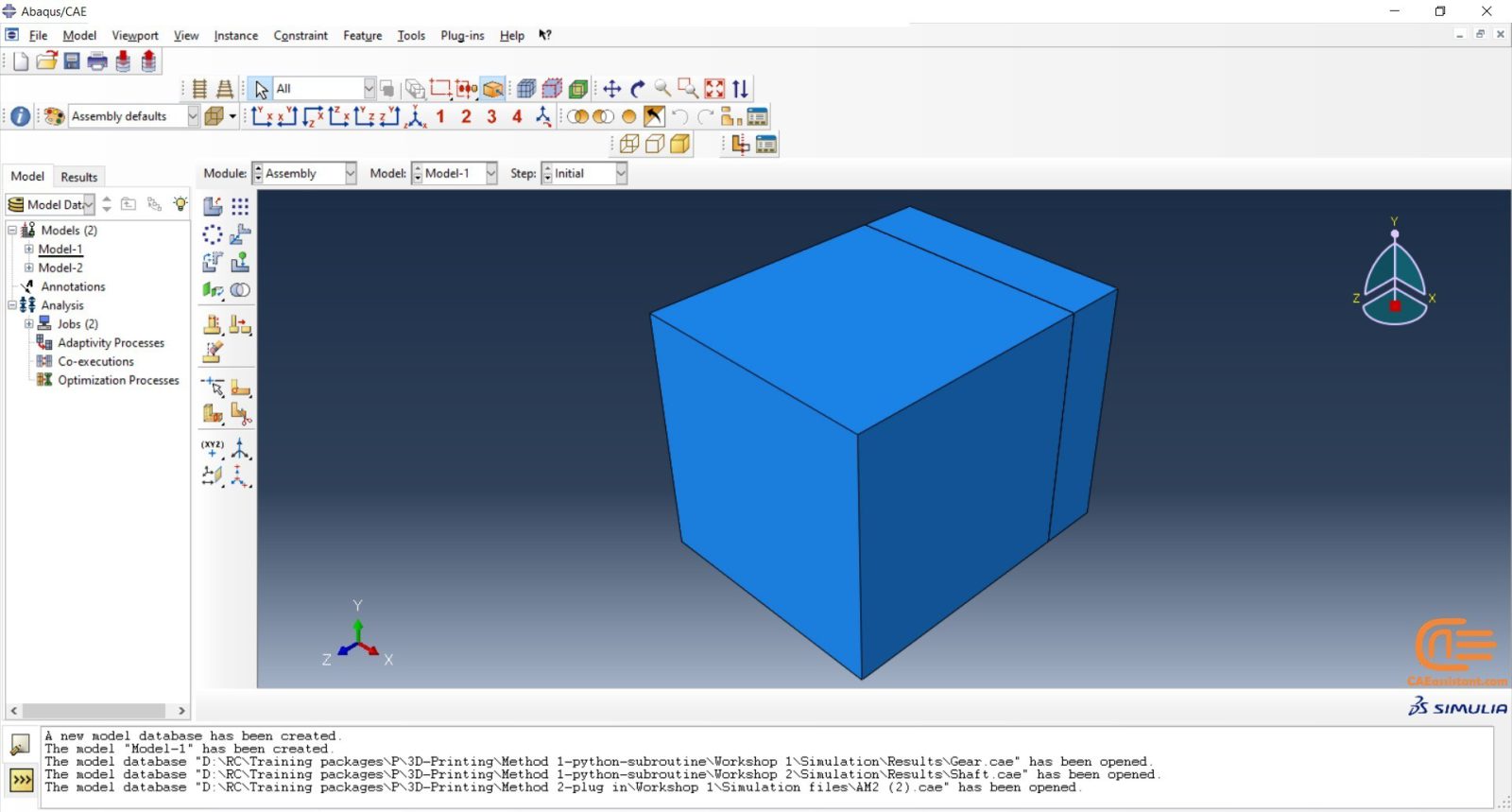
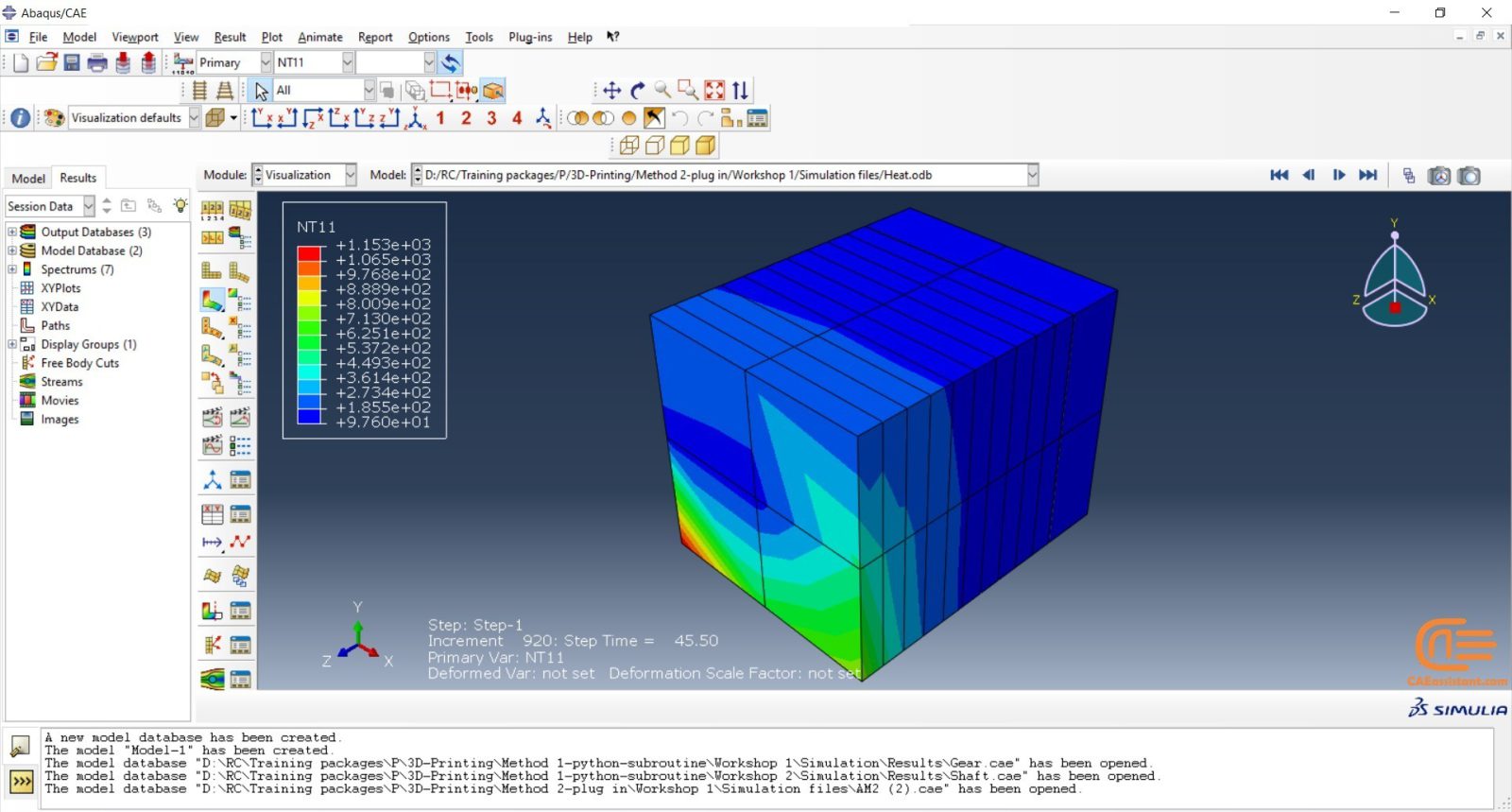
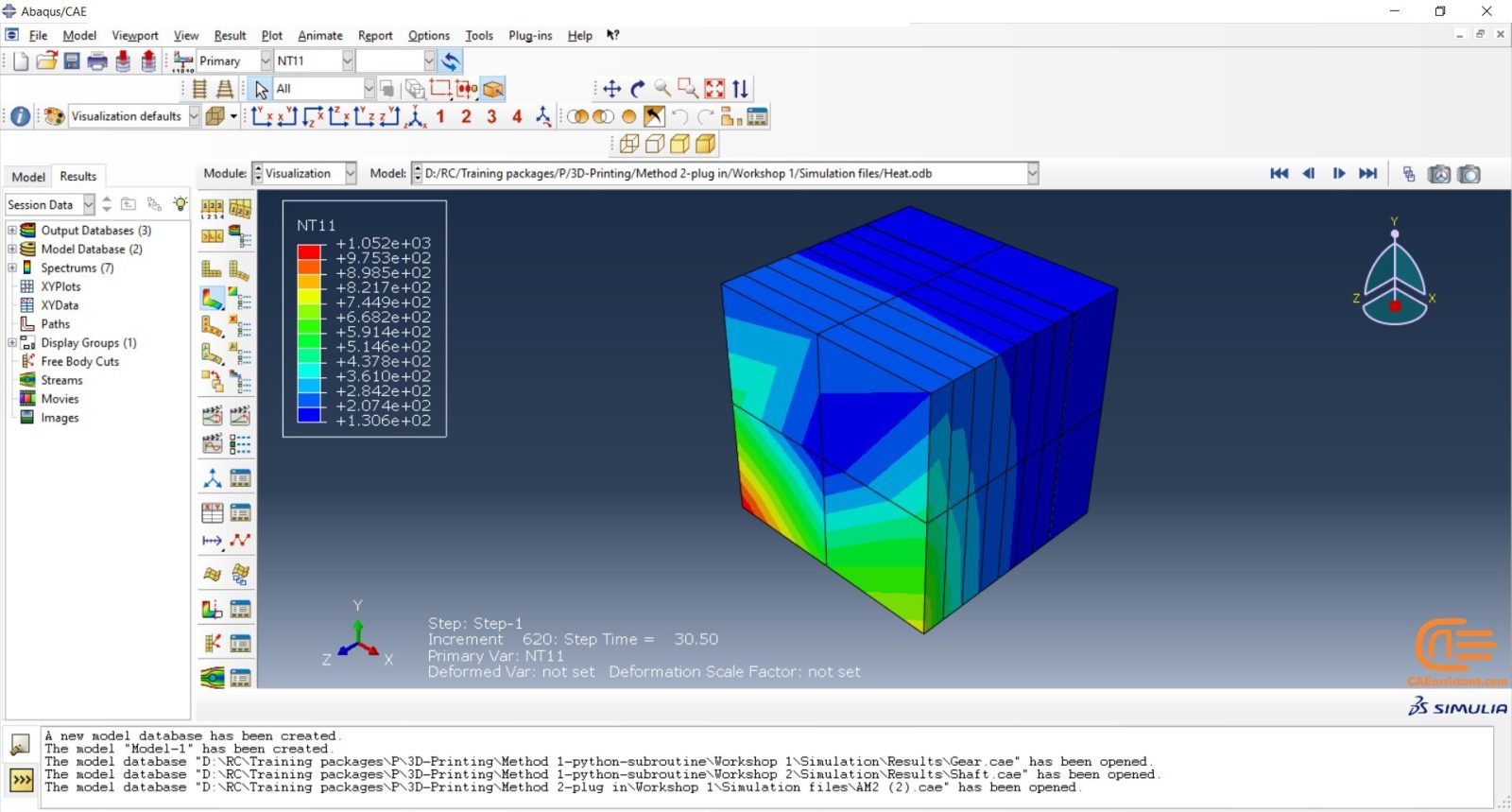
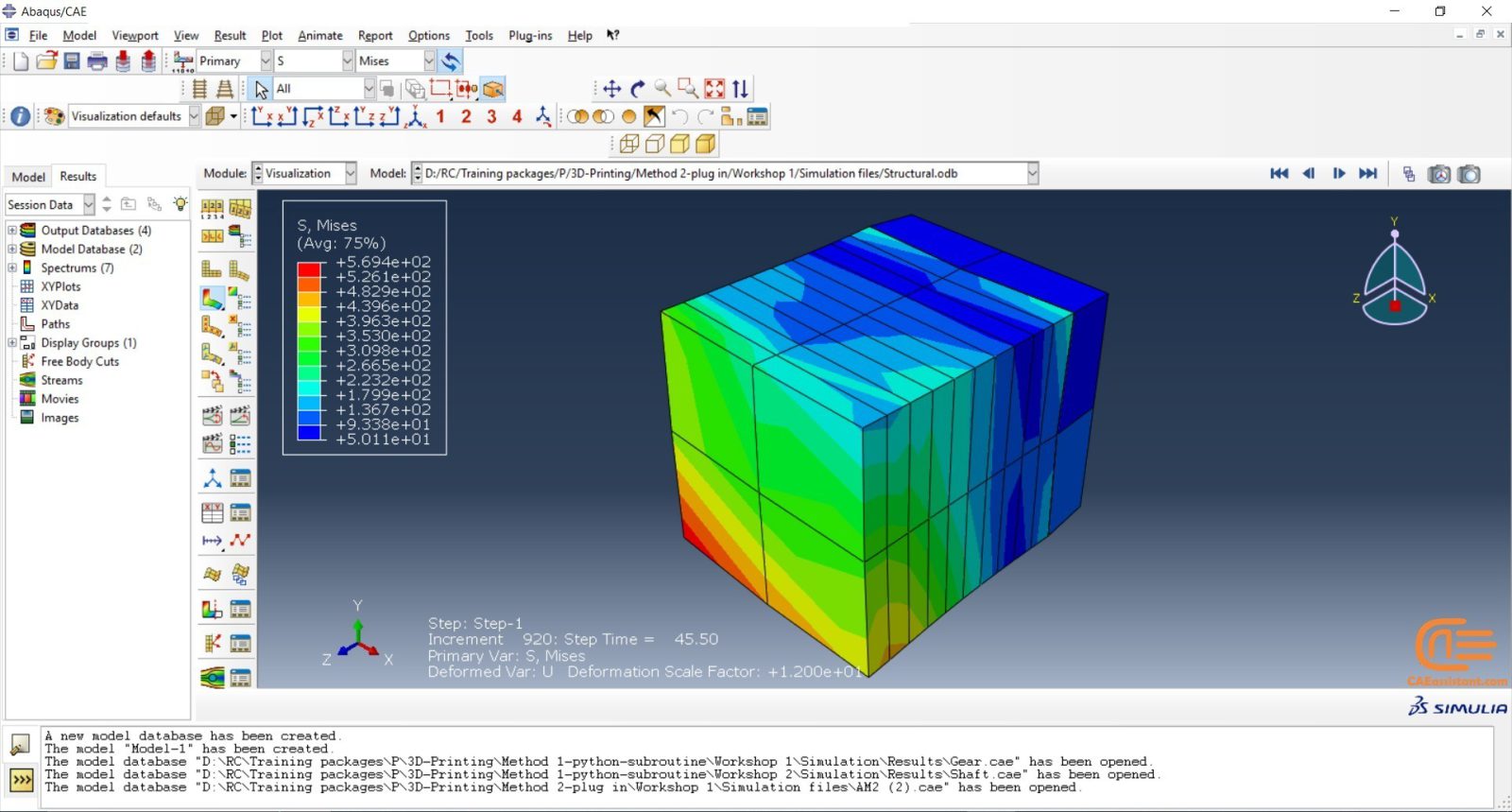
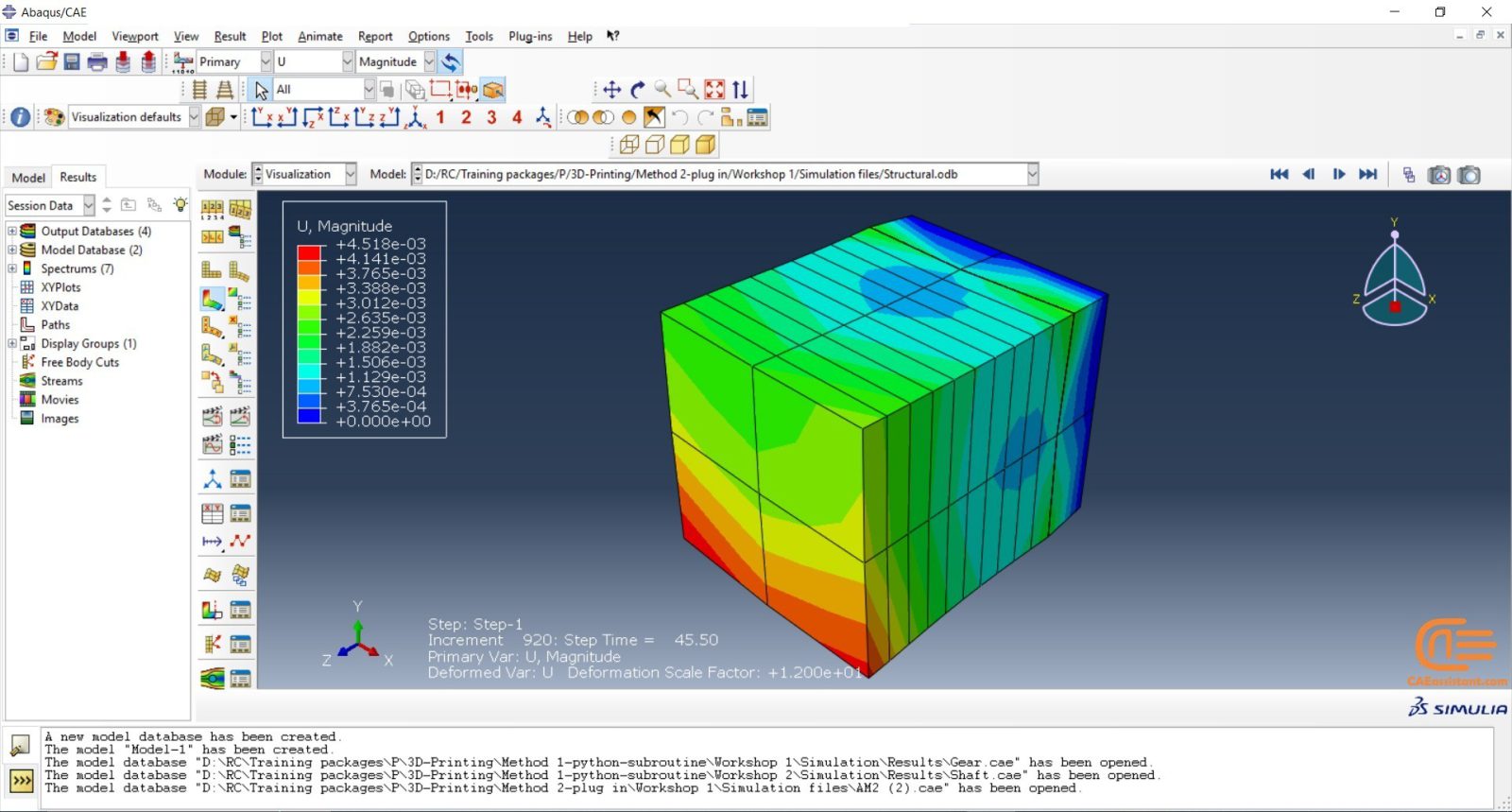
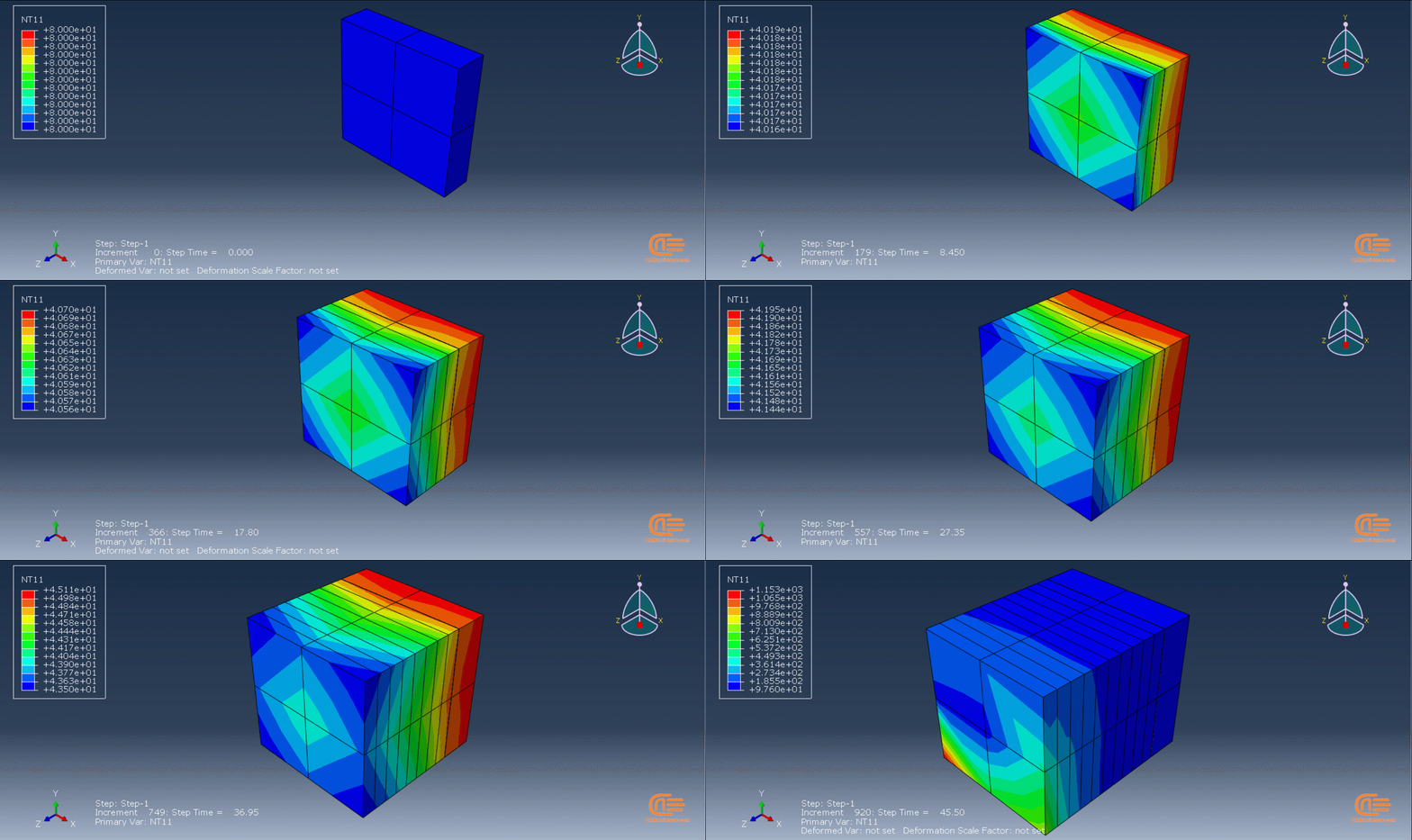
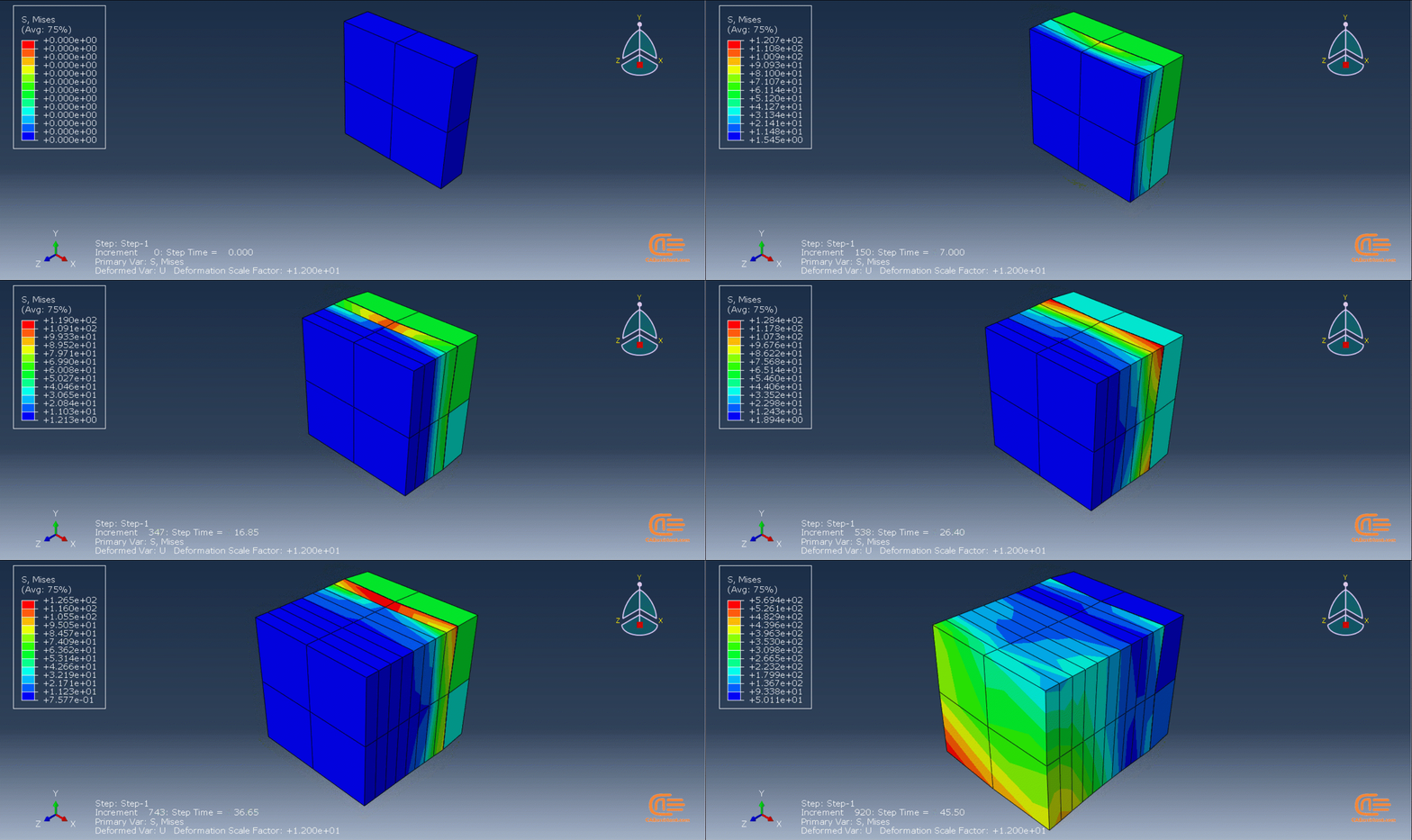
In this workshop, the laser powder bed fusion simulation will be taught. the geometry of the model and layer details are discussed. Following that, the required material properties and information about the roller and laser beam, including their speeds and “Event series” data, are presented. Boundary conditions are explained, and the modeling process in Abaqus begins. First, modeling is performed using Abaqus/CAE, and then the necessary inputs for the simulation, such as “Event series” data, are added via the AM Modeler plug-in. Two analyses must be conducted: thermal analysis and structural analysis. Finally, the results are analyzed and discussed. This simulation is conducted using an older version of the AM Modeler plug-in.

What is additive manufacturing or 3D printing?

Additive manufacturing or 3D printing refers to the process of creating a three-dimensional object using a computer-aided design (CAD) model or digital 3D model. This process involves adding layers of material on top of each other until the final product is formed. It can be accomplished through various methods where materials are joined, deposited, and solidified under computer control. The materials used can include plastics, liquids, or powdered substances that are fused together. A comprehensive description of 3D printing and its modeling in Abaqus is provided in this training package.

Simulation of 3D printing in Abaqus

Why do we need to simulate 3D printing in Abaqus? The reasons are similar to other simulations. It allows us to examine residual stresses, temperature and thermal conditions, deflection in the model, and more. Additionally, it helps us determine if the machine settings are suitable for our model’s conditions before printing, thus avoiding unnecessary costs. Factors such as material properties and temperature need to be considered.

This training package on 3D printing in Abaqus will teach you how to perform this simulation using AM Modeler plug-in (old version). The method utilizes the ADM plug-in developed by Dassault Systemes to simulate the 3D printing process.

[woodmart_list icon_library=”openiconic” woodmart_css_id=”5dfa8e3e0668e” list=”%5B%7B%22list-content%22%3A%22What%20do%20we%20learn%20from%20this%20package%3F%22%7D%2C%7B%22list-content%22%3A%22Teaching%20plan%20and%20Prerequisites%20and%20Next%20steps%20%22%7D%2C%7B%22list-content%22%3A%22Package%20specification%22%7D%5D” icon_openiconic=”vc-oi vc-oi-play” icons_color=”eyJwYXJhbV90eXBlIjoid29vZG1hcnRfY29sb3JwaWNrZXIiLCJjc3NfYXJncyI6eyJjb2xvciI6WyIgLmxpc3QtaWNvbiJdfSwic2VsZWN0b3JfaWQiOiI1ZGZhOGUzZTA2NjhlIiwiZGF0YSI6eyJkZXNrdG9wIjoiI2Y1ODYzNCJ9fQ==”]
[woodmart_list icon_library=”openiconic” woodmart_css_id=”64bb82e4030bf” list=”%5B%7B%22list-content%22%3A%22What%20is%20Additive%20manufacturing%3F%20%3Cspan%20style%3D%5C%22float%3A%20right%3B%5C%22%3E%3C%2Fspan%3E%5Cn%5Cn%22%7D%2C%7B%22list-content%22%3A%22Additive%20manufacturing%20methods%20%3Cspan%20style%3D%5C%22float%3A%20right%3B%5C%22%3E%3C%2Fspan%3E%5Cn%5Cn%22%7D%2C%7B%22list-content%22%3A%22Capabilities%20of%20%20Additive%20manufacturing%20%3Cspan%20style%3D%5C%22float%3A%20right%3B%5C%22%3E%3C%2Fspan%3E%5Cn%5Cn%22%7D%2C%7B%22list-content%22%3A%22Different%20methods%20to%20simulate%20additive%20manufacturing%20%3Cspan%20style%3D%5C%22float%3A%20right%3B%5C%22%3E%3C%2Fspan%3E%5Cn%5Cn%22%7D%5D” icon_openiconic=”vc-oi vc-oi-ok” icons_color=”eyJwYXJhbV90eXBlIjoid29vZG1hcnRfY29sb3JwaWNrZXIiLCJjc3NfYXJncyI6eyJjb2xvciI6WyIgLmxpc3QtaWNvbiJdfSwic2VsZWN0b3JfaWQiOiI2NGJiODJlNDAzMGJmIiwiZGF0YSI6eyJkZXNrdG9wIjoiI2Y1ODYzNCJ9fQ==” css=”.vc_custom_1690010367440{padding-left: 5px !important;}”]
[woodmart_list icon_library=”openiconic” woodmart_css_id=”62ea105573ace” list=”%5B%7B%22list-content%22%3A%22What%E2%80%99s%20AM%20Modeler%20plugin%3F%3Cspan%20style%3D%5C%22float%3A%20right%3B%5C%22%3E%3C%2Fspan%3E%5Cn%5Cn%22%7D%2C%7B%22list-content%22%3A%22Tree%20of%20AM%20Modeler(Data%20setup%2C%20Model%20setup%2C%20Simulation%20setup%20)%3Cspan%20style%3D%5C%22float%3A%20right%3B%5C%22%3E%3C%2Fspan%3E%5Cn%5Cn%22%7D%2C%7B%22list-content%22%3A%22Using%20the%20Plugin%20step%20by%20step%3Cspan%20style%3D%5C%22float%3A%20right%3B%5C%22%3E%3C%2Fspan%3E%5Cn%5Cn%22%7D%5D” icon_openiconic=”vc-oi vc-oi-ok” icons_color=”eyJwYXJhbV90eXBlIjoid29vZG1hcnRfY29sb3JwaWNrZXIiLCJjc3NfYXJncyI6eyJjb2xvciI6WyIgLmxpc3QtaWNvbiJdfSwic2VsZWN0b3JfaWQiOiI2MmVhMTA1NTczYWNlIiwiZGF0YSI6eyJkZXNrdG9wIjoiI2Y1ODYzNCJ9fQ==” css=”.vc_custom_1659506788437{padding-left: 5px !important;}”]
[woodmart_list icon_library=”openiconic” woodmart_css_id=”6499916f1c546″ list=”%5B%7B%22list-content%22%3A%22Problem%20Description%20%20%3Cspan%20style%3D%5C%22float%3A%20right%3B%5C%22%3E%3C%2Fspan%3E%5Cn%5Cn%22%7D%2C%7B%22list-content%22%3A%22Modeling%20in%20Abaqus%3Cspan%20style%3D%5C%22float%3A%20right%3B%5C%22%3E%3C%2Fspan%3E%5Cn%5Cn%22%7D%2C%7B%22list-content%22%3A%22Applying%20event%20series%20data%20in%20plug-in%3Cspan%20style%3D%5C%22float%3A%20right%3B%5C%22%3E%3C%2Fspan%3E%5Cn%5Cn%22%7D%2C%7B%22list-content%22%3A%22Creating%20parameter%20table%20types%20(ABQs)%20in%20plug-in%3Cspan%20style%3D%5C%22float%3A%20right%3B%5C%22%3E%3C%2Fspan%3E%5Cn%5Cn%22%7D%2C%7B%22list-content%22%3A%22Defining%20table%20collection%3Cspan%20style%3D%5C%22float%3A%20right%3B%5C%22%3E%3C%2Fspan%3E%5Cn%5Cn%22%7D%2C%7B%22list-content%22%3A%22Applying%20material%20deposition%20settings%20(Material%20Arrival)%20%3Cspan%20style%3D%5C%22float%3A%20right%3B%5C%22%3E%3C%2Fspan%3E%5Cn%5Cn%22%7D%2C%7B%22list-content%22%3A%22Applying%20heat%20source%20settings%3Cspan%20style%3D%5C%22float%3A%20right%3B%5C%22%3E%3C%2Fspan%3E%5Cn%5Cn%22%7D%2C%7B%22list-content%22%3A%22Cooling%20stage%3Cspan%20style%3D%5C%22float%3A%20right%3B%5C%22%3E%3C%2Fspan%3E%5Cn%5Cn%22%7D%2C%7B%22list-content%22%3A%22Thermal%20analysis%3Cspan%20style%3D%5C%22float%3A%20right%3B%5C%22%3E%3C%2Fspan%3E%5Cn%5Cn%22%7D%2C%7B%22list-content%22%3A%22Structural%20analysis%3Cspan%20style%3D%5C%22float%3A%20right%3B%5C%22%3E%3C%2Fspan%3E%5Cn%5Cn%22%7D%5D” icon_openiconic=”vc-oi vc-oi-ok” icons_color=”eyJwYXJhbV90eXBlIjoid29vZG1hcnRfY29sb3JwaWNrZXIiLCJjc3NfYXJncyI6eyJjb2xvciI6WyIgLmxpc3QtaWNvbiJdfSwic2VsZWN0b3JfaWQiOiI2NDk5OTE2ZjFjNTQ2IiwiZGF0YSI6eyJkZXNrdG9wIjoiI2Y1ODYzNCJ9fQ==” css=”.vc_custom_1687786679941{padding-left: 5px !important;}”]

Using the AM Modeler plug-in for additive manufacturing

The “AM Modeler” plug-in provides a user-friendly interface for additive manufacturing simulation, minimizing the risk of errors. Unlike Python scripting or coding, this plug-in only requires users to input the necessary data, create a job, and initiate the simulation. The plug-in offers two methods for simulating 3D printing: eigenstrain and thermomechanical. Each method consists of different process types that users can choose from based on their specific requirements. The eigenstrain method includes trajectory-based and pattern-based processes, while the thermomechanical method encompasses trajectory-based powder bed fabrication, pattern-based powder bed fabrication, laser direct energy deposition, and fusion deposition modeling. This training package primarily focuses on the thermomechanical method.

The thermomechanical approach involves conducting a sequential thermal-stress analysis of the additive manufacturing process. It begins with a heat transfer analysis, followed by a static structural analysis that utilizes the temperature fields obtained from the thermal analysis. This simulation provides precise control over processing conditions in terms of time and space, resulting in a comprehensive and realistic solution. However, as the time and spatial resolution increase, the computational cost of the simulation also rises.

The heat transfer analysis within this approach must simulate the progressive material deposition, heating of the deposited material, and cooling of the printed part. The stress analysis is driven by the temperatures obtained from the heat transfer analysis, and similar progressive material deposition methods can be applied. Temperature-dependent material properties can be incorporated to achieve accurate stress results.

Other packages in 3D printing in Abaqus:

It would be helpful to see Abaqus Documentation to understand how it would be hard to start an Abaqus simulation without any Abaqus tutorial.

1 review for LPBF Printing Simulation in Abaqus | 3D Printing with Laser Powder Bed Fusion Process (LPBF) Method

  1. Avatar of Miller

    Miller

    The training package follows a logical structure, starting with an introduction to additive manufacturing and gradually progressing to the specific simulation methods in Abaqus. The inclusion of a workshop towards the end helps consolidate the knowledge gained from the previous sections. The flow of information is clear and coherent. thanks CAEassistant group.

Add a review

Instructors

0-Abaqus-1-caeassistantpartnerm

 150.0

Get Free Access to More Than the Demo!