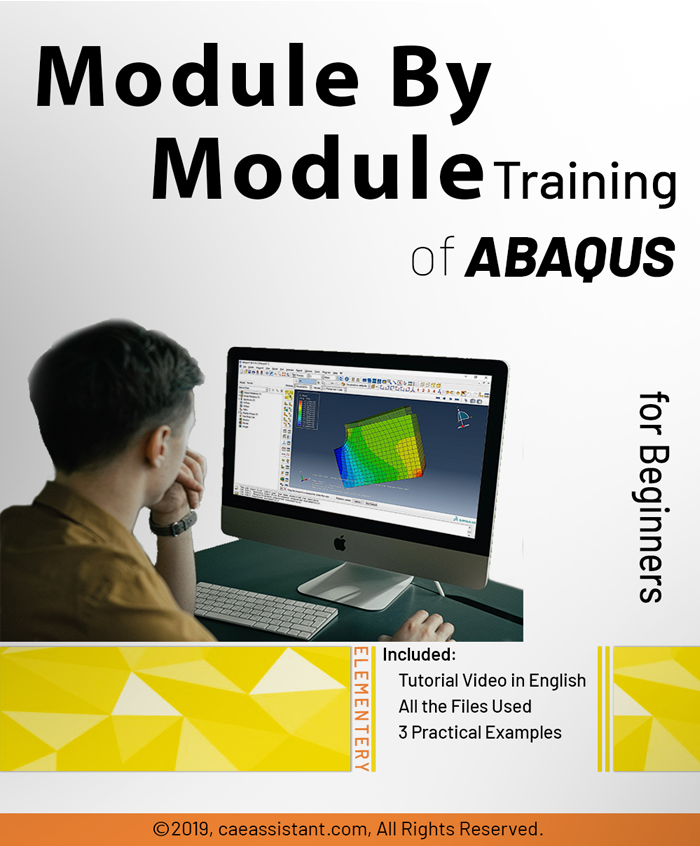
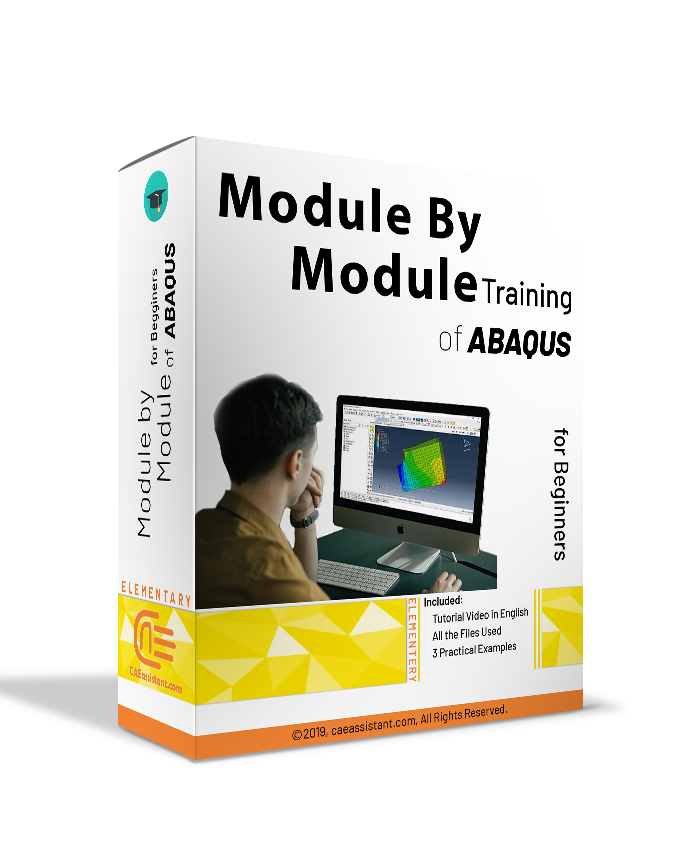
Abaqus模块式培训

如果您是 Abaqus 软件和有限元分析领域的新手,那么您绝对需要熟悉该软件的用户界面以及各个模块的基本功能。在该软件中,我们会在不同的模块中执行不同的仿真步骤,最终从软件求解器获得分析结果。在本学习包中,您将学习如何在每个模块中使用软件,并正确地执行仿真。.
Abaqus 逐模块
你将学到什么

Buy Together & Save

This Course 包括

课程 内容

Abaqus模块式培训

产品 Informations

Abaqus分模块培训包


如果您是 Abaqus 软件和有限元分析领域的新手,那么您一定要熟悉该软件的用户界面和每个模块的一般功能。.
在本软件中,我们在以下不同的模块中执行不同的模拟步骤,最后,我们从软件求解器获得分析结果。.
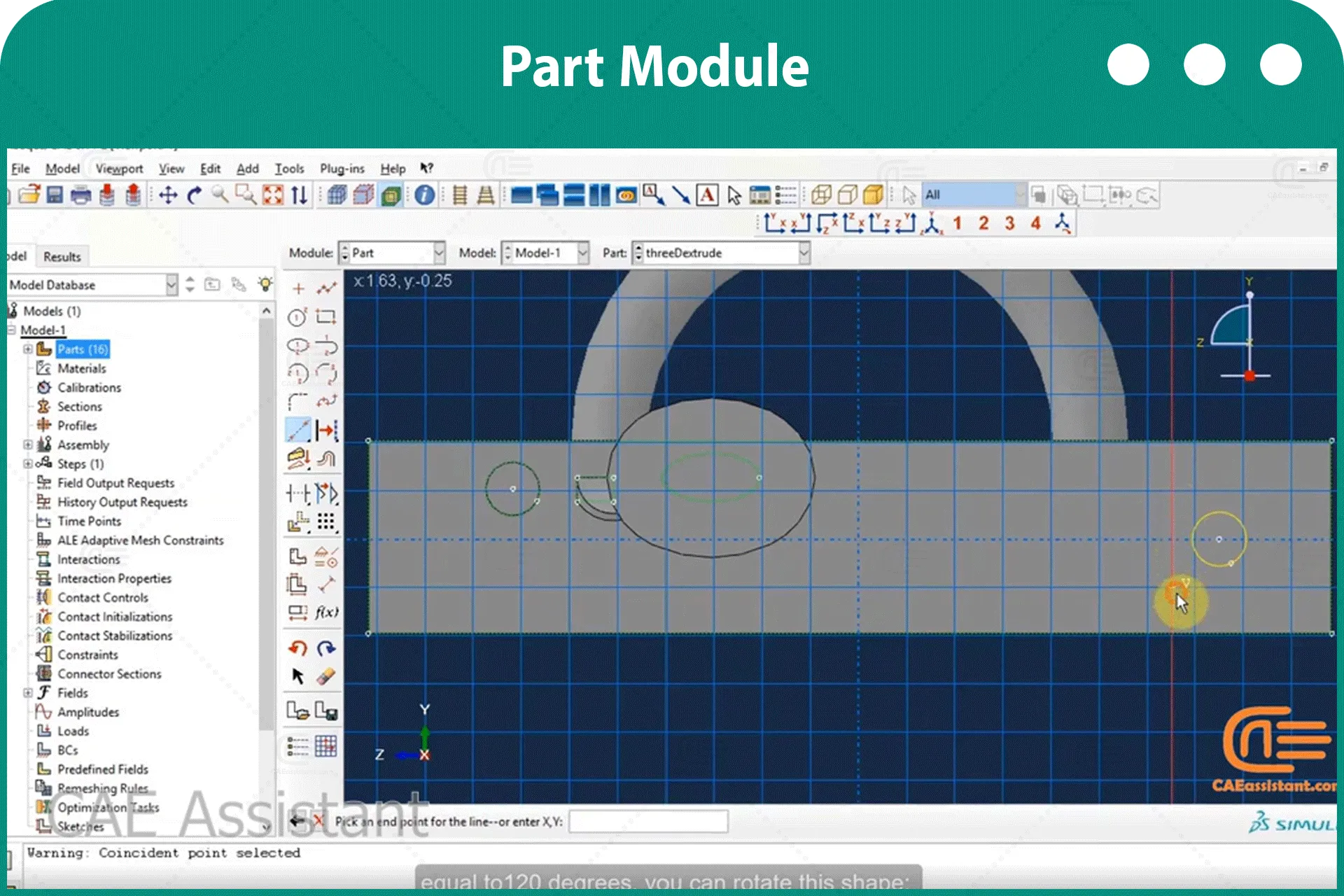
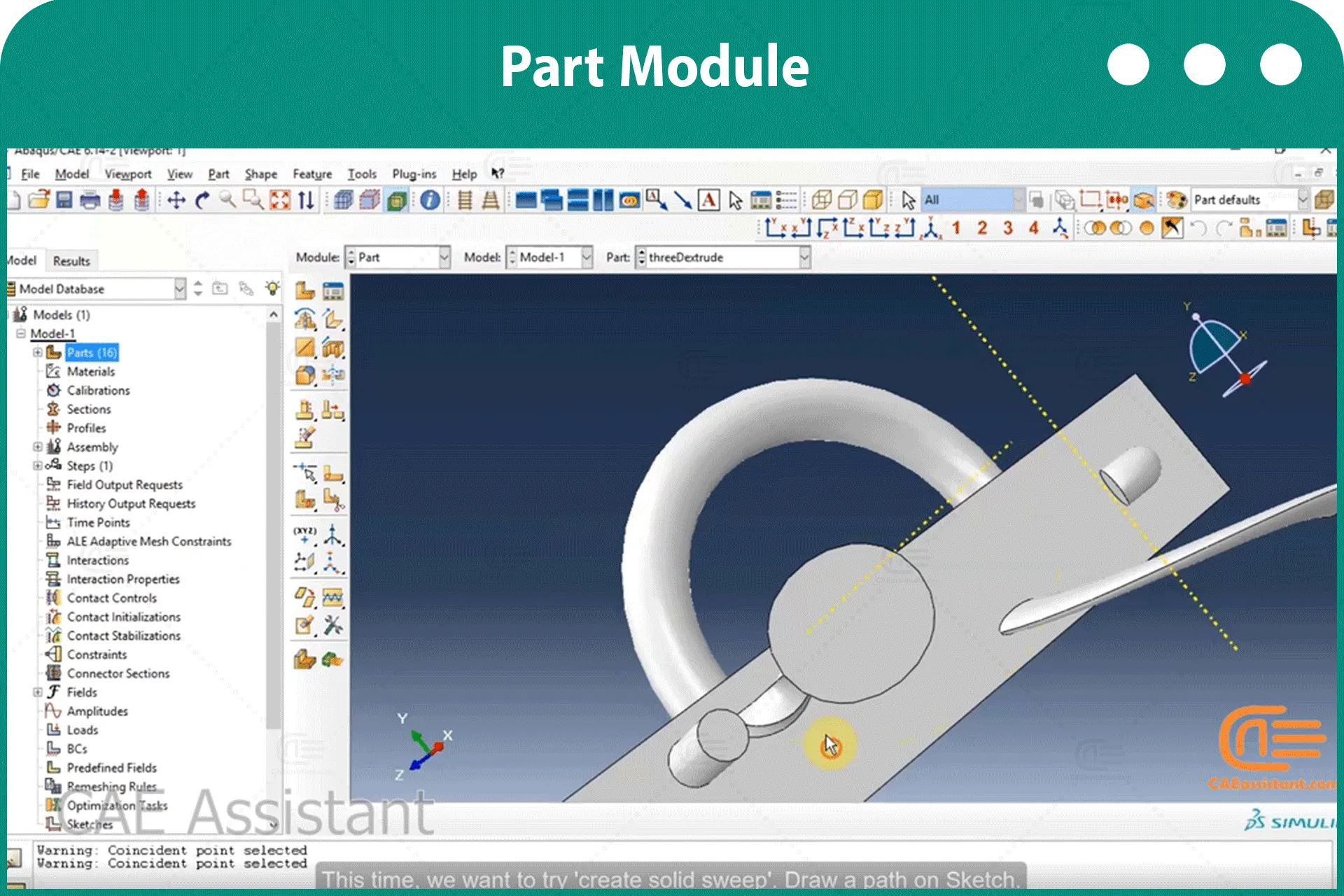
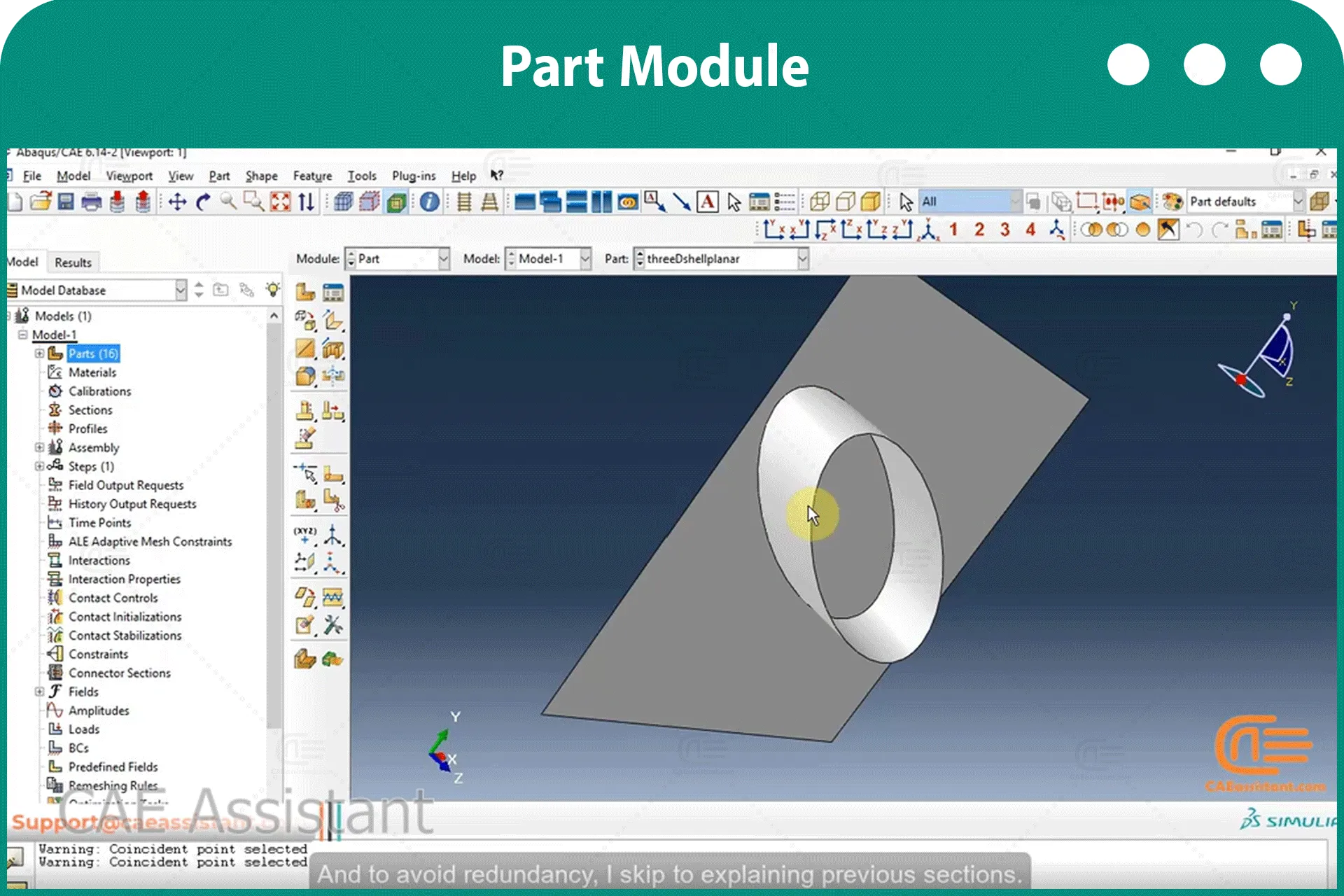
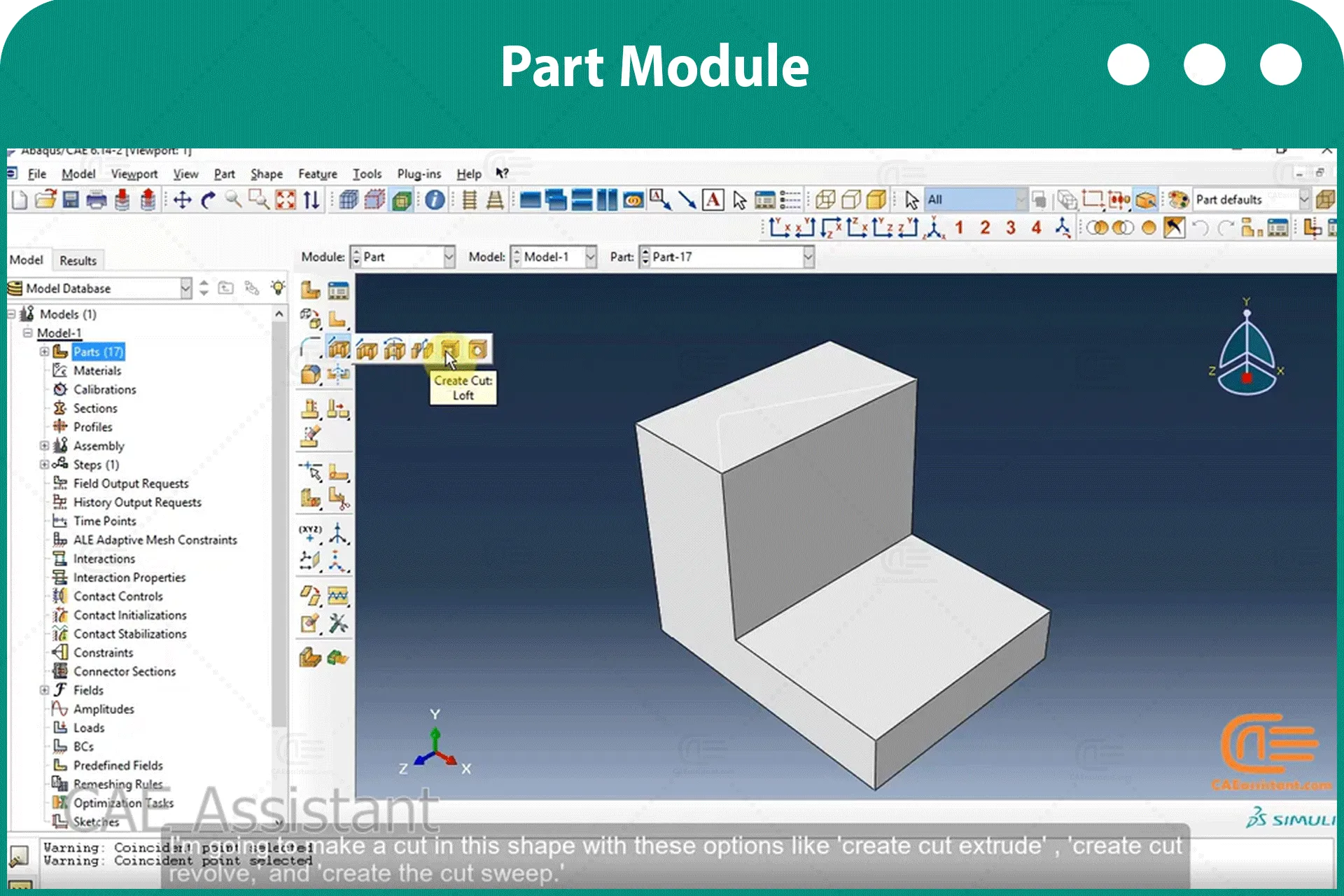
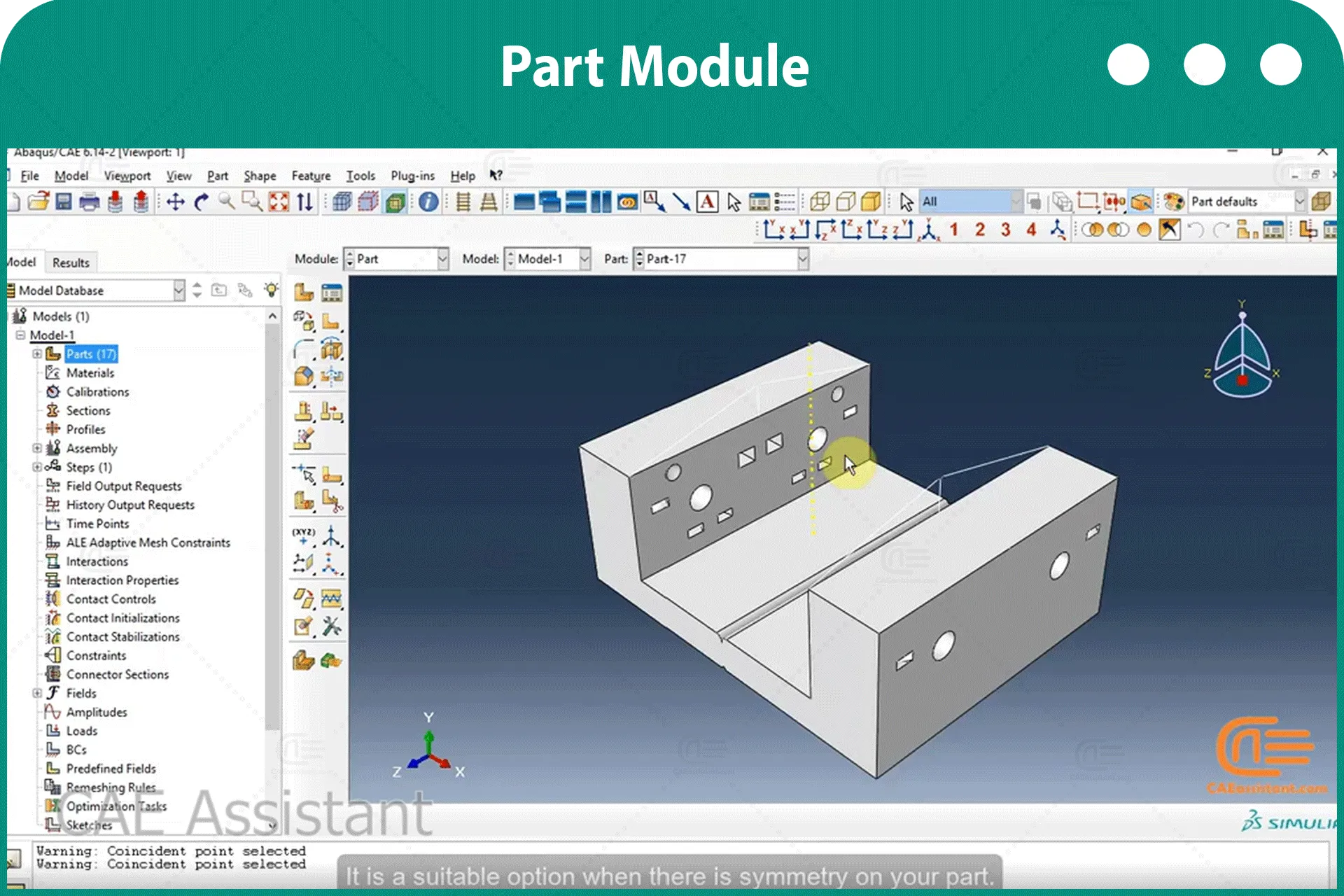
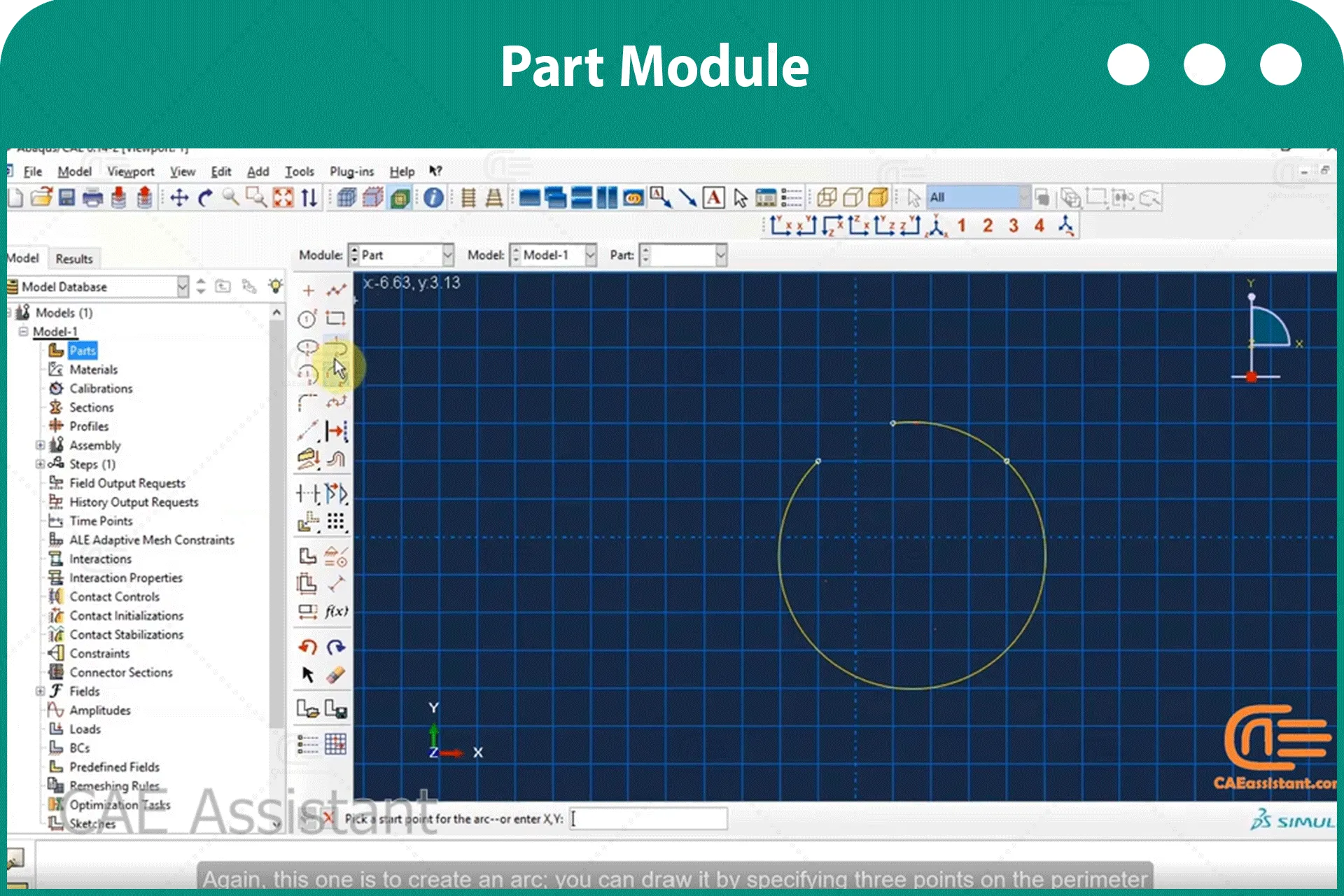
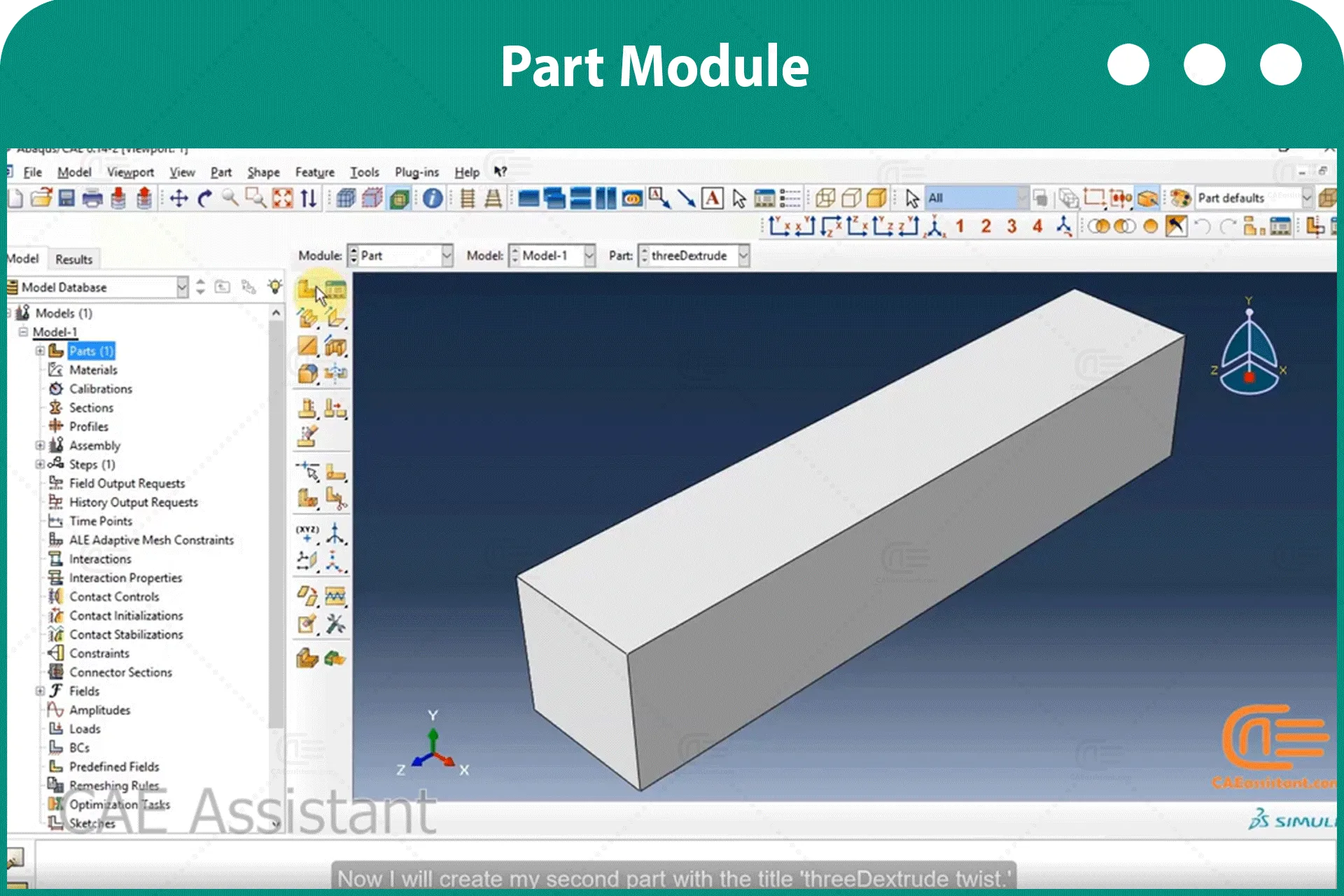
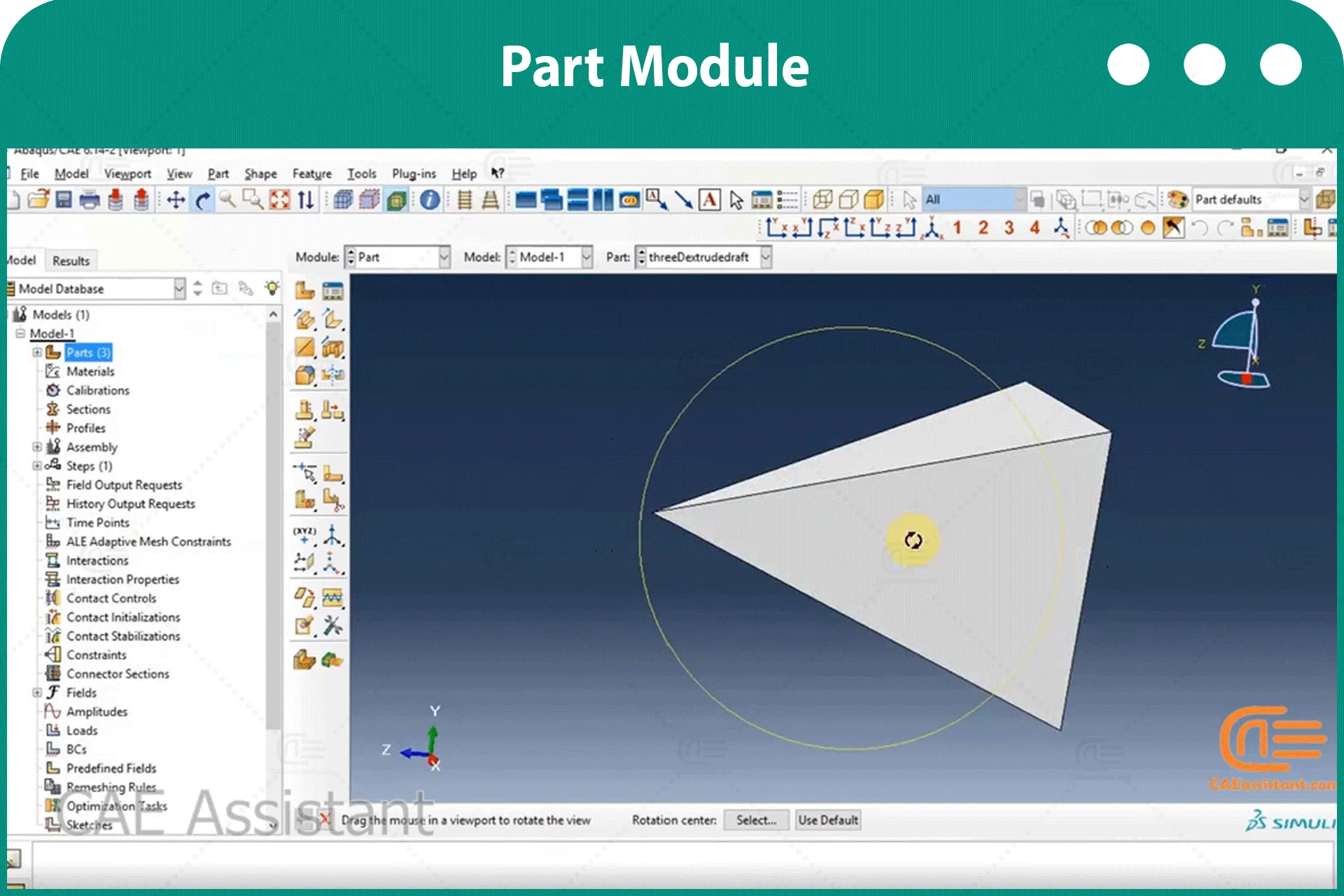
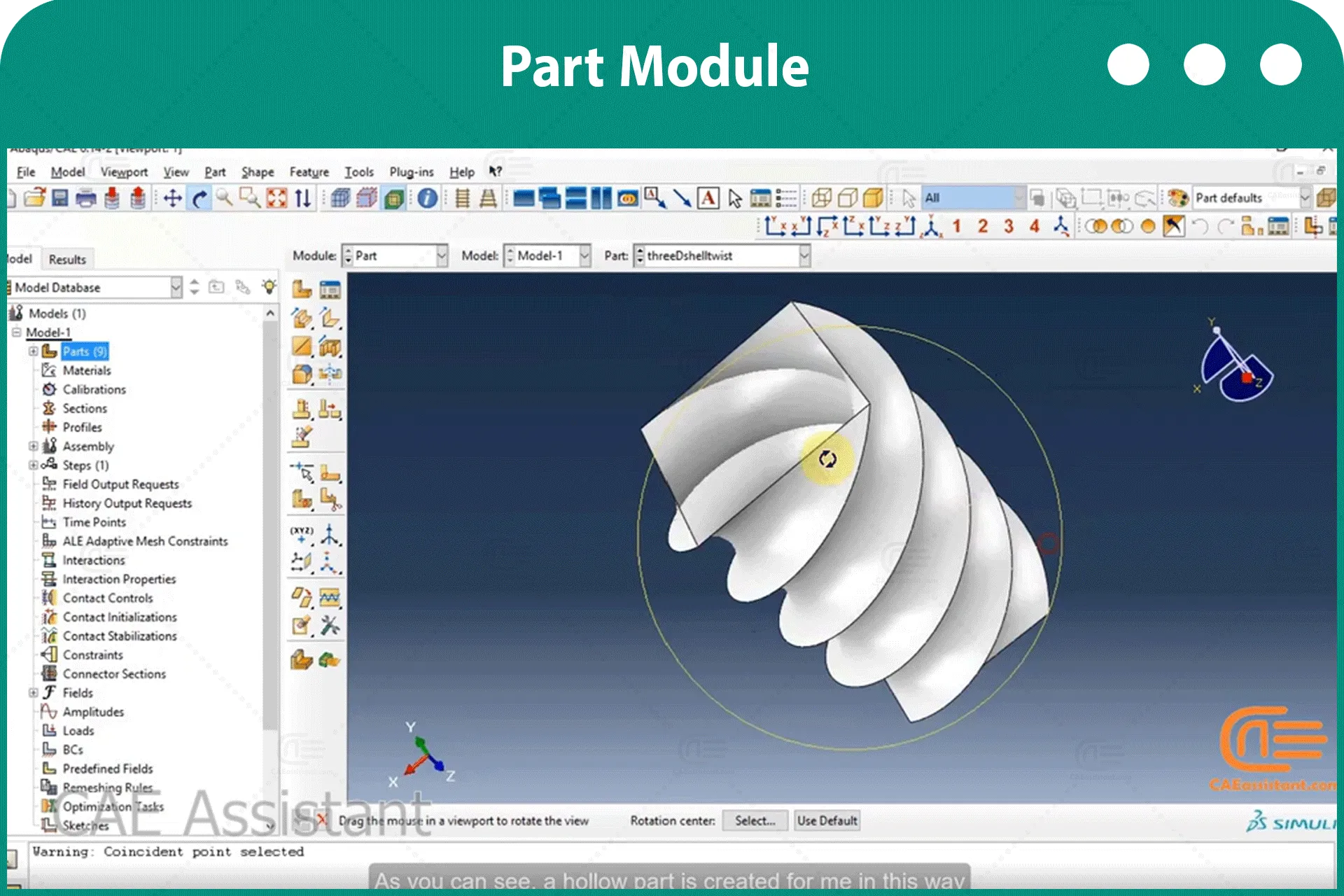
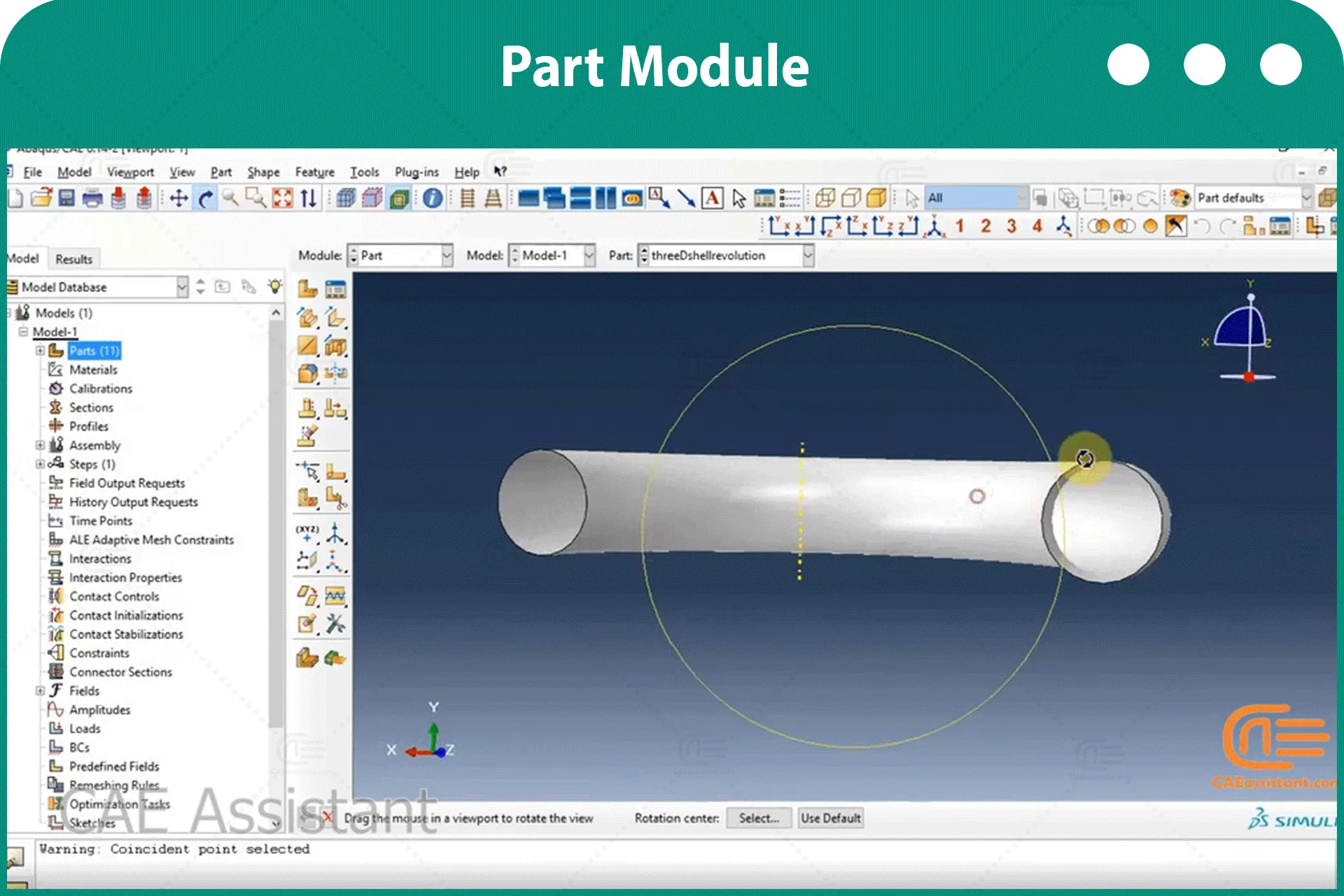
部件模块你使用 部分 模块用于创建每个部分,您可以使用该模块。 集会 用于组装各部件实例的模块。.
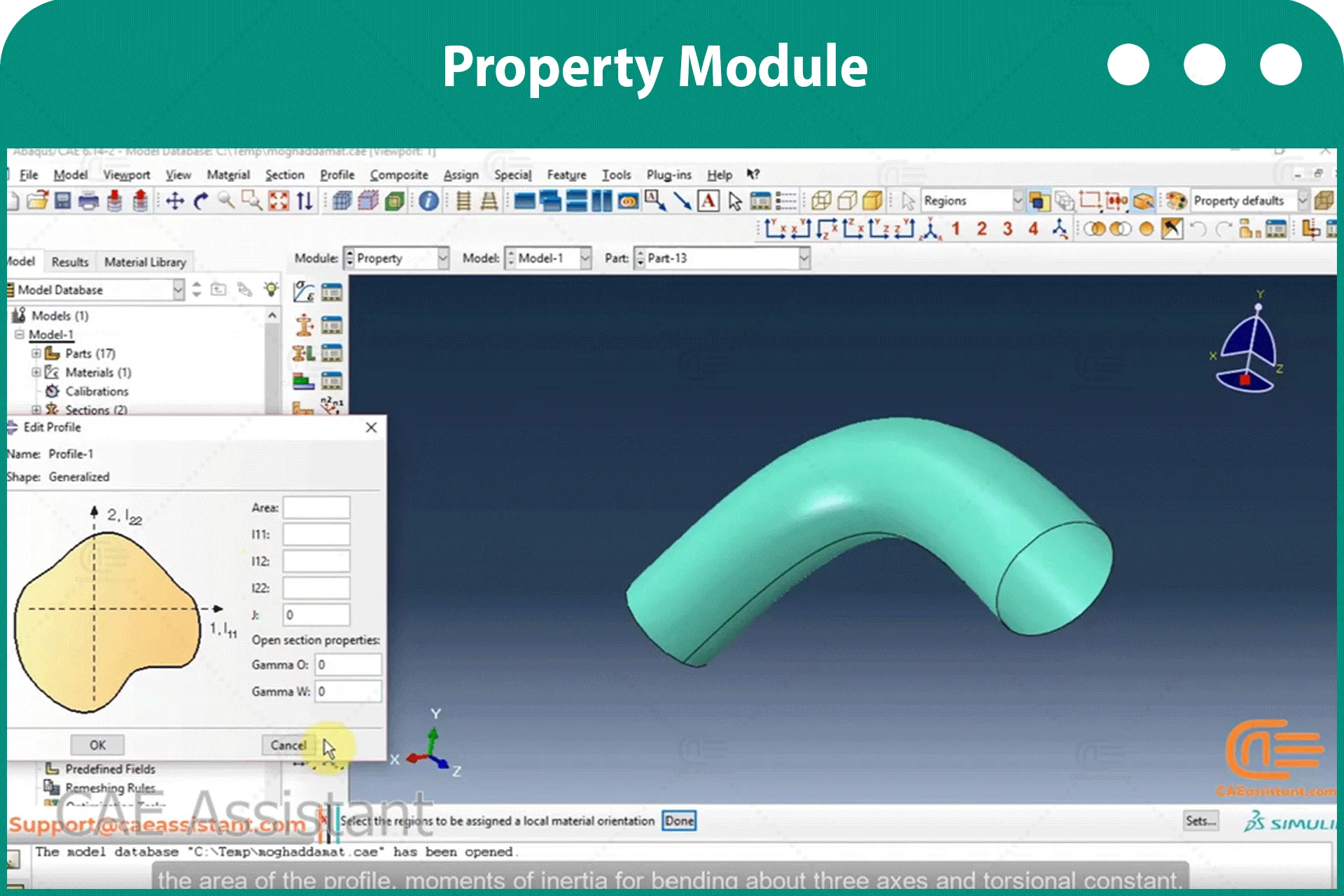
属性模块:
你可以使用 财产 该模块执行以下任务:定义材料、定义梁截面轮廓、定义截面,以及为零件和其他与定义各种属性相关的特征分配截面、方向、法线和切线。.
集会 模块您可以使用 集会 该模块用于创建和修改装配体。模型仅包含一个装配体,该装配体由模型中各个零件的实例组成。.

步骤模块您可以使用 该模块将执行以下任务:创建分析步骤、指定输出请求、指定自适应网格划分和指定分析控制。.

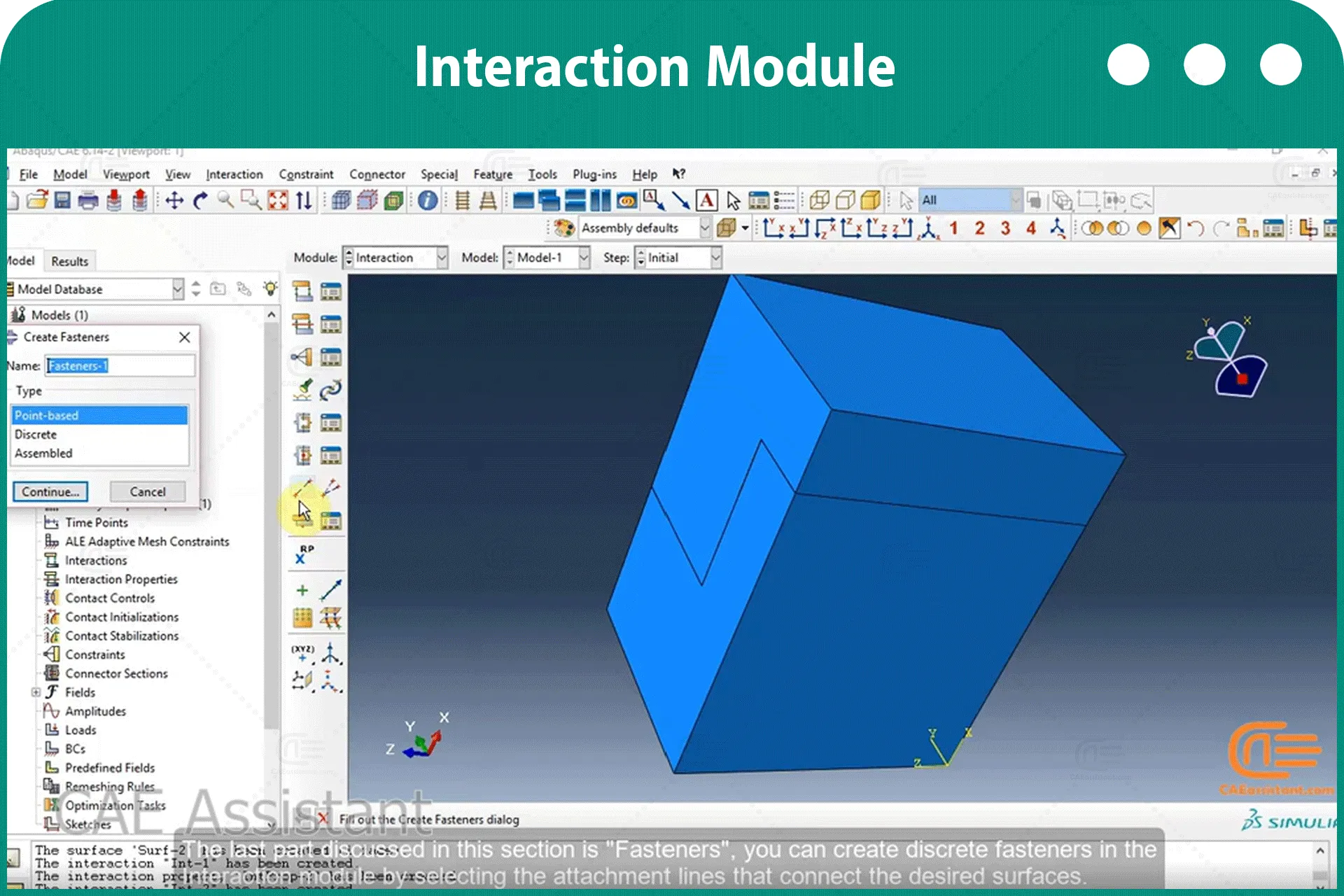
相互作用 模块: 你可以使用 相互作用 该模块用于定义和管理以下对象:模型区域之间的机械和热力相互作用,以及模型区域之间的分析约束。模型区域的惯性(质点惯性、转动惯量和热容)、裂纹、弹簧和阻尼器。.

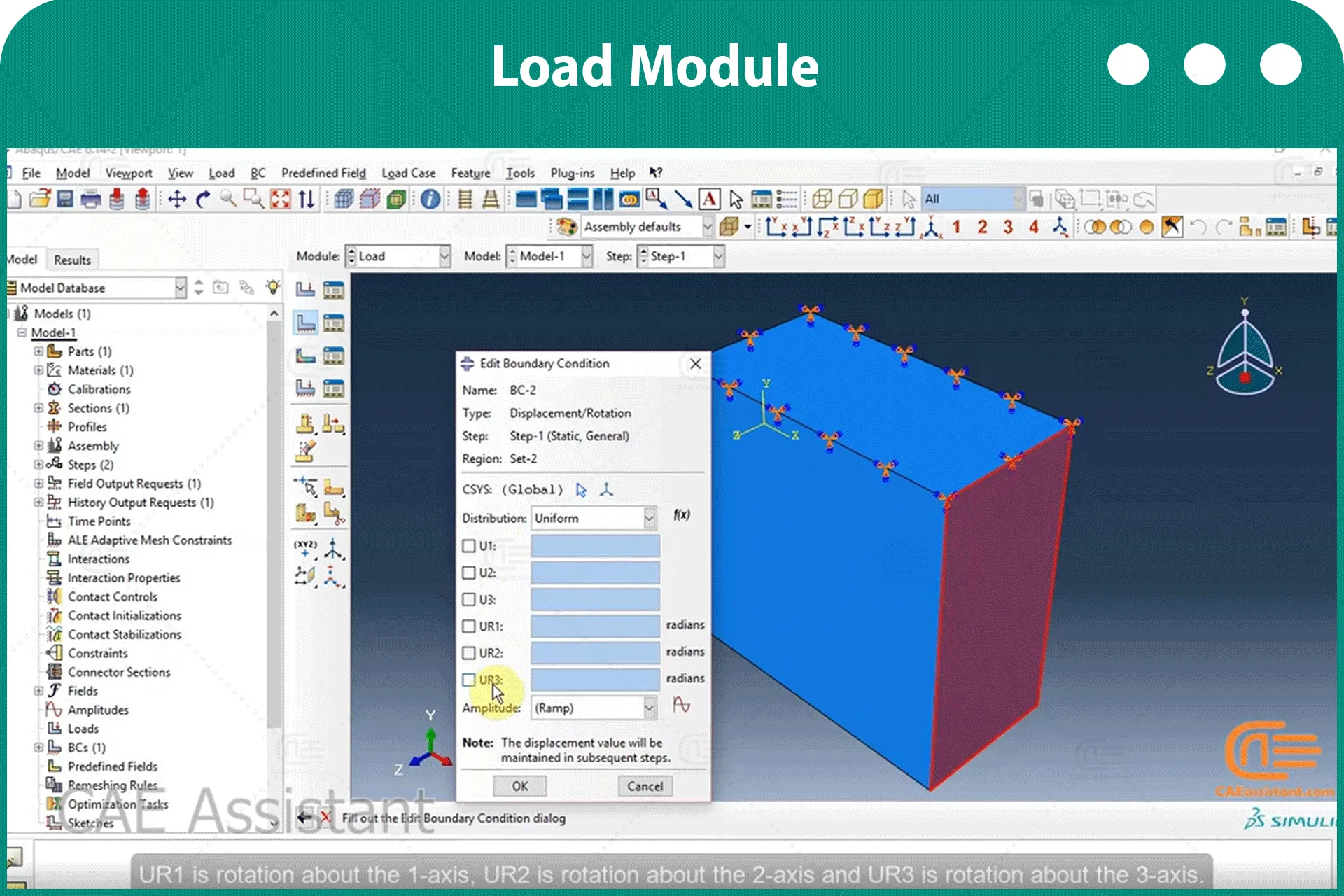
加载 模块你使用 加载 该模块用于定义和管理以下规定条件:载荷、边界条件、预定义字段和载荷工况。.

模块: 这  该模块包含一些工具,可用于在 Abaqus/CAE 中创建的零件和装配体上生成网格。.

工作 模块: 你可以使用 工作 该模块用于创建和管理分析作业,并查看分析结果的基本图表。您还可以使用 工作 用于创建和管理适应性分析的模块。.

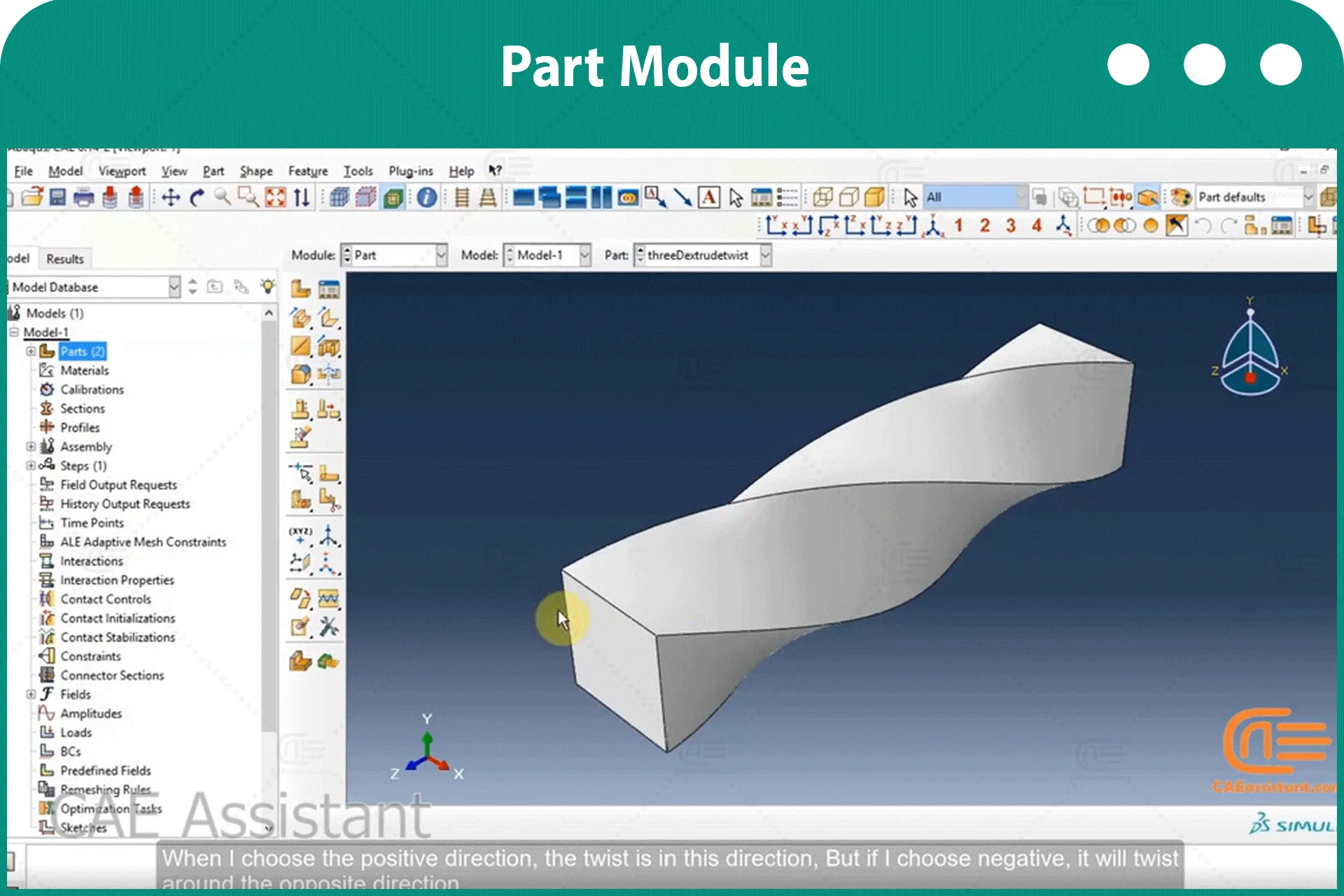
[woodmart_list icon_library=”openiconic” woodmart_css_id=”62c53eba39337″ list=”%5B%7B%22list-content%22%3A%22%E2%80%A2%20What%20is%20the%20Part%20module%3F%3Cspan%20style%3D%5C%22float%3A%20right%3B%5C%22%3E%3C%2Fspan%3E%5Cn%22%7D%2C%7B%22list-content%22%3A%22%E2%80%A2%20How%20to%20create%20a%20model%3F%3Cspan%20style%3D%5C%22float%3A%20right%3B%5C%22%3E%3C%2Fspan%3E%5Cn%22%7D%2C%7B%22list-content%22%3A%22%E2%80%A2%20What%20are%20the%20types%20of%20modeling%20in%203D%20space%3F%3Cspan%20style%3D%5C%22float%3A%20right%3B%5C%22%3E%3C%2Fspan%3E%5Cn%5Cn%22%7D%2C%7B%22list-content%22%3A%22%E2%80%A2%20What%20are%20the%20types%20of%20modeling%20in%202D%20space%3F%3Cspan%20style%3D%5C%22float%3A%20right%3B%5C%22%3E%3C%2Fspan%3E%5Cn%5Cn%22%7D%2C%7B%22list-content%22%3A%22%E2%80%A2%20What%20is%20the%20Axisymmetric%20modeling%3F%3Cspan%20style%3D%5C%22float%3A%20right%3B%5C%22%3E%3C%2Fspan%3E%5Cn%5Cn%22%7D%2C%7B%22list-content%22%3A%22%E2%80%A2%20How%20to%20use%20the%20sketcher%20tools%3F%3Cspan%20style%3D%5C%22float%3A%20right%3B%5C%22%3E%3C%2Fspan%3E%5Cn%5Cn%22%7D%2C%7B%22list-content%22%3A%22%E2%80%A2%20How%20to%20use%20twist%20and%20draft%20options%3F%3Cspan%20style%3D%5C%22float%3A%20right%3B%5C%22%3E%3C%2Fspan%3E%5Cn%5Cn%22%7D%2C%7B%22list-content%22%3A%22%E2%80%A2%20How%20to%20add%20solid%20features%3F%3Cspan%20style%3D%5C%22float%3A%20right%3B%5C%22%3E%3C%2Fspan%3E%5Cn%5Cn%22%7D%2C%7B%22list-content%22%3A%22%E2%80%A2%20How%20to%20add%20shell%20features%3F%3Cspan%20style%3D%5C%22float%3A%20right%3B%5C%22%3E%3C%2Fspan%3E%5Cn%5Cn%22%7D%2C%7B%22list-content%22%3A%22%E2%80%A2%20How%20to%20add%20wire%20features%3F%20%3Cspan%20style%3D%5C%22float%3A%20right%3B%5C%22%3E%3C%2Fspan%3E%5Cn%5Cn%22%7D%2C%7B%22list-content%22%3A%22%E2%80%A2%20Adding%20fillet%20and%20chamfer.%20%3Cspan%20style%3D%5C%22float%3A%20right%3B%5C%22%3E%3C%2Fspan%3E%5Cn%5Cn%22%7D%2C%7B%22list-content%22%3A%22%E2%80%A2%20How%20to%20add%20cut%20features%3F%20%3Cspan%20style%3D%5C%22float%3A%20right%3B%5C%22%3E%3C%2Fspan%3E%5Cn%5Cn%22%7D%5D” icon_openiconic=”vc-oi vc-oi-ok” icons_color=”eyJwYXJhbV90eXBlIjoid29vZG1hcnRfY29sb3JwaWNrZXIiLCJjc3NfYXJncyI6eyJjb2xvciI6WyIgLmxpc3QtaWNvbiJdfSwic2VsZWN0b3JfaWQiOiI2MmM1M2ViYTM5MzM3IiwiZGF0YSI6eyJkZXNrdG9wIjoiI2Y1ODYzNCJ9fQ==” css=”.vc_custom_1657093838151{padding-left: 5px !important;}”]
[woodmart_list icon_library=”openiconic” woodmart_css_id=”62c53ee8717ee” list=”%5B%7B%22list-content%22%3A%22%E2%80%A2%20What%20is%20the%20Property%20module%3F%3Cspan%20style%3D%5C%22float%3A%20right%3B%5C%22%3E%3C%2Fspan%3E%5Cn%22%7D%2C%7B%22list-content%22%3A%22%E2%80%A2%20How%20to%20define%20material%20properties%3F%3Cspan%20style%3D%5C%22float%3A%20right%3B%5C%22%3E%3C%2Fspan%3E%5Cn%5Cn%22%7D%2C%7B%22list-content%22%3A%22%E2%80%A2%20Explaining%20different%20material%20behaviors.%20%3Cspan%20style%3D%5C%22float%3A%20right%3B%5C%22%3E%3C%2Fspan%3E%5Cn%5Cn%22%7D%2C%7B%22list-content%22%3A%22%E2%80%A2%20Creating%20a%20section.%20%3Cspan%20style%3D%5C%22float%3A%20right%3B%5C%22%3E%3C%2Fspan%3E%5Cn%5Cn%22%7D%2C%7B%22list-content%22%3A%22%E2%80%A2%20Section%20categories%20and%20types.%20%3Cspan%20style%3D%5C%22float%3A%20right%3B%5C%22%3E%3C%2Fspan%3E%5Cn%5Cn%22%7D%2C%7B%22list-content%22%3A%22%E2%80%A2%20Assigning%20section%20%3Cspan%20style%3D%5C%22float%3A%20right%3B%5C%22%3E%3C%2Fspan%3E%5Cn%5Cn%22%7D%2C%7B%22list-content%22%3A%22%E2%80%A2%20Describing%20some%20toolsets%20(Composite%20layup%2C%20Assign%20material%20orientation%2C%20etc.)%20%3Cspan%20style%3D%5C%22float%3A%20right%3B%5C%22%3E%3C%2Fspan%3E%5Cn%5Cn%22%7D%5D” icon_openiconic=”vc-oi vc-oi-ok” icons_color=”eyJwYXJhbV90eXBlIjoid29vZG1hcnRfY29sb3JwaWNrZXIiLCJjc3NfYXJncyI6eyJjb2xvciI6WyIgLmxpc3QtaWNvbiJdfSwic2VsZWN0b3JfaWQiOiI2MmM1M2VlODcxN2VlIiwiZGF0YSI6eyJkZXNrdG9wIjoiI2Y1ODYzNCJ9fQ==” css=”.vc_custom_1657094025702{padding-left: 5px !important;}”]
[woodmart_list icon_library=”openiconic” woodmart_css_id=”62c53fb1110d8″ list=”%5B%7B%22list-content%22%3A%22%E2%80%A2%20What%20is%20the%20Assembly%20module%3F%5Cn%22%7D%2C%7B%22list-content%22%3A%22%E2%80%A2%20How%20to%20import%20parts%20in%20the%20assembly%20and%20create%20instances%3F%3Cspan%20style%3D%5C%22float%3A%20right%3B%5C%22%3E%3C%2Fspan%3E%5Cn%5Cn%22%7D%2C%7B%22list-content%22%3A%22%E2%80%A2%20Difference%20between%20dependent%20and%20independent%20instance.%20%3Cspan%20style%3D%5C%22float%3A%20right%3B%5C%22%3E%3C%2Fspan%3E%5Cn%5Cn%22%7D%2C%7B%22list-content%22%3A%22%E2%80%A2%20Creating%20constraints%20between%20instances.%20%3Cspan%20style%3D%5C%22float%3A%20right%3B%5C%22%3E%3C%2Fspan%3E%5Cn%5Cn%22%7D%2C%7B%22list-content%22%3A%22%E2%80%A2%20How%20to%20translate%20an%20instance%3F%20%3Cspan%20style%3D%5C%22float%3A%20right%3B%5C%22%3E%3C%2Fspan%3E%5Cn%5Cn%22%7D%2C%7B%22list-content%22%3A%22%E2%80%A2%20How%20to%20rotate%20an%20instance%3F%20%3Cspan%20style%3D%5C%22float%3A%20right%3B%5C%22%3E%3C%2Fspan%3E%5Cn%5Cn%22%7D%2C%7B%22list-content%22%3A%22%E2%80%A2%20Pattern%20an%20instance%20(Linear%20pattern%20and%20circular%20pattern)%20%3Cspan%20style%3D%5C%22float%3A%20right%3B%5C%22%3E%3C%2Fspan%3E%5Cn%5Cn%22%7D%5D” icon_openiconic=”vc-oi vc-oi-ok” icons_color=”eyJwYXJhbV90eXBlIjoid29vZG1hcnRfY29sb3JwaWNrZXIiLCJjc3NfYXJncyI6eyJjb2xvciI6WyIgLmxpc3QtaWNvbiJdfSwic2VsZWN0b3JfaWQiOiI2MmM1M2ZiMTExMGQ4IiwiZGF0YSI6eyJkZXNrdG9wIjoiI2Y1ODYzNCJ9fQ==” css=”.vc_custom_1657094249099{padding-left: 5px !important;}”]
[woodmart_list icon_library=”openiconic” woodmart_css_id=”62c54131aa60c” list=”%5B%7B%22list-content%22%3A%22%E2%80%A2%20What%20is%20the%20Step%20module%20used%20for%3F%22%7D%2C%7B%22list-content%22%3A%22%E2%80%A2%20What%20are%20the%20different%20types%20of%20steps%3F%20(Dynamic%20Explicit%2C%20Heat%20transfer%2C%20etc.)%20%3Cspan%20style%3D%5C%22float%3A%20right%3B%5C%22%3E%3C%2Fspan%3E%5Cn%5Cn%22%7D%2C%7B%22list-content%22%3A%22%E2%80%A2%20What%20is%20the%20Field%20output%3F%3Cspan%20style%3D%5C%22float%3A%20right%3B%5C%22%3E%3C%2Fspan%3E%5Cn%5Cn%22%7D%2C%7B%22list-content%22%3A%22%E2%80%A2%20What%20is%20the%20History%20output%3F%20%3Cspan%20style%3D%5C%22float%3A%20right%3B%5C%22%3E%3C%2Fspan%3E%5Cn%5Cn%22%7D%5D” icon_openiconic=”vc-oi vc-oi-ok” icons_color=”eyJwYXJhbV90eXBlIjoid29vZG1hcnRfY29sb3JwaWNrZXIiLCJjc3NfYXJncyI6eyJjb2xvciI6WyIgLmxpc3QtaWNvbiJdfSwic2VsZWN0b3JfaWQiOiI2MmM1NDEzMWFhNjBjIiwiZGF0YSI6eyJkZXNrdG9wIjoiI2Y1ODYzNCJ9fQ==” css=”.vc_custom_1657094536589{padding-left: 5px !important;}”]
[woodmart_list icon_library=”openiconic” woodmart_css_id=”62c5419e53b2b” list=”%5B%7B%22list-content%22%3A%22%E2%80%A2%20What%20is%20the%20Interaction%20module%3F%22%7D%2C%7B%22list-content%22%3A%22%E2%80%A2%20How%20to%20create%20an%20interaction%3F%20%3Cspan%20style%3D%5C%22float%3A%20right%3B%5C%22%3E%3C%2Fspan%3E%5Cn%5Cn%22%7D%2C%7B%22list-content%22%3A%22%E2%80%A2%20Different%20types%20of%20interactions.%20%3Cspan%20style%3D%5C%22float%3A%20right%3B%5C%22%3E%3C%2Fspan%3E%5Cn%5Cn%22%7D%2C%7B%22list-content%22%3A%22%E2%80%A2%20Specific%20interactions%20for%20each%20Step.%20%3Cspan%20style%3D%5C%22float%3A%20right%3B%5C%22%3E%3C%2Fspan%3E%5Cn%5Cn%22%7D%2C%7B%22list-content%22%3A%22%E2%80%A2%20How%20to%20define%20interaction%20properties%3F%20%3Cspan%20style%3D%5C%22float%3A%20right%3B%5C%22%3E%3C%2Fspan%3E%5Cn%5Cn%22%7D%2C%7B%22list-content%22%3A%22%E2%80%A2%20Different%20types%20of%20interaction%20property.%20(Contact%2C%20Film%20condition%2C%20etc.)%3Cspan%20style%3D%5C%22float%3A%20right%3B%5C%22%3E%3C%2Fspan%3E%5Cn%5Cn%22%7D%2C%7B%22list-content%22%3A%22%E2%80%A2%20Describing%20the%20Contact%20property%20options.%3Cspan%20style%3D%5C%22float%3A%20right%3B%5C%22%3E%3C%2Fspan%3E%5Cn%5Cn%22%7D%2C%7B%22list-content%22%3A%22%E2%80%A2%20What%20are%20the%20types%20of%20constraints%3F%20(Tie%2C%20Rigid%20body%2C%20Coupling%2C%20etc.).%3Cspan%20style%3D%5C%22float%3A%20right%3B%5C%22%3E%3C%2Fspan%3E%5Cn%5Cn%22%7D%2C%7B%22list-content%22%3A%22%E2%80%A2%20How%20to%20use%20contact%20detection%20tool%3F%3Cspan%20style%3D%5C%22float%3A%20right%3B%5C%22%3E%3C%2Fspan%3E%5Cn%5Cn%22%7D%2C%7B%22list-content%22%3A%22%E2%80%A2%20How%20to%20create%20a%20connector%3F%20%3Cspan%20style%3D%5C%22float%3A%20right%3B%5C%22%3E%3C%2Fspan%3E%5Cn%5Cn%22%7D%2C%7B%22list-content%22%3A%22%E2%80%A2%20Different%20types%20of%20connector%20sections.%20%3Cspan%20style%3D%5C%22float%3A%20right%3B%5C%22%3E%3C%2Fspan%3E%5Cn%5Cn%22%7D%2C%7B%22list-content%22%3A%22%E2%80%A2%20Specifying%20connector%20section%20behaviors.%20%3Cspan%20style%3D%5C%22float%3A%20right%3B%5C%22%3E%3C%2Fspan%3E%5Cn%5Cn%22%7D%5D” icon_openiconic=”vc-oi vc-oi-ok” icons_color=”eyJwYXJhbV90eXBlIjoid29vZG1hcnRfY29sb3JwaWNrZXIiLCJjc3NfYXJncyI6eyJjb2xvciI6WyIgLmxpc3QtaWNvbiJdfSwic2VsZWN0b3JfaWQiOiI2MmM1NDE5ZTUzYjJiIiwiZGF0YSI6eyJkZXNrdG9wIjoiI2Y1ODYzNCJ9fQ==” css=”.vc_custom_1657094797809{padding-left: 5px !important;}”]
[woodmart_list icon_library=”openiconic” woodmart_css_id=”62c542d51e465″ list=”%5B%7B%22list-content%22%3A%22%E2%80%A2%20What%20is%20the%20Load%20module%3F%22%7D%2C%7B%22list-content%22%3A%22%E2%80%A2%20Describing%20different%20types%20of%20loads.%5Cn%22%7D%2C%7B%22list-content%22%3A%22%E2%80%A2%20Defining%20different%20types%20of%20boundary%20conditions.%22%7D%2C%7B%22list-content%22%3A%22%E2%80%A2%20How%20to%20create%20a%20Predefined%20Field%3F%22%7D%5D” icon_openiconic=”vc-oi vc-oi-ok” icons_color=”eyJwYXJhbV90eXBlIjoid29vZG1hcnRfY29sb3JwaWNrZXIiLCJjc3NfYXJncyI6eyJjb2xvciI6WyIgLmxpc3QtaWNvbiJdfSwic2VsZWN0b3JfaWQiOiI2MmM1NDJkNTFlNDY1IiwiZGF0YSI6eyJkZXNrdG9wIjoiI2Y1ODYzNCJ9fQ==” css=”.vc_custom_1657094944293{padding-left: 5px !important;}”]
[woodmart_list icon_library=”openiconic” woodmart_css_id=”62c5434292393″ list=”%5B%7B%22list-content%22%3A%22%E2%80%A2%5CtWhat%20is%20the%20Mesh%20module%3F%22%7D%2C%7B%22list-content%22%3A%22%E2%80%A2%20What%20is%20Seeding%2C%20and%20how%20to%20use%20the%20Seed%20tool%3F%5Cn%22%7D%2C%7B%22list-content%22%3A%22%E2%80%A2%20How%20to%20use%20the%20Seed%20edges%20tool%3F%22%7D%2C%7B%22list-content%22%3A%22%E2%80%A2%20What%20is%20the%20%E2%80%9CMesh%20Controls%E2%80%9D%20tool%20used%20for%3F%22%7D%2C%7B%22list-content%22%3A%22%E2%80%A2%20How%20to%20generate%20mesh%3F%22%7D%5D” icon_openiconic=”vc-oi vc-oi-ok” icons_color=”eyJwYXJhbV90eXBlIjoid29vZG1hcnRfY29sb3JwaWNrZXIiLCJjc3NfYXJncyI6eyJjb2xvciI6WyIgLmxpc3QtaWNvbiJdfSwic2VsZWN0b3JfaWQiOiI2MmM1NDM0MjkyMzkzIiwiZGF0YSI6eyJkZXNrdG9wIjoiI2Y1ODYzNCJ9fQ==” css=”.vc_custom_1657095117978{padding-left: 5px !important;}”]
[woodmart_list icon_library=”openiconic” woodmart_css_id=”62c5443c5b954″ list=”%5B%7B%22list-content%22%3A%22%E2%80%A2%20What%20is%20the%20Job%20module%3F%22%7D%2C%7B%22list-content%22%3A%22%E2%80%A2%20How%20to%20create%20Job%20and%20an%20input%20file%3F%20%3Cspan%20style%3D%5C%22float%3A%20right%3B%5C%22%3E%3C%2Fspan%3E%5Cn%5Cn%22%7D%2C%7B%22list-content%22%3A%22%E2%80%A2%20Options%20in%20the%20Job%20Manager%20window.%5Cn%22%7D%2C%7B%22list-content%22%3A%22%E2%80%A2%20Different%20types%20of%20analyses.%22%7D%2C%7B%22list-content%22%3A%22%E2%80%A2%20Describing%20tabs%20in%20the%20edit%20Job%20dialog%20box.%22%7D%2C%7B%22list-content%22%3A%22%E2%80%A2%20How%20to%20submit%20a%20job%3F%22%7D%5D” icon_openiconic=”vc-oi vc-oi-ok” icons_color=”eyJwYXJhbV90eXBlIjoid29vZG1hcnRfY29sb3JwaWNrZXIiLCJjc3NfYXJncyI6eyJjb2xvciI6WyIgLmxpc3QtaWNvbiJdfSwic2VsZWN0b3JfaWQiOiI2MmM1NDQzYzViOTU0IiwiZGF0YSI6eyJkZXNrdG9wIjoiI2Y1ODYzNCJ9fQ==” css=”.vc_custom_1657095339293{padding-left: 5px !important;}”]
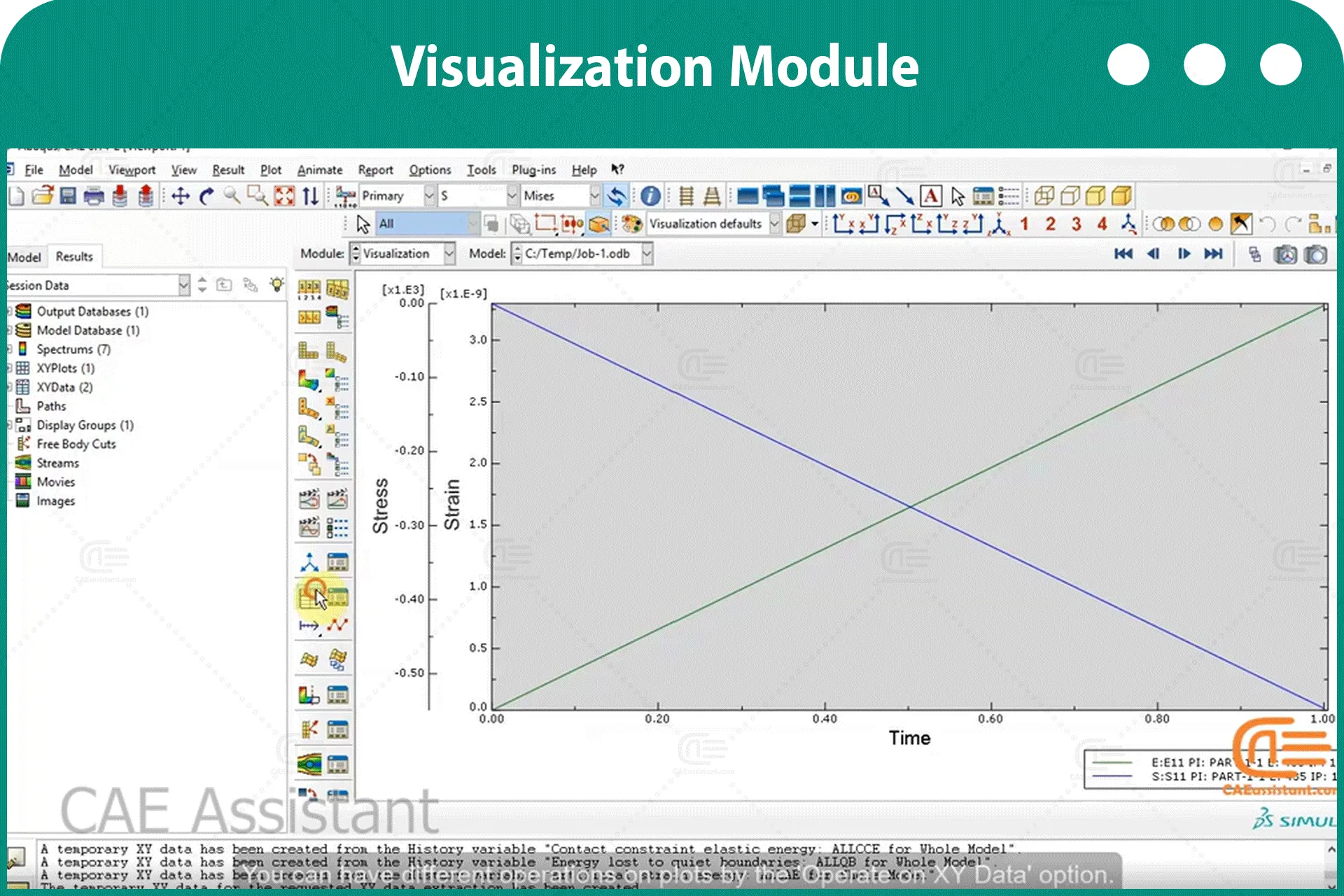
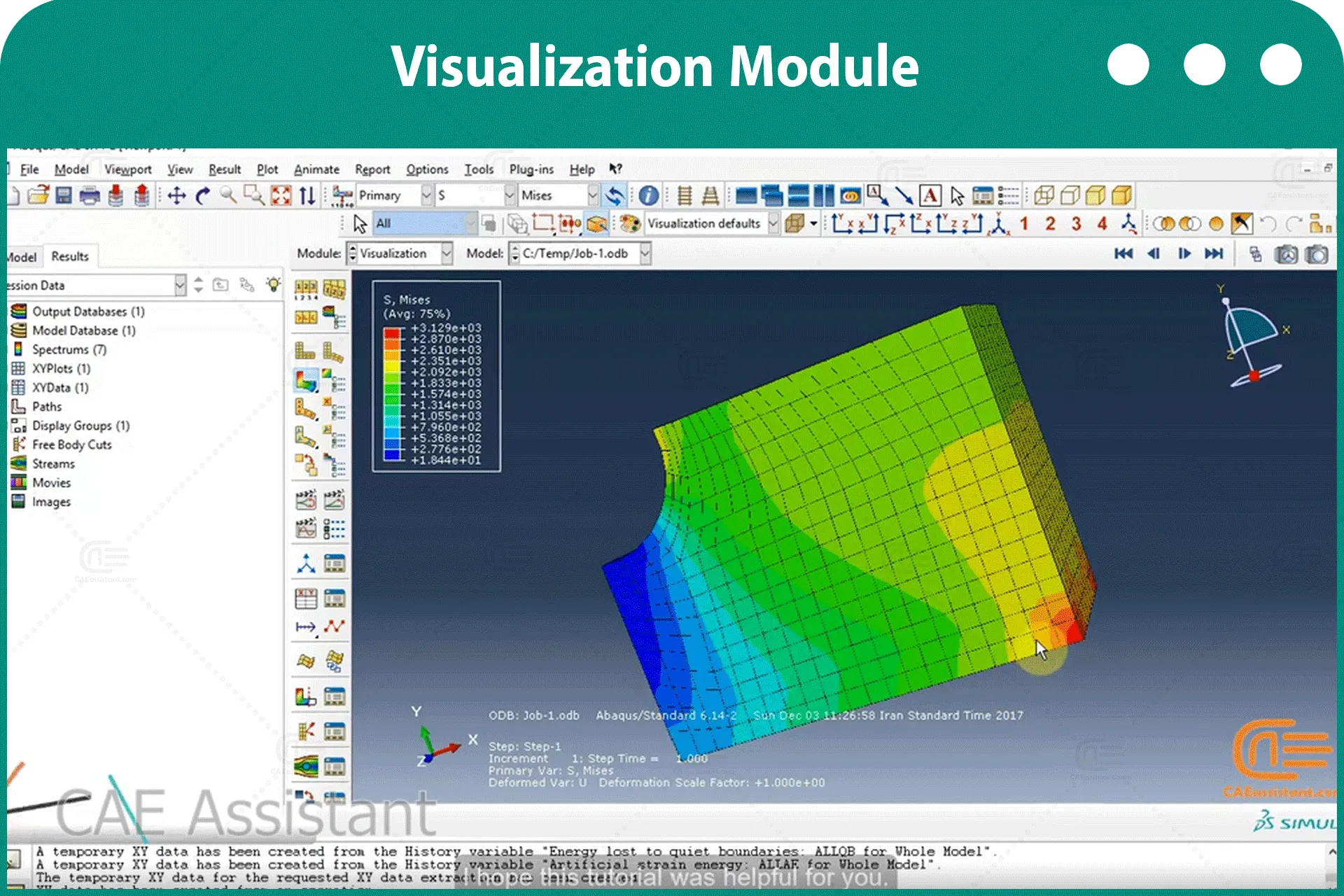
[woodmart_list icon_library=”openiconic” woodmart_css_id=”62c544c049ecf” list=”%5B%7B%22list-content%22%3A%22%E2%80%A2%20What%20is%20the%20Visualization%20module%3F%22%7D%2C%7B%22list-content%22%3A%22%E2%80%A2%20How%20to%20see%20the%20results%3F%20(Plot%20contours%20tool%2C%20Animate%20tool%2C%20etc.)%5Cn%22%7D%2C%7B%22list-content%22%3A%22%E2%80%A2%20How%20to%20observe%20Field%20outputs%3F%22%7D%2C%7B%22list-content%22%3A%22%E2%80%A2%20How%20to%20observe%20History%20outputs%3F%22%7D%2C%7B%22list-content%22%3A%22%E2%80%A2%20How%20to%20define%20a%20new%20X-Y%20data%20diagram%3F%22%7D%2C%7B%22list-content%22%3A%22%E2%80%A2%20How%20to%20submit%20a%20job%3F%22%7D%5D” icon_openiconic=”vc-oi vc-oi-ok” icons_color=”eyJwYXJhbV90eXBlIjoid29vZG1hcnRfY29sb3JwaWNrZXIiLCJjc3NfYXJncyI6eyJjb2xvciI6WyIgLmxpc3QtaWNvbiJdfSwic2VsZWN0b3JfaWQiOiI2MmM1NDRjMDQ5ZWNmIiwiZGF0YSI6eyJkZXNrdG9wIjoiI2Y1ODYzNCJ9fQ==” css=”.vc_custom_1657095420705{padding-left: 5px !important;}”]

评价

目前还没有评价

成为第一个“Abaqus模块式培训” 的评价者

讲师

0-Abaqus-1-caeassistantpartnerm

欧元 60.0

得到 自由的 Access to More Than the Demo!